














 Back to Blogs
In short: Employee tracking software shows where and when work happens. For field teams, that means GPS-verified attendance, live location during working hours, route playback and visit records. For desk-based teams, it means automatic time and activity tracking. The right tool for 2026 matches the type of tracking to the role, limits capture to working hours under a clear policy, and turns the data into attendance, payroll, expense and performance reports without manual work.
What is employee tracking software?
Employee tracking software records verifiable evidence of work: who started their shift, where they were during it, which customers or sites they visited, and how their time was spent. The term covers two quite different categories. Location-based tracking is used for sales, service, collection and delivery staff who work away from an office. Time and activity tracking is used for office, remote and hybrid staff working on computers. Most growing businesses need some of both.

Which type of employee tracking do you need?
| Tracking type | Question it answers | Best for | Consider |
|---|---|---|---|
| Geo-verified attendance | Did this person start work where they were supposed to? | Field and multi-site teams | Needs a regularisation process for genuine exceptions |
| Live GPS location | Where is my field team right now? | Sales, service and collection teams | Limit to working hours; accuracy varies by device and signal |
| Route playback and distance | Which visits happened and how far did they travel? | Teams with travel claims or beat plans | Most valuable when linked to expense claims |
| Time and activity tracking | How were working hours spent? | Office, remote and hybrid staff | Activity is not output; publish the policy first |
What features should employee tracking software have in 2026?
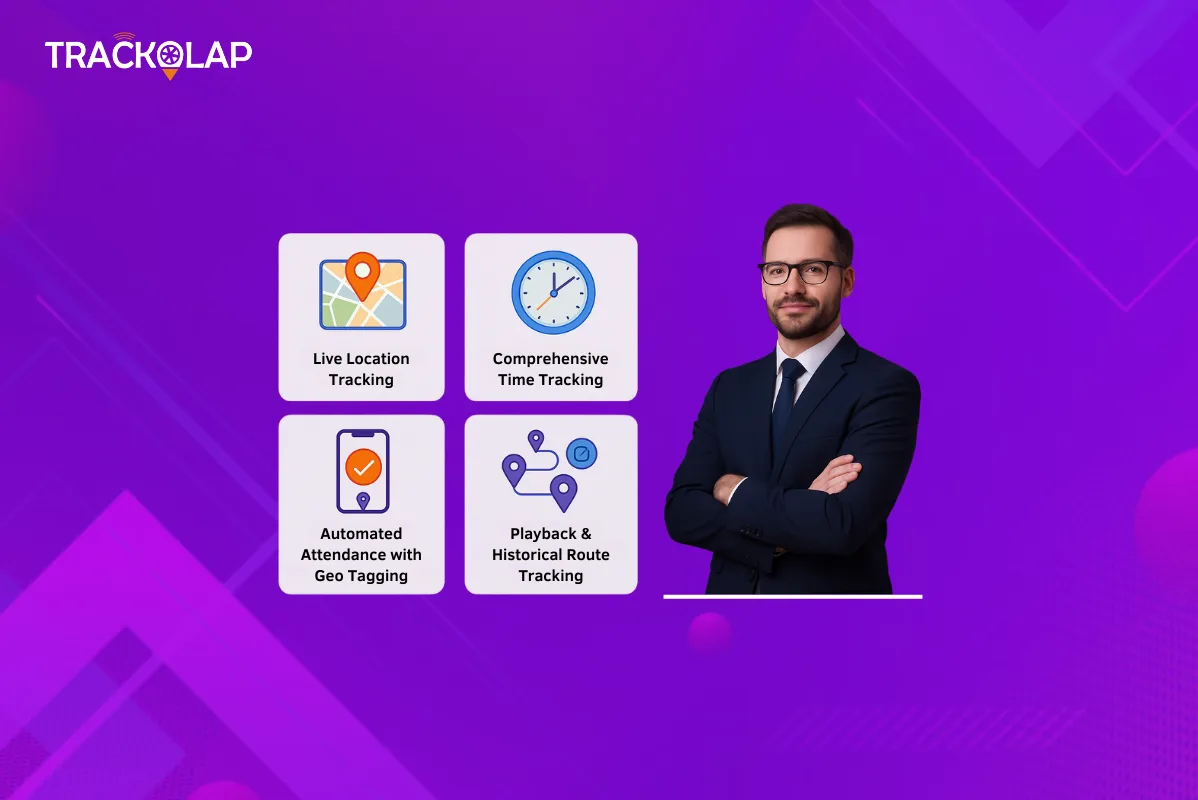
- Verified attendance: GPS-stamped punch-in, with face verification to prevent proxy attendance and geofences for roles that must check in at specific sites.
- Live location on one map: current position and task status for active team members during the shift.
- Automatic route recording: distance, stoppages, idle time and deviations captured without employee input, plus day-wise journey replay.
- Offline capture: location and records saved without network coverage and synced later.
- Automatic time tracking for desk staff: active and idle time, application usage and timesheets.
- Reports and exports: attendance, distance, coverage and performance reports that export to Excel or payroll.
- Privacy controls: tracking limited to working hours, role-based access and a published policy.
How does employee tracking help field and hybrid teams?
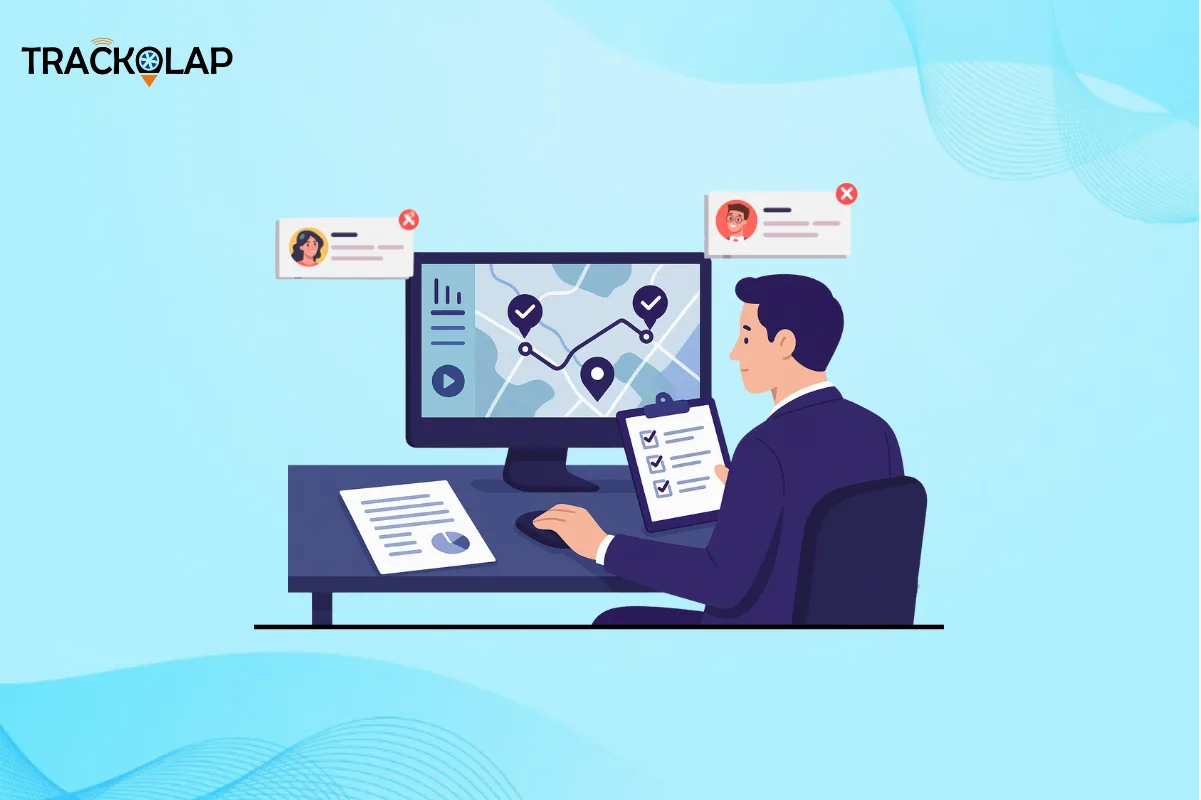
For field teams, tracking replaces self-reported updates with evidence. Managers can confirm a visit took place, settle travel claims against recorded distance, and spot missed or unplanned visits the same day. Attendance disputes become quicker to resolve because each punch has a time and location attached. For hybrid teams, time tracking gives office, home and field staff one consistent record of working hours, which simplifies payroll and workload planning.
If you are specifically setting up tracking for a sales or service team, our step-by-step guide on how to track field employees with a monitoring app covers the rollout in detail.
How do you keep employee tracking fair and compliant?
Track only during working hours, capture only what the stated purpose needs, and tell employees in writing what is recorded and why. Give people a way to correct genuine errors, such as a missed punch, through an approval workflow rather than silent edits. Organisations in India should review their practices against the Digital Personal Data Protection Act, 2023, taking legal advice where needed.
What are the limitations?
Location accuracy depends on the phone, GPS signal and battery settings, so treat small deviations with judgement. Tracking also shows presence and movement, not the quality of a customer conversation. Pair it with outcome measures such as orders, collections or resolved tickets.
Why do businesses choose TrackOlap for employee tracking?
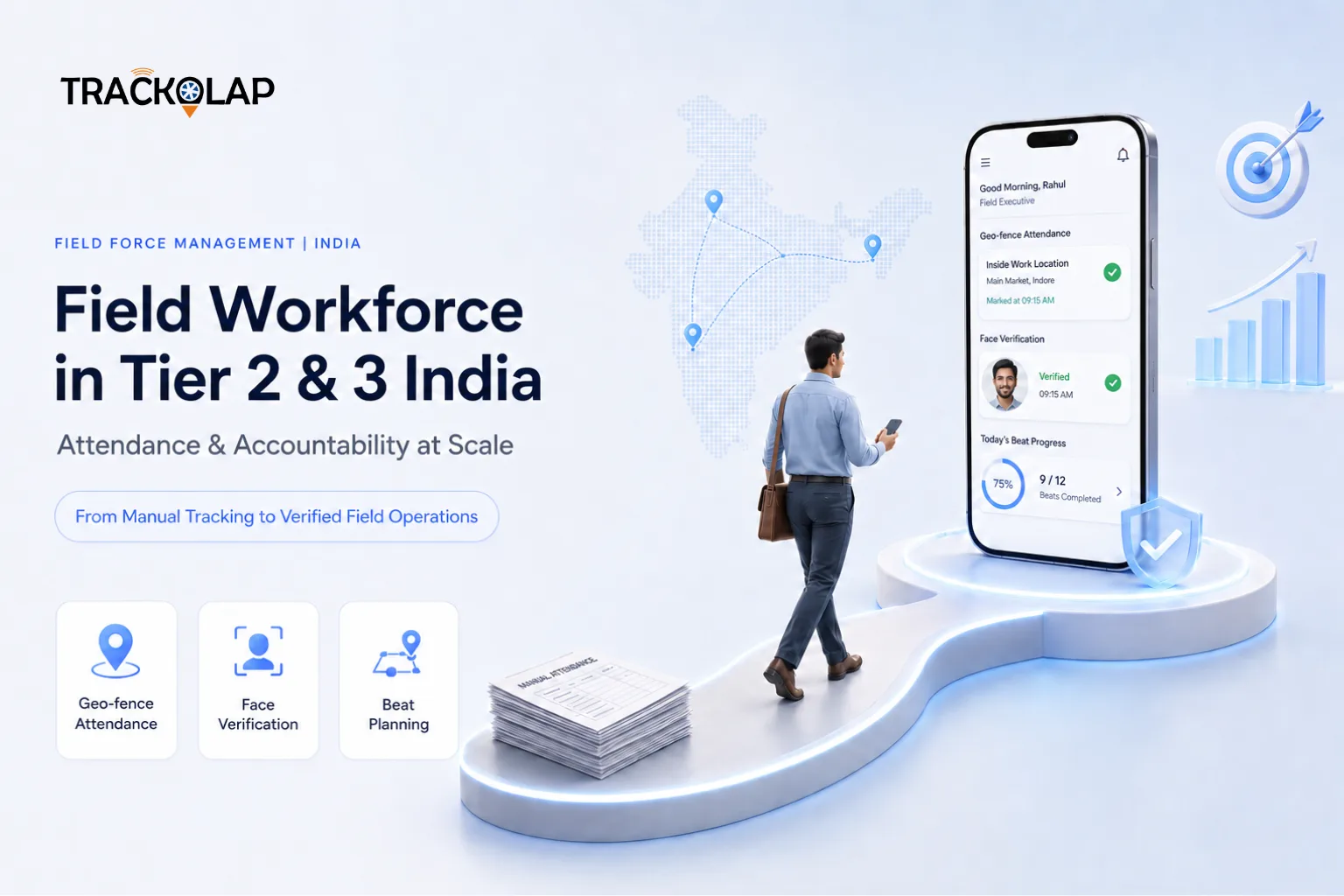
TrackOlap covers both categories in one platform. The employee live tracking system combines GPS punch-in with AI face attendance, a live team map, automatic route and stoppage recording, journey replay, offline location capture and automated reports, with tracking limited to working hours. Attendance and leave management adds geofenced check-ins and payroll-ready exports, and employee time tracking covers desk-based staff. Location data can also connect to expense management for distance-verified travel claims.
Before you decide, test the app on the devices your team actually uses, in the areas they actually work. You can request a demo to do exactly that. For more background, read how route playback helps verify field work.
Frequently asked questions
What is employee tracking software?
It records verifiable evidence of work: attendance, location during working hours, routes and visits for field staff, and time and activity for desk-based staff, then turns it into reports for payroll and management.
Which features matter most in employee tracking software?
Verified attendance with GPS and face checks, live location during working hours, automatic route and distance recording, journey replay, offline capture, automatic reports and privacy controls.
Is it legal to track employees’ location?
Tracking during working hours for a clear business purpose is common, but employees should be told what is collected and why. Organisations in India should review practices against the Digital Personal Data Protection Act, 2023.
Does employee tracking drain phone batteries?
Location tracking uses some battery, and the effect varies by device and settings. Test the app on your team’s actual phones during a pilot.
Can tracking data be used for expense claims?
Yes. Recorded distance and route history can be matched against travel claims, which speeds up approvals and reduces inflated claims.



 D-5, Logix Infotech Park, Sector 59, Noida - 201301, Uttar Pradesh (India)
 contactus@trackolap.com
 7011494501






 Demo
at free of cost
Demo
at free of cost