


Punch in from desktop, mobile, or geofence.
Employee Time Tracking for Remote, Hybrid and Field Teams
Employee Time Tracking Software Makes Every Hour Accountable
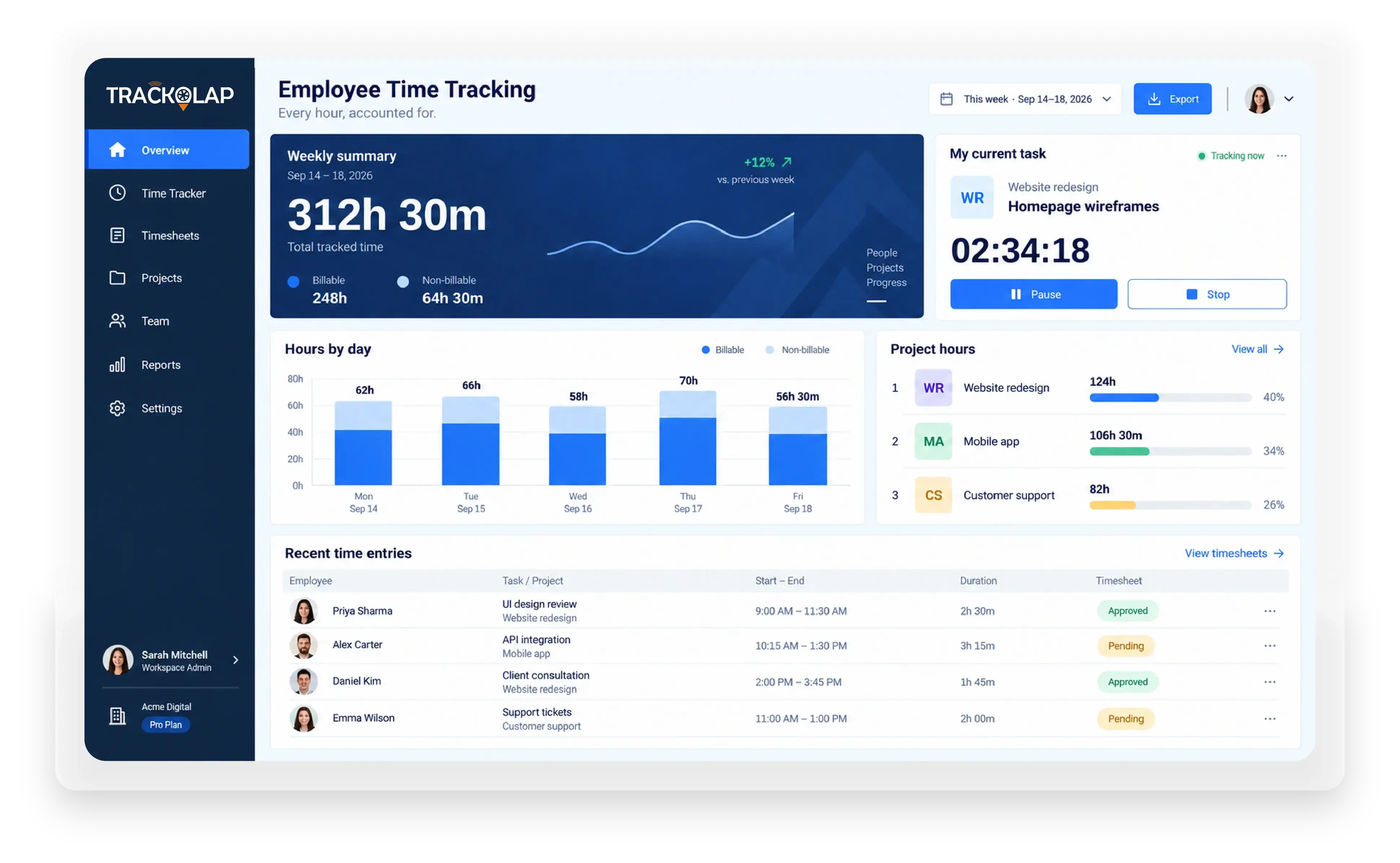
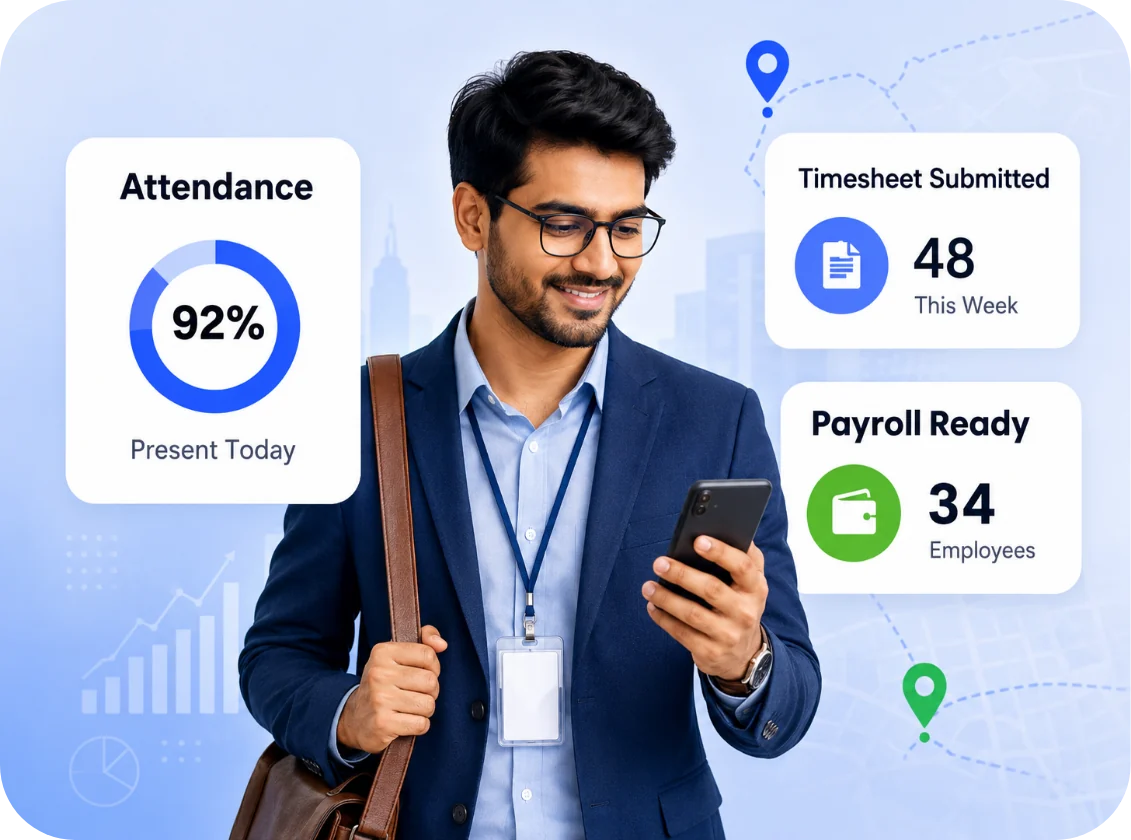
Capture attendance, active hours, idle time, and application usage across remote, hybrid, and field teams, then convert them into payroll-ready timesheets in one click. Managers see live activity. Finance gets defensible hours.
Trusted by 2,000+ businesses across India, the Middle East, and Southeast Asia.








Why Should You Choose TrackOlap Employee Time Tracking Software?
Most organisations do not have a time problem. They have a visibility problem. TrackOlap makes measurement automatic, so attendance, activity, and effort land in one dashboard and one exportable timesheet.
Know when work stopped, and why.
Productive vs. unproductive, measured.
Configurable, consent-based, audit-ready.
Exportable to payroll and client billing.
Not all work happens at a desk. The TrackOlap employee time tracking app extends attendance, task check-in, and location-tagged activity to field sales, service engineers, delivery staff, and site supervisors on Android and iOS.
Every Hour Recorded. Every Timesheet Ready.
Available on: Web, Android and iOS


Trusted by 2,000+ businesses across India, the Middle East, and Southeast Asia.
Tell Us Your Queries,
We are here to assist you
See how TrackOlap can make every employee hour accountable from one transparent platform.
Thank you!
Your details have been submitted successfully. Our team will contact you shortly.
How It Can Help?
Deliver Projects On Time and On Budget with TrackOlap
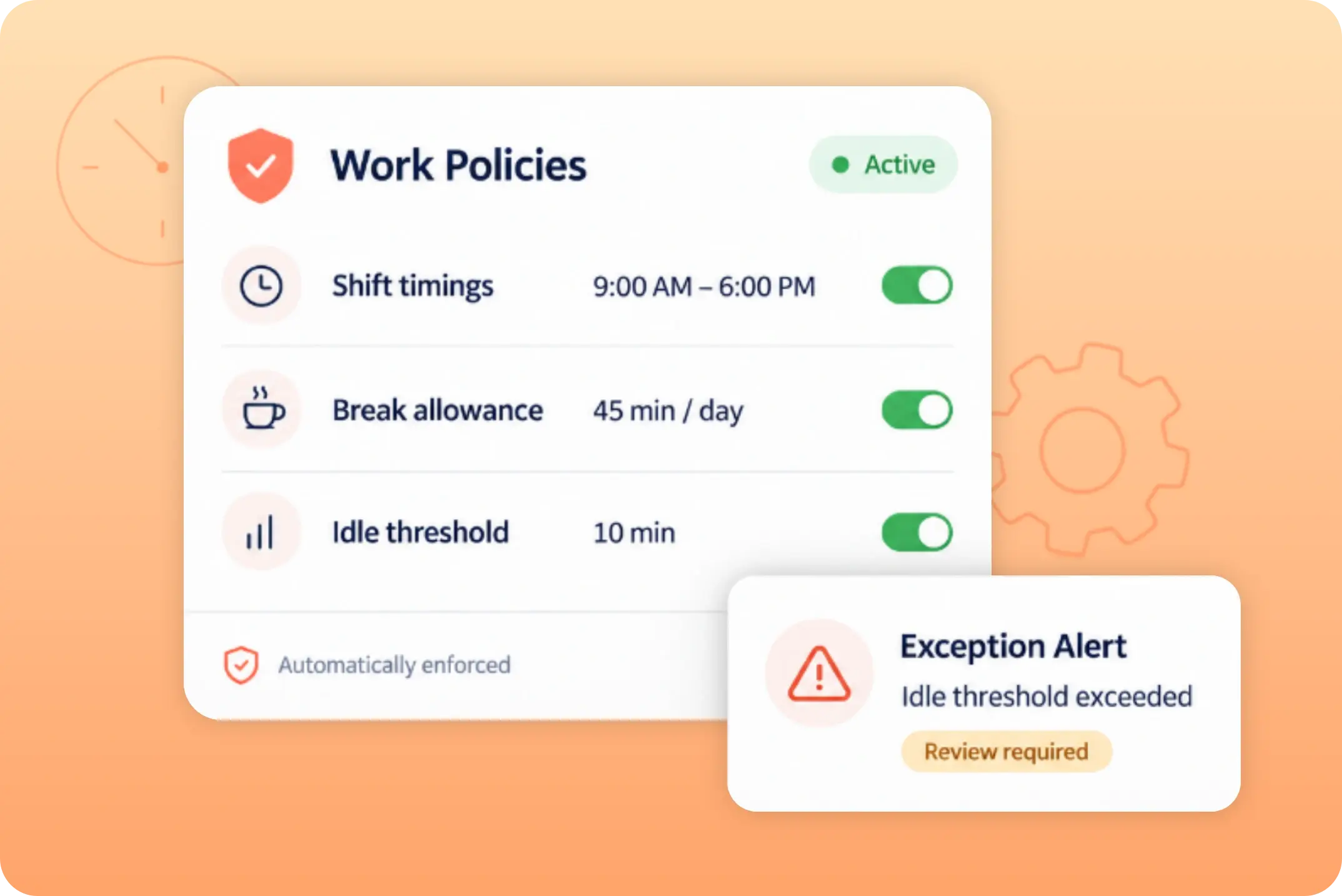
DISCIPLINE
Rules, Not Reminders
Shift timings, break allowances, and idle thresholds are configured once and enforced automatically. Managers intervene by exception instead of supervising by default.
- Policy-Driven Shifts
- Exception Alerts
PRODUCTIVITY
Visibility Changes Behaviour
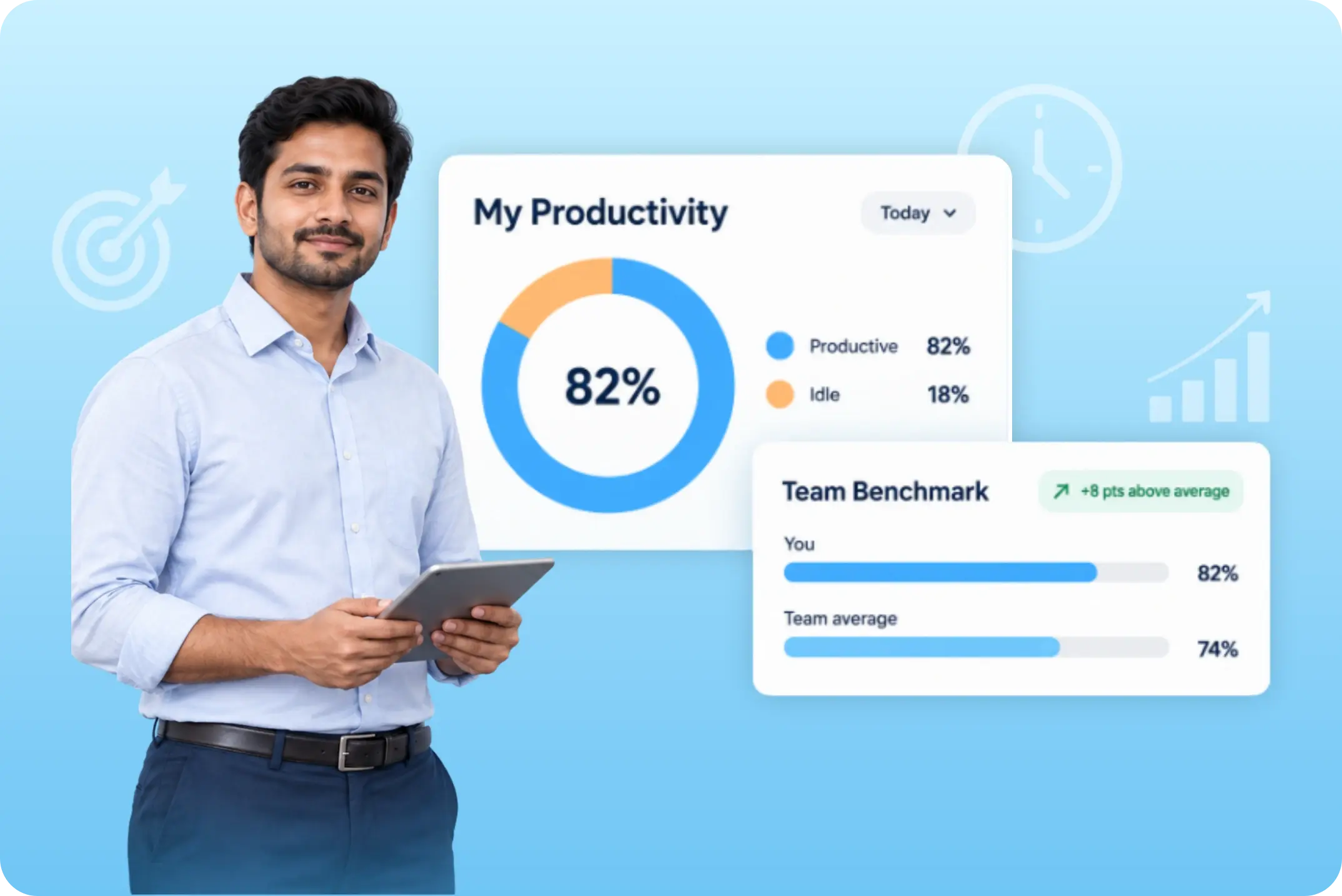
Employee time management software earns its place when it changes behaviour. Each employee sees their own productive-versus-idle split against the team benchmark.
- Per-Employee Productivity Scoring
- Team Benchmarks
PAYROLL & BILLING
Every Hour, Traceable
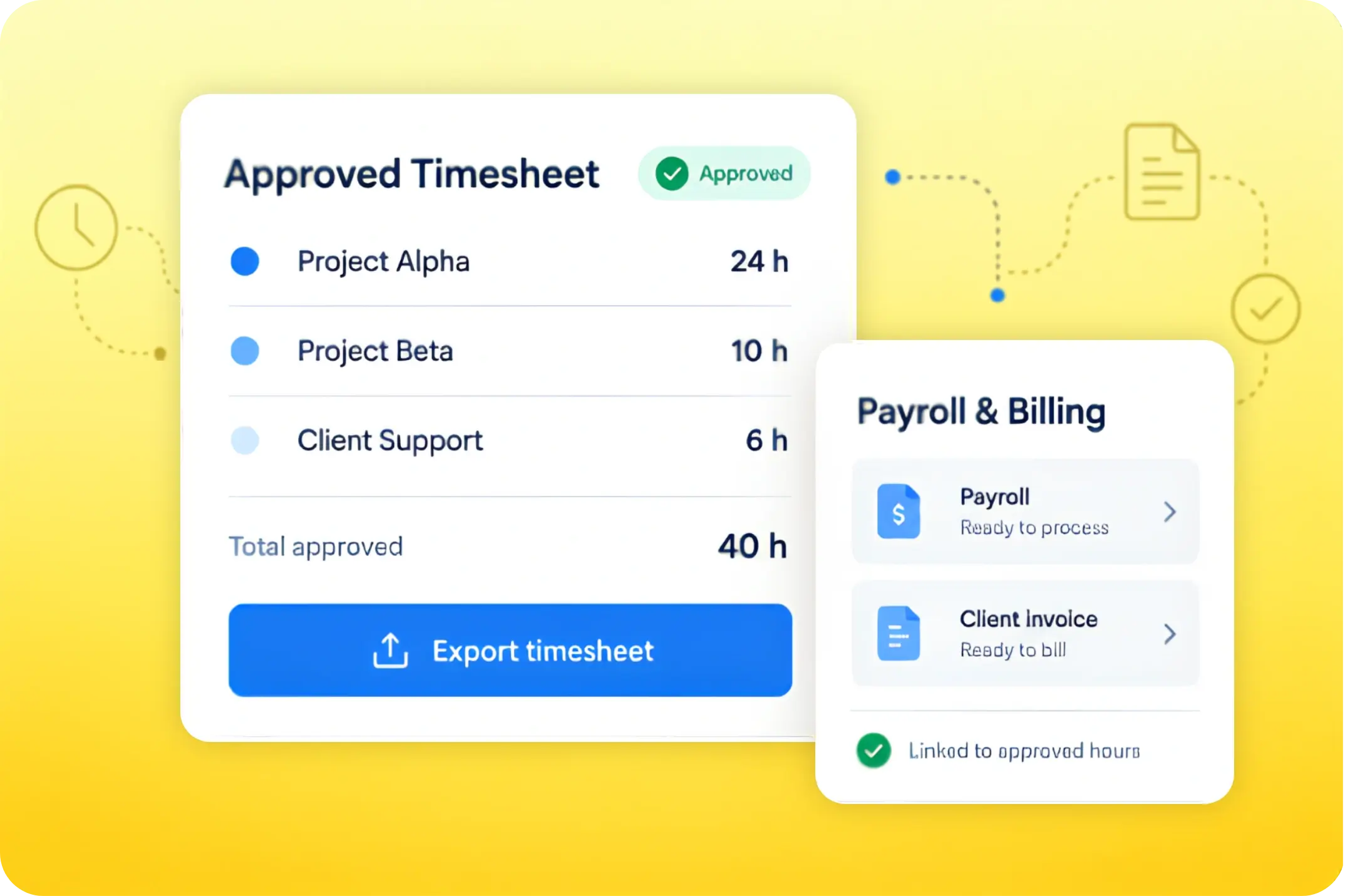
Approved timesheets export straight into payroll runs and client invoices. When an invoice or a deduction is questioned, the answer is a report.
- One-Click Timesheet Export
- Project And Client Cost Attribution
TRANSPARENCY
Two-Way by Design
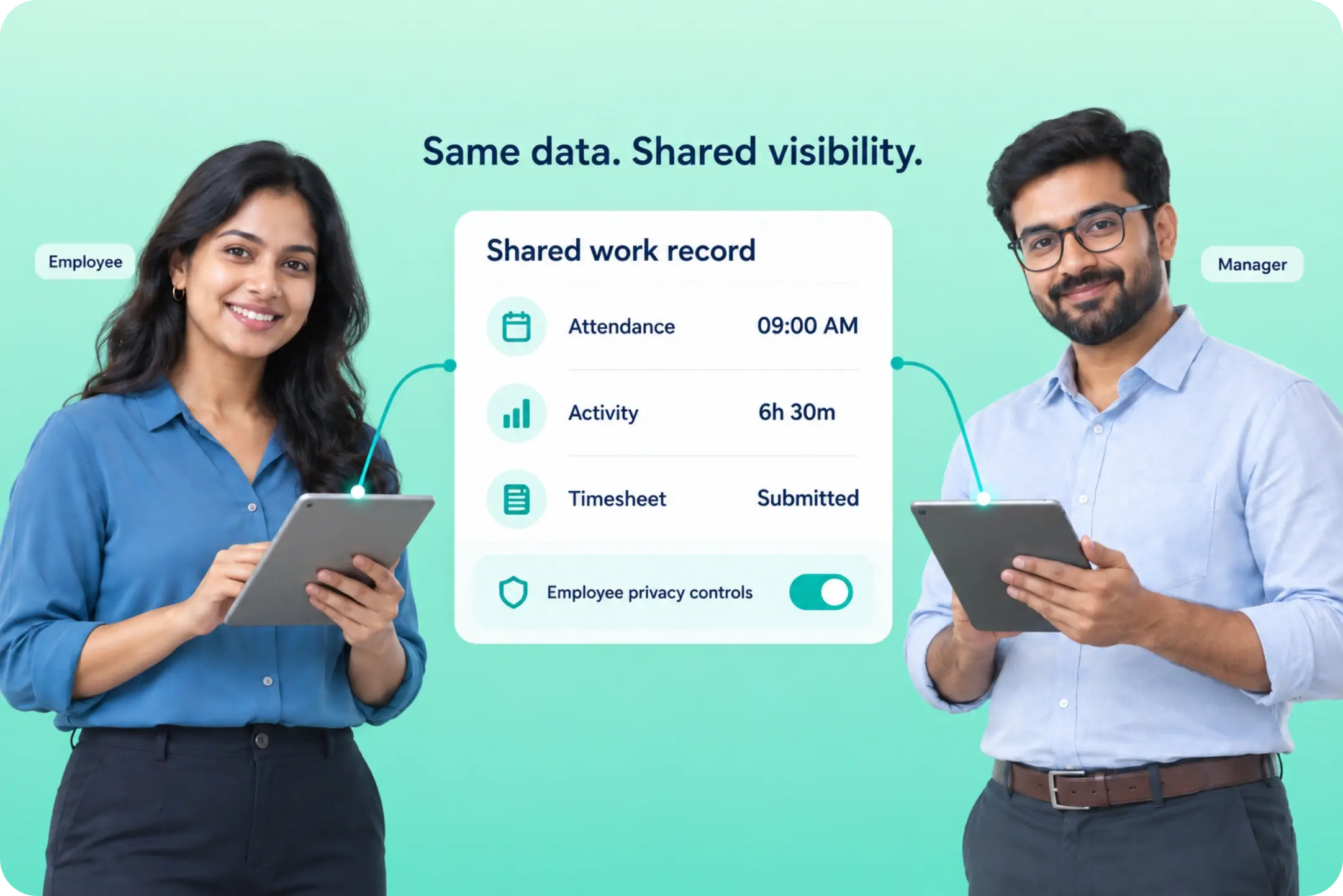
Employee working hours tracking software fails the moment it feels like surveillance. Employees see the same attendance, activity, and timesheet data their manager sees.
- Employee Self-View
- Consent And Privacy Controls
WHY CHOOSE TRACKOLAP
Everything You Need for Accurate, Automatic Time Tracking

Automatic Attendance
Punch in from desktop, mobile, or geofence

Idle Time Detection
Know when work stopped, and why

App & Website Usage
Productive vs. unproductive, measured

Auto Screenshots
Configurable, consent-based, audit-ready

One-Click Timesheets
Exportable to payroll and client billing
Multi-Timezone Support
One hierarchy, every location
Here’s How the TrackOlap Employee Time Tracking System Works
Deployment Takes Hours, Not Weeks. The System Begins Producing Usable Data On Day One.
STEP · 1
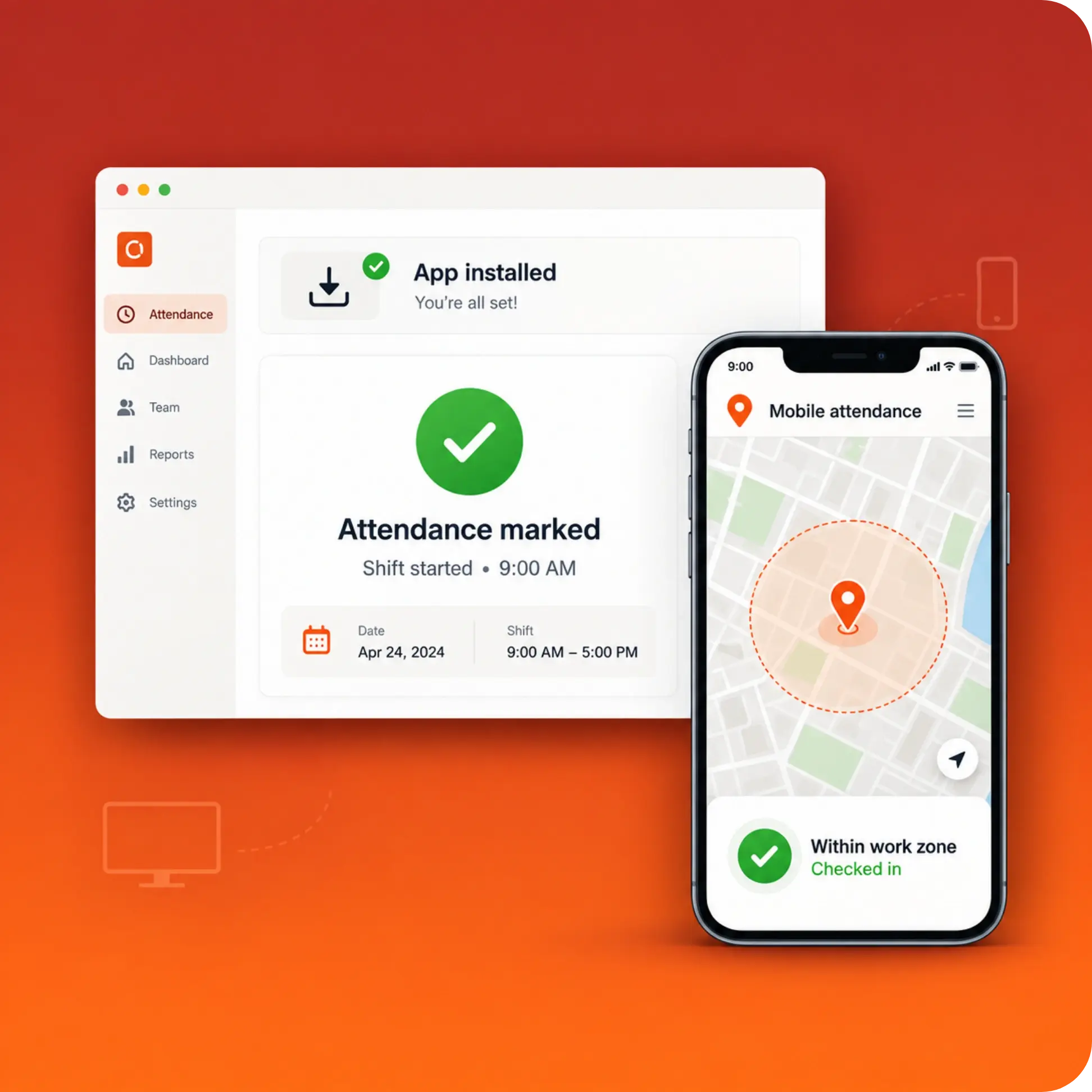
Install and Mark Attendance
Employees install the desktop application or mobile app and mark attendance at the start of the shift. Geofence and mobile-based attendance are available for field staff.
STEP · 2
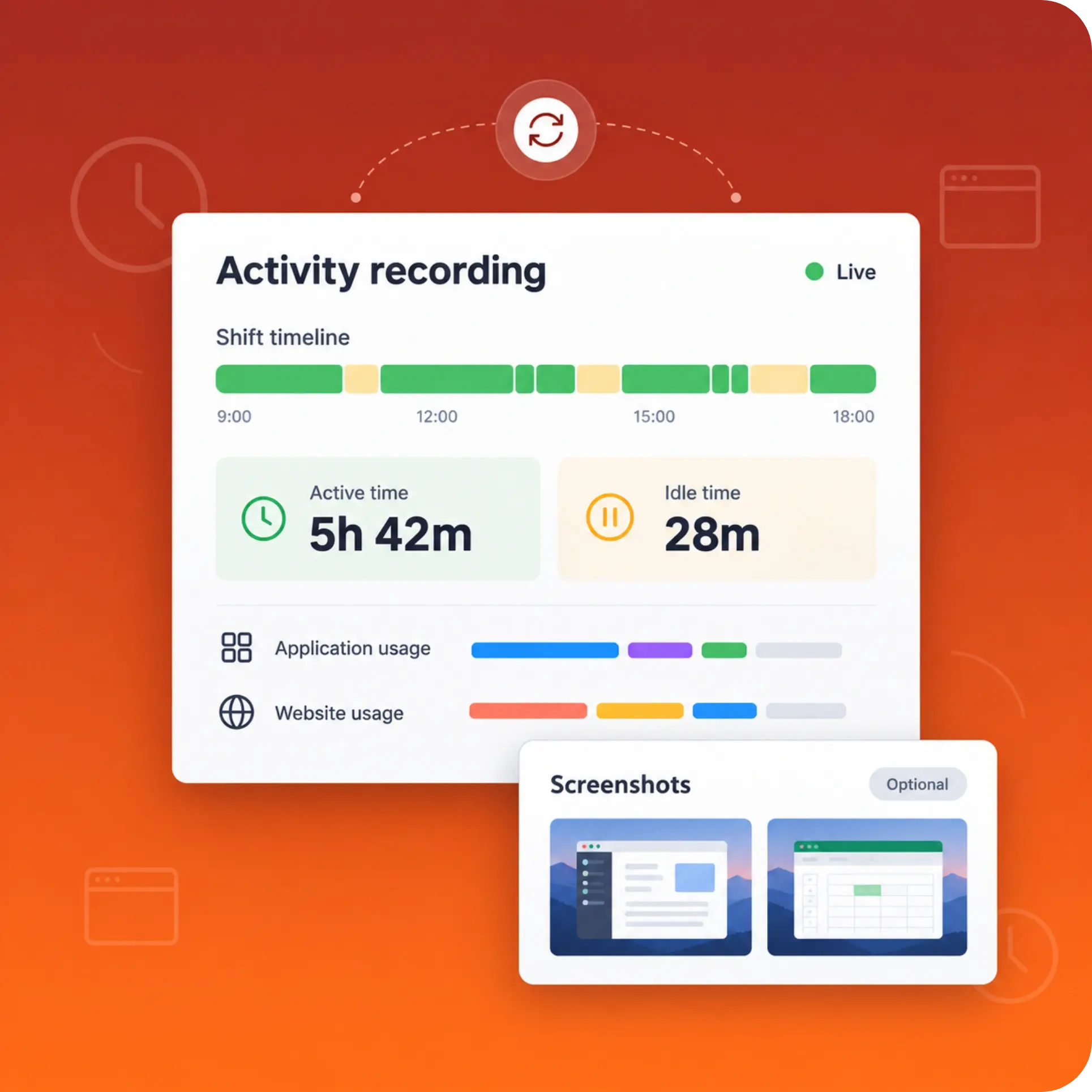
Work Is Recorded Automatically
Active time, idle periods, application usage, website usage, and optional screenshots are captured in the background for the duration of the shift.
STEP · 3
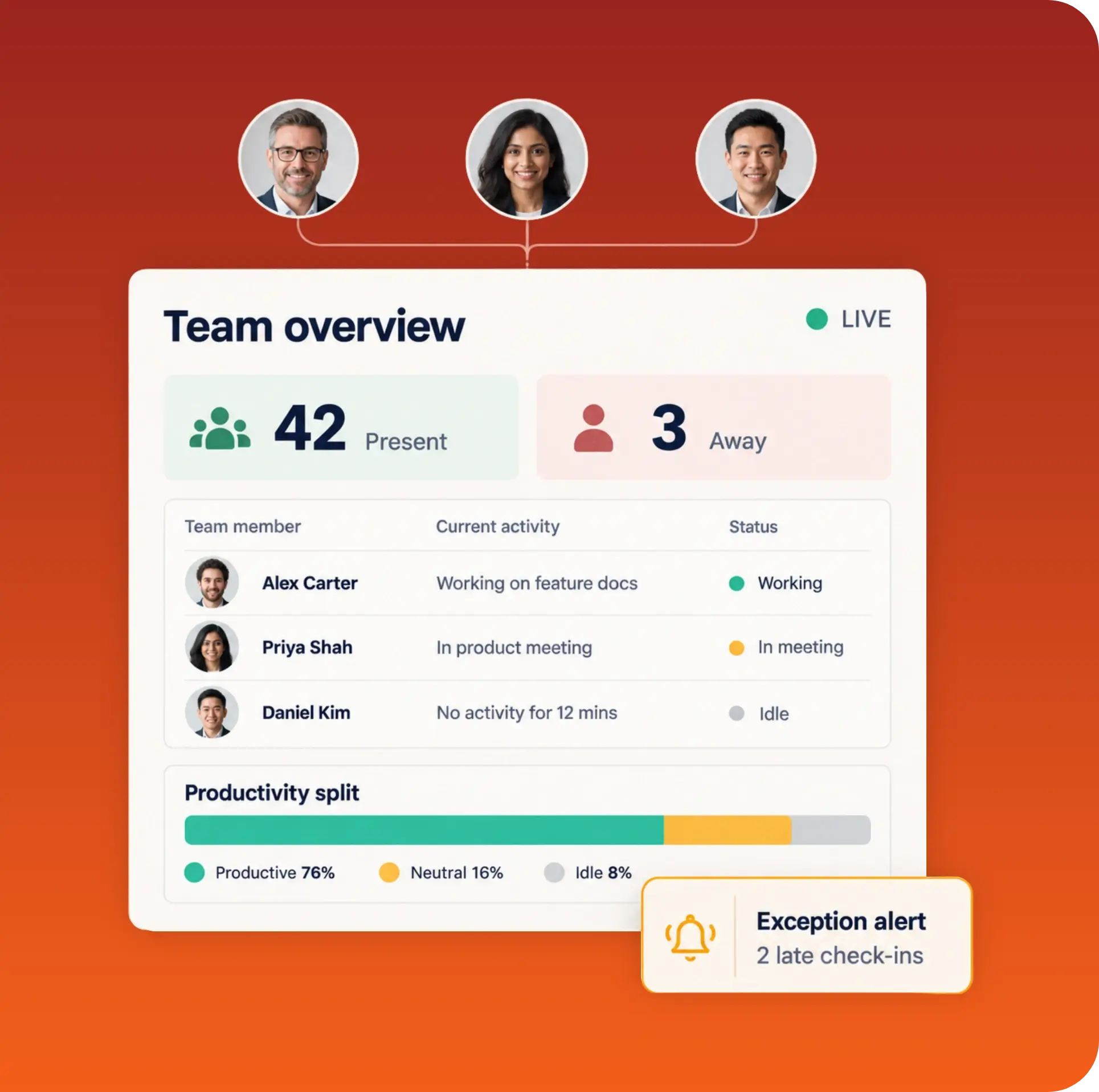
Managers Review the Live Dashboard
Attendance status, current activity, productivity split, and exception alerts appear in real time across the reporting hierarchy.
STEP · 4
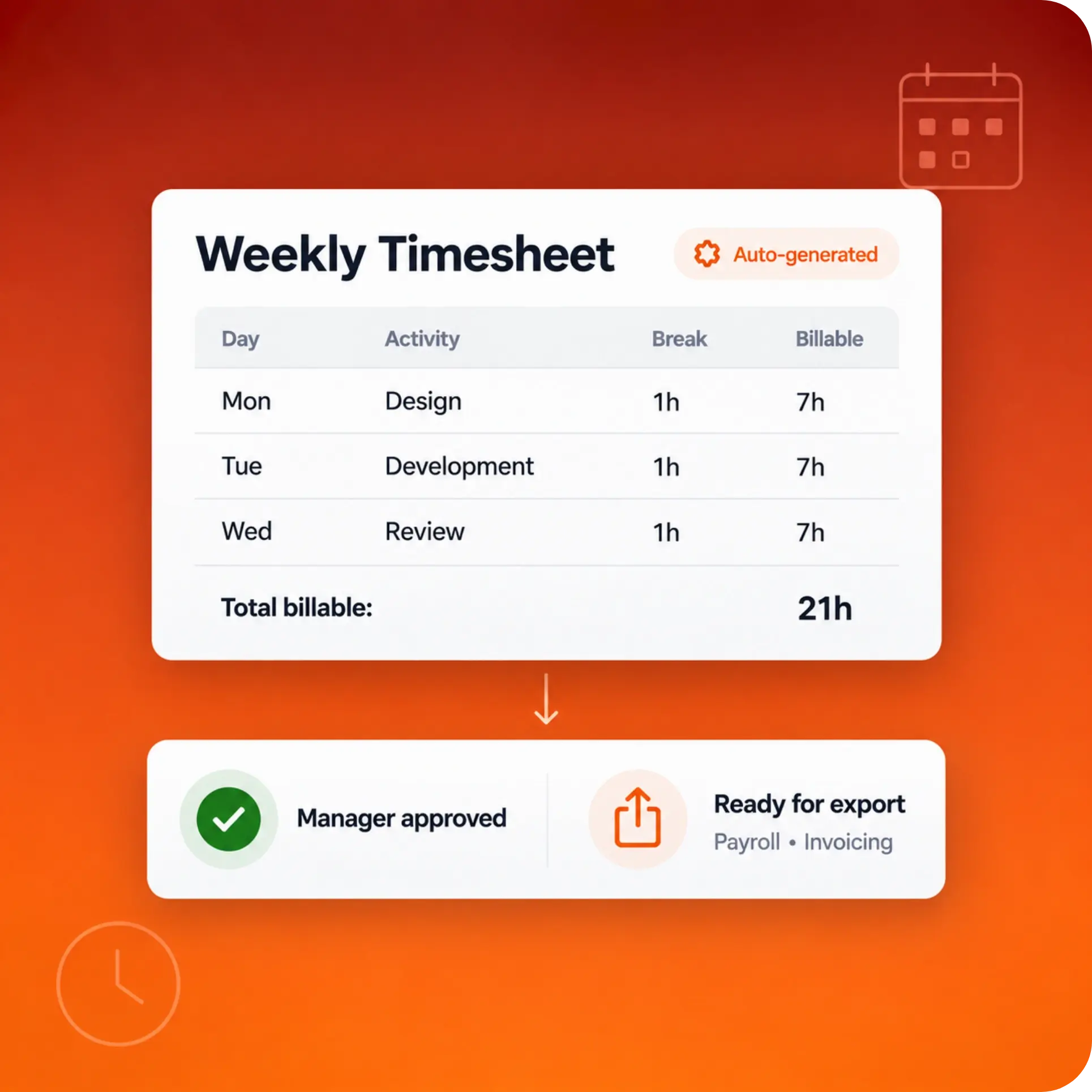
Timesheets Are Generated and Approved
Daily and weekly timesheets, including breaks, activities, and billable hours, are generated automatically, approved by the reporting manager, and exported to payroll or invoicing.
Have Any Queries?
Start your 7-day free trial, or speak to a specialist about a deployment sized for your team.
Top-rated by sales, HR, & Operations Teams

DISTRIBUTED TEAM MANAGEMENT
TrackOlap Employee Time Tracking Brings
Order to Distributed Work
-
Flexible Employee Time Tracking
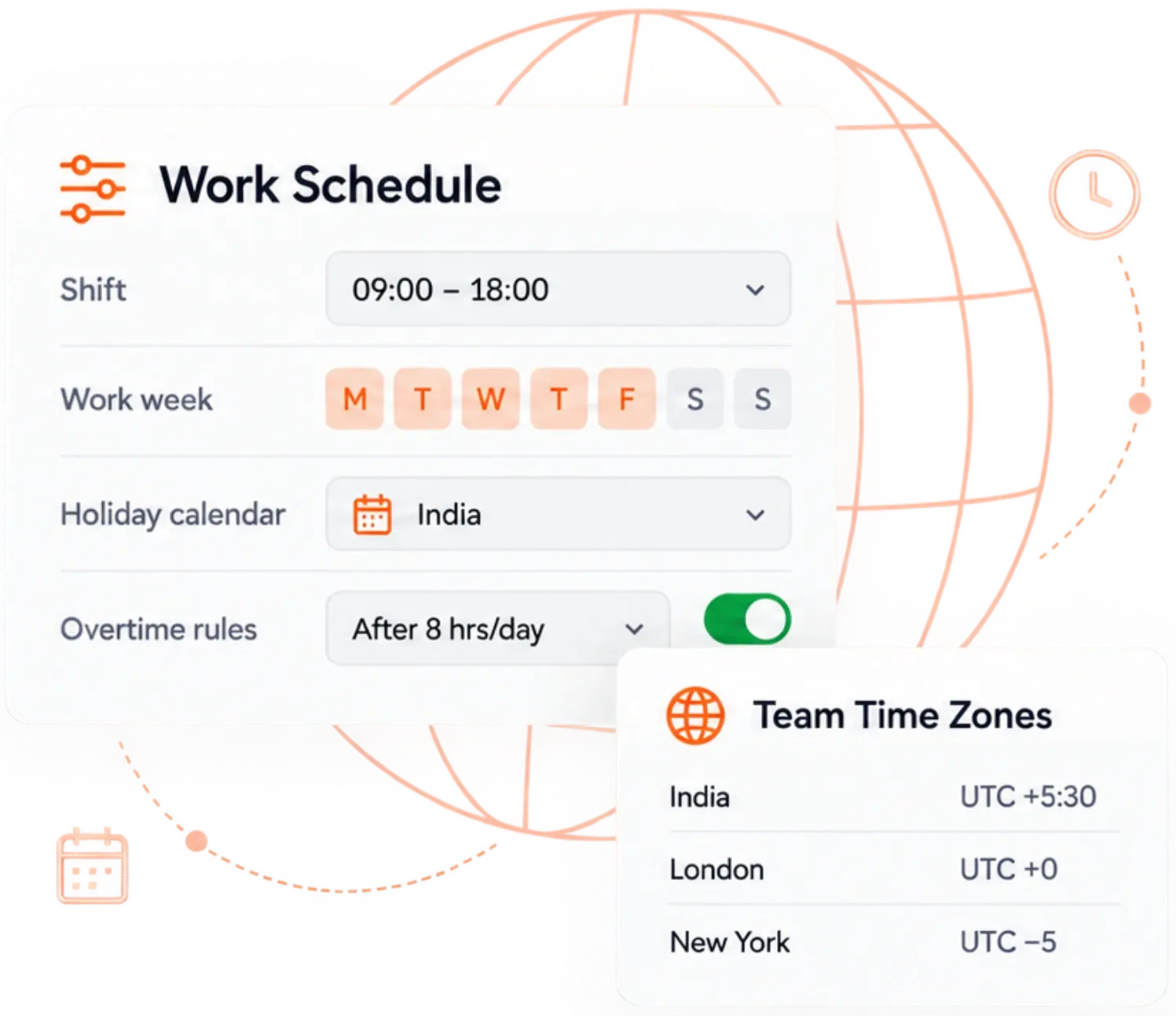
Shifts, work weeks, holiday calendars, overtime rules, and time zones are all definable, so one deployment covers every country your teams work from. Configure the system around your labour model, not the reverse.
-
Employee Time Tracking on the Go
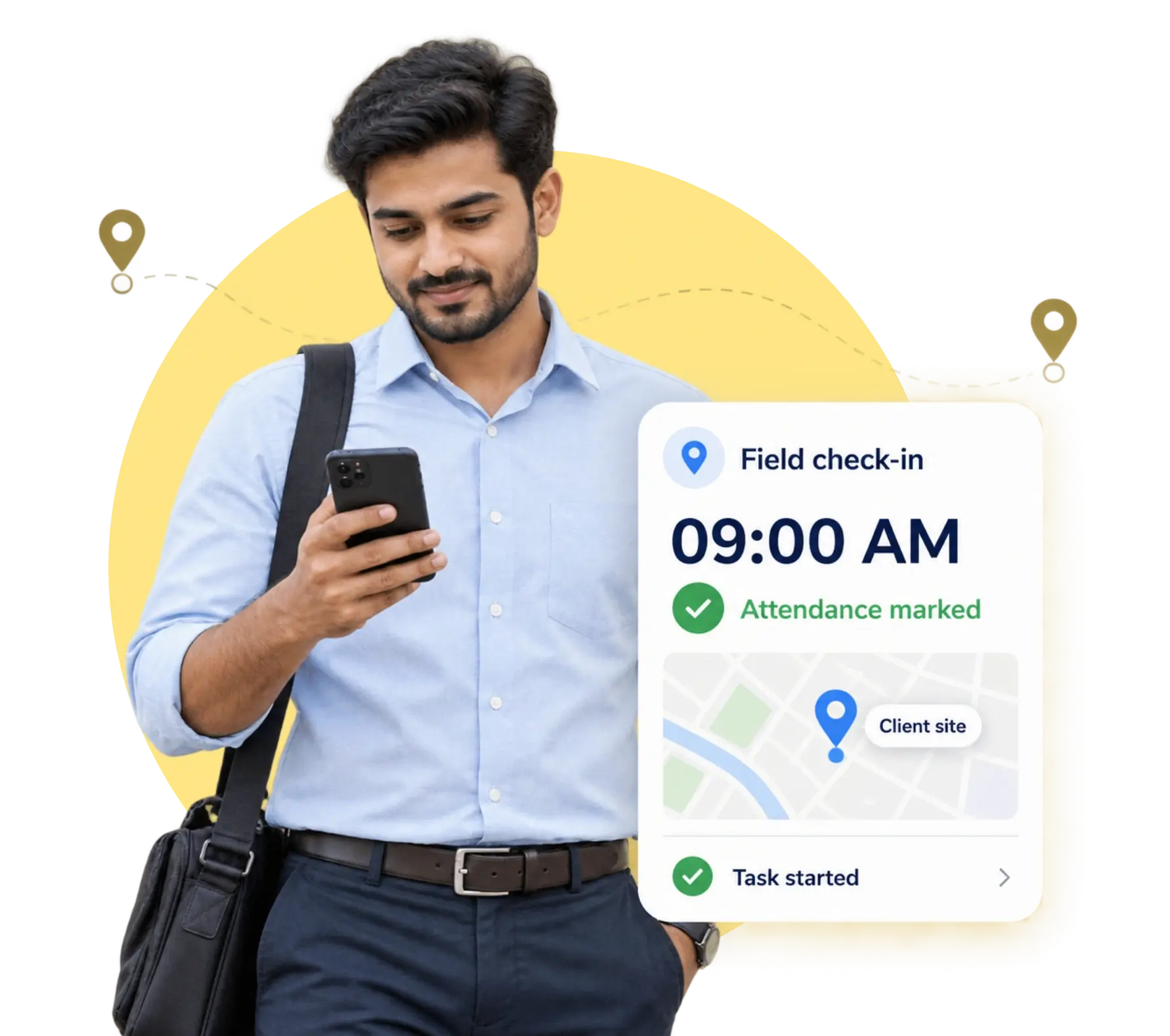
Not all work happens at a desk. The TrackOlap employee time tracking app extends attendance, task check-in, and location-tagged activity to field sales, service engineers, delivery staff, and site supervisors on Android and iOS.
-
From Hours Tracking to Payroll
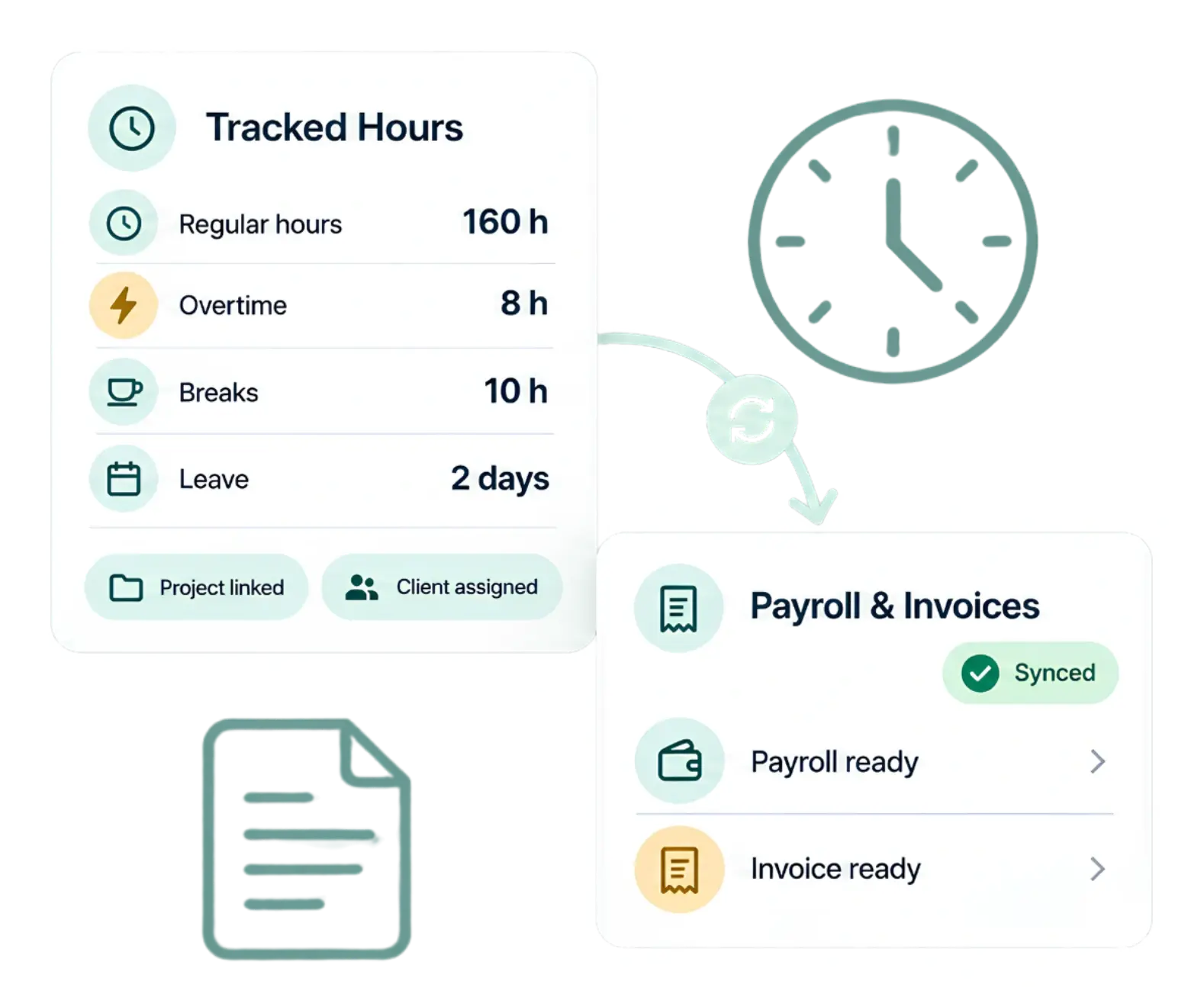
Hours only matter once they reach finance. Employee hours tracking software carries breaks, overtime, leave, project allocation, and client attribution straight into payroll runs and invoices. No export, no reformatting, no re-entry.
-
Enterprise Controls When Needed
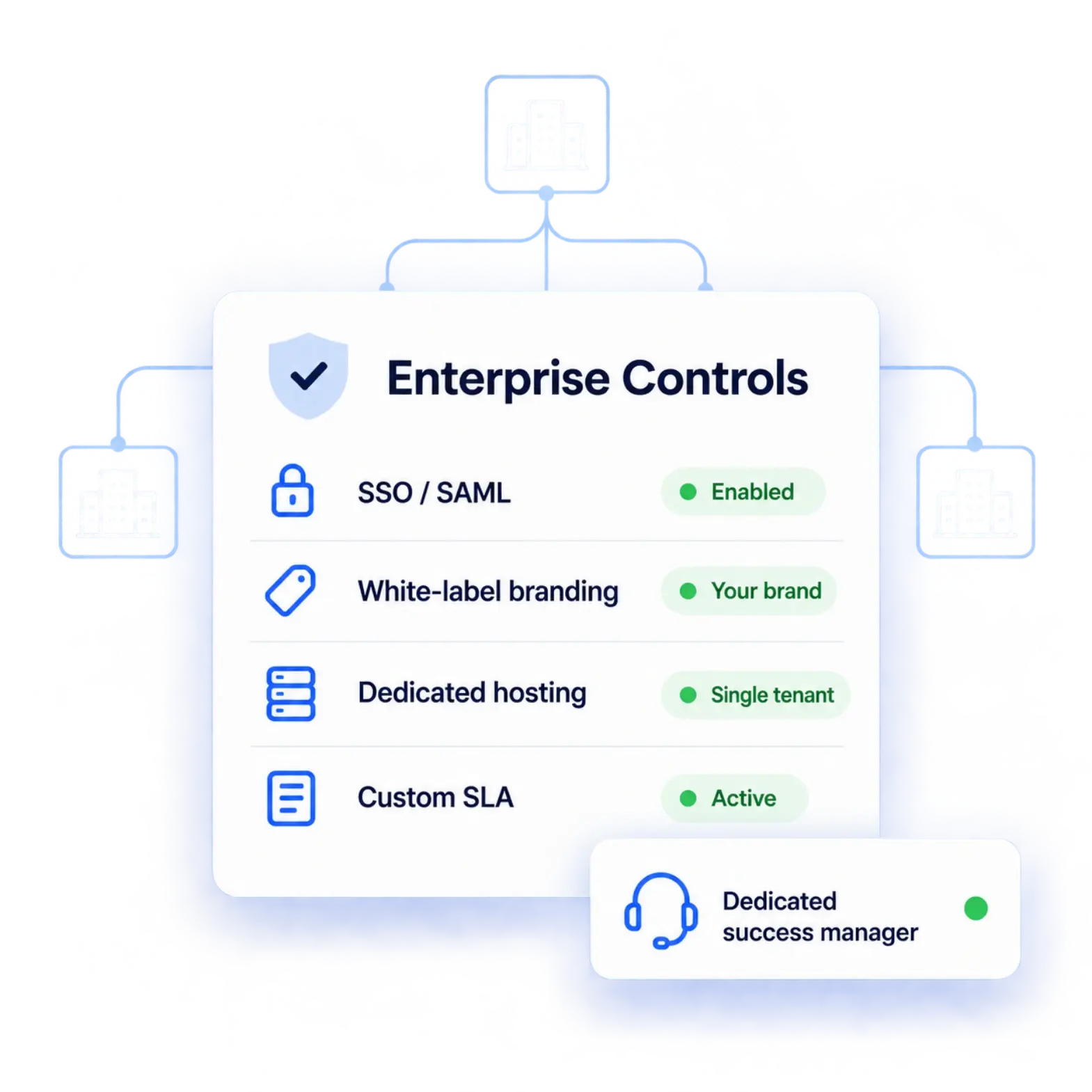
Larger deployments add SSO/SAML authentication, white-labelling, single-tenant hosting, custom SLAs, and a dedicated customer success manager, so the same platform scales from a single team to a multi-branch enterprise without a migration.
One Employee Time Tracking Tool. Every Industry That Runs on Hours.
Employee time management software is only as good as its fit. Nineteen sectors, nineteen different definitions of a working day, all measured on the same platform.

Real Estate
Track site visits, client meetings, and broker hours across projects and locations.

Insurance
Measure agent field time, policy servicing visits, and claim-inspection hours with GPS proof.

MFI
Log loan-officer field hours, centre-meeting attendance, and collection rounds for audit-ready records.
NBFC
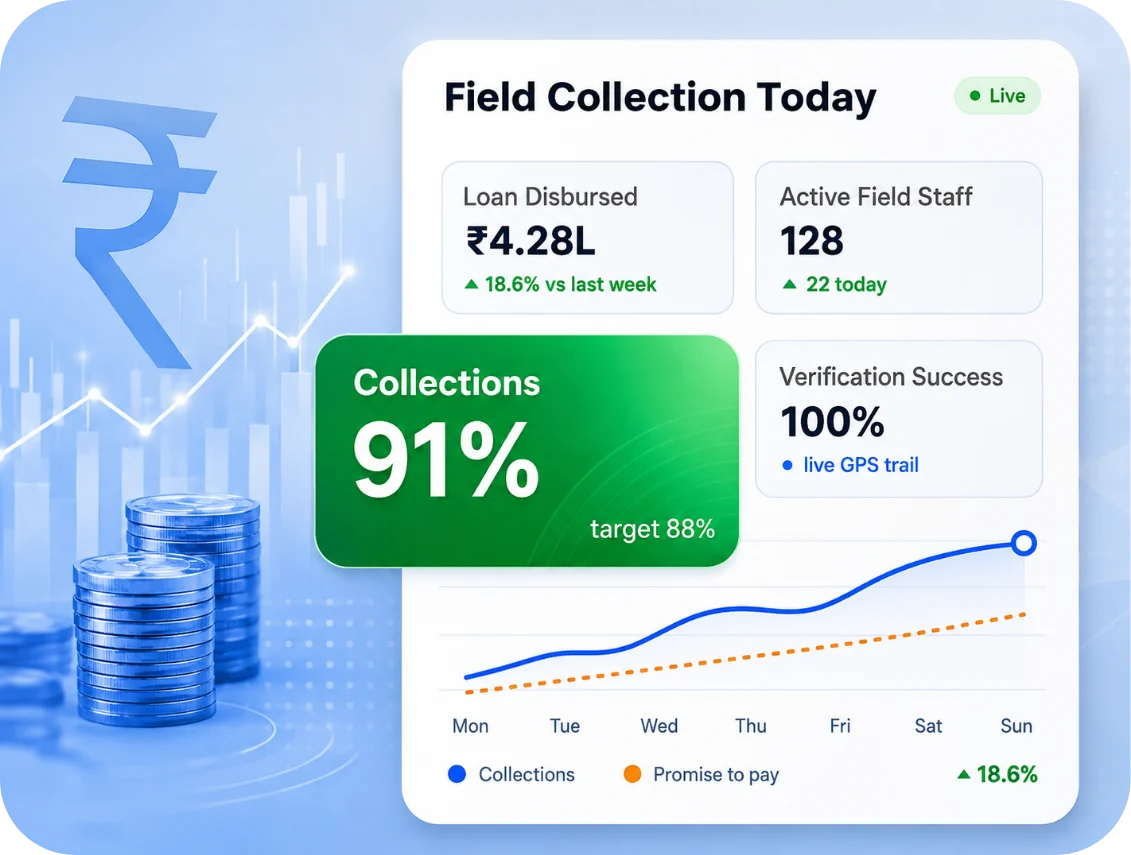
Track credit-officer visits, verification calls, and recovery hours across branches and territories.

Banking and Financial Services
Monitor branch shift adherence, relationship-manager field time, and compliance-critical working-hour records.

FMCG
Capture distributor beat hours, retail outlet visits, and merchandiser time on route.

HVAC
Record technician job hours, on-site service time, and travel between installation calls.

Retail
Manage store shift rosters, part-time hours, and overtime across multiple outlets.

Manufacturing
Handle multi-shift rosters, overtime calculation, and contractor hours for wage and compliance accuracy.

Healthcare
Track clinical shift hours, roster changes, and duty rotations across departments and facilities.

Pharmaceuticals
Record medical-representative doctor visits, field hours, and territory coverage with location-stamped attendance.

Education
Log faculty teaching hours, administrative duty time, and campus attendance across departments.

IT and SaaS
Measure billable project hours by client, sprint effort, and remote team productivity.

Automobile
Track dealership service-bay hours, sales-team field visits, and workshop technician productivity.

Agriculture
Record field staff hours, farm-visit attendance, and seasonal labour deployment across locations.
Media
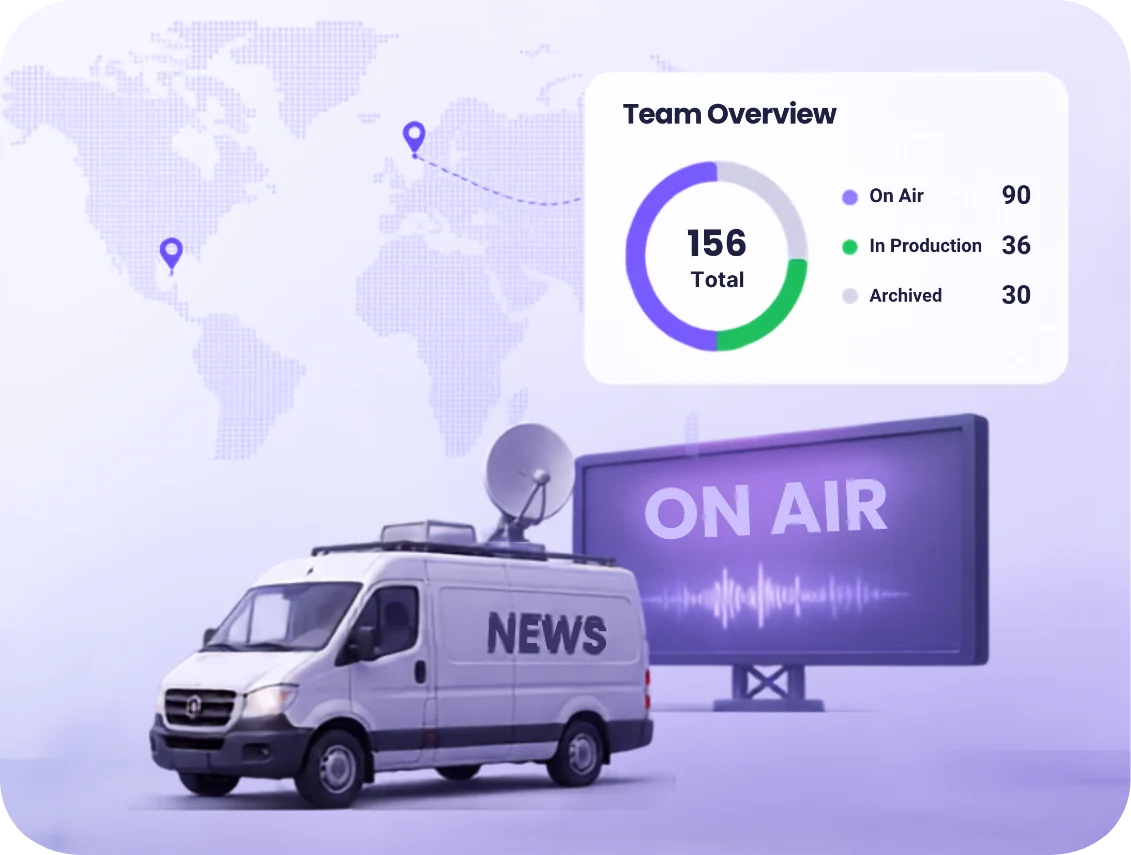
Track production crew hours, shoot-day time, and freelance contributor effort per project.
Telecom
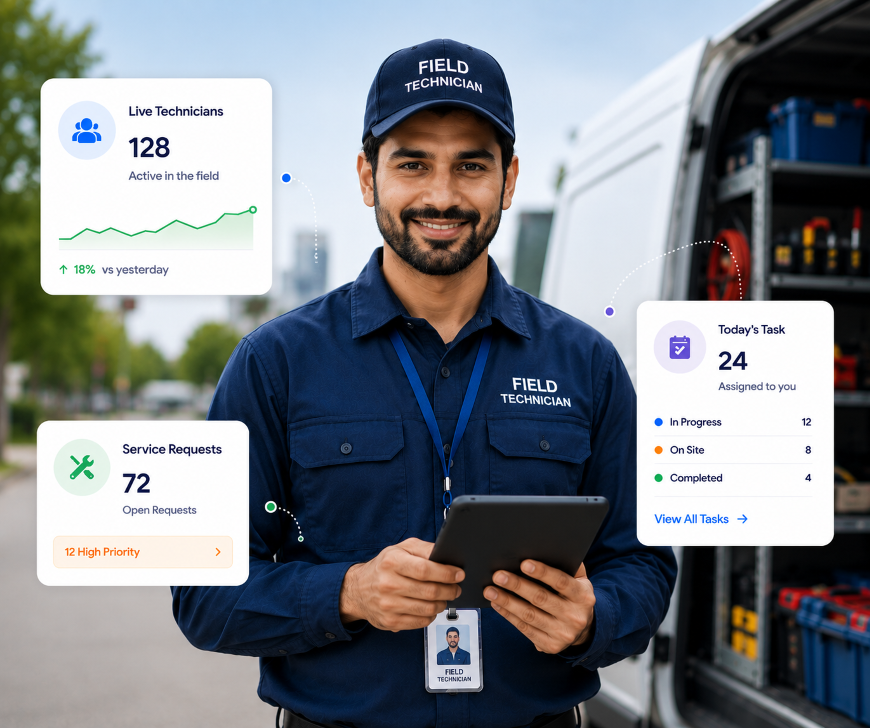
Log tower-maintenance visits, engineer job hours, and field response time across circles.
Construction and Infrastructure
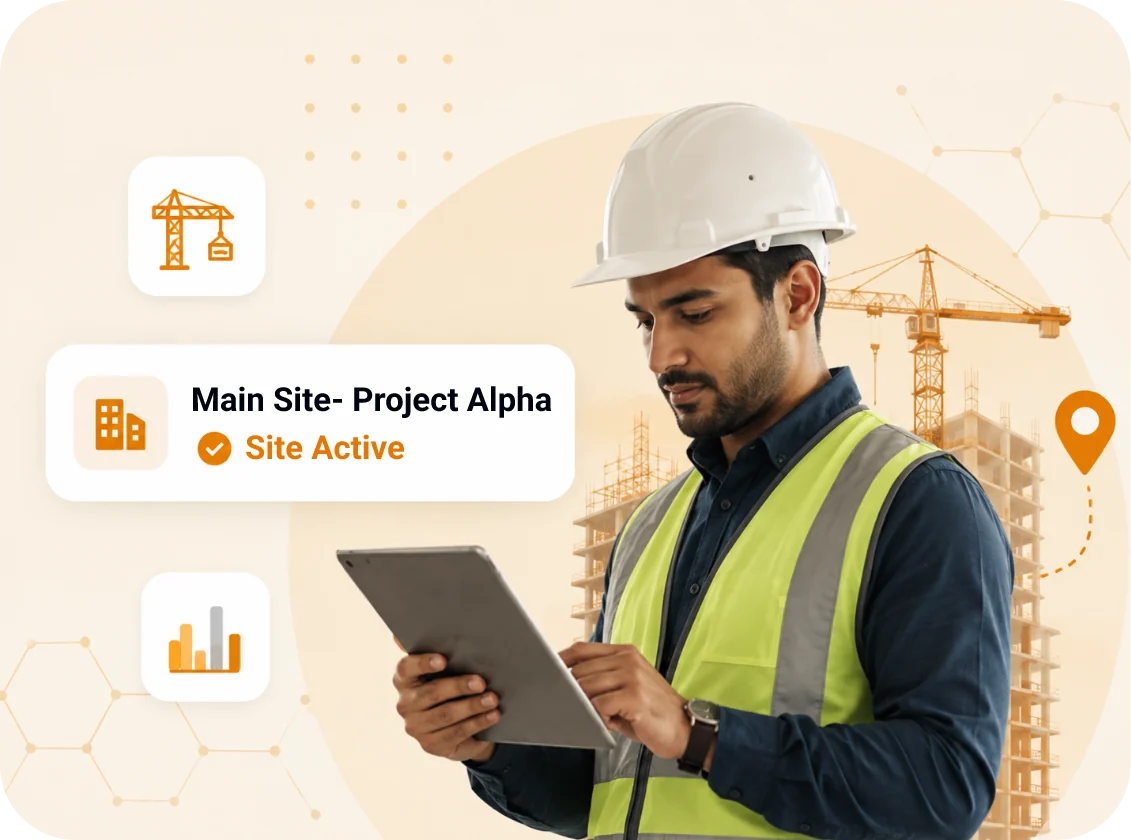
Capture site attendance by geofence, contractor hours, and multi-project labour deployment.
Staffing and recruitment
Track deployed-staff hours across client sites for accurate billing and payroll reconciliation.
Every Hour, Traceable
Deployment Takes Hours, Not Weeks. The System Begins Producing Usable Data On Day One.
Businesses across India, the Middle East, and Southeast Asia
Nineteen different definitions of a working day measured on the same platform
Timesheets exportable to payroll and client billing
Most teams are live within a day
CONNECTED WORKFORCE SUITE
From Logged Hours To Leave Balances — Everything
Stays Connected
Employee Monitoring
Screenshots, app usage, and activity logs for complete workforce visibility.
Explore MoreEmployee Productivity Software
Measure output, spot bottlenecks, and lift team performance using data.
Explore MoreProject Management
Plan projects, assign tasks, and track billable effort against deadlines.
Explore MoreAttendance & Leave Management
Automate attendance, leave requests, approvals, and holiday balances across teams.
Explore MoreIntegrations
Connect All Your Tools to TrackOlap with Seamless Integrations












Still Have Any Queries?
Share Your Requirement And A TrackOlap Specialist Will Get In Touch, Usually Within One Business Day.

Start Your 7-Day Free Trial
Most teams are live within a day, with in-person, live-online, and documented onboarding included.
Start Your Free Trial
Share Your Requirement
Speak to a specialist about a deployment sized for your team.
Request a Call
Request a Demo
See attendance, activity, timesheets, payroll, and billing in one live workflow.
Frequently Asked Questions
Employee time tracking software automatically records attendance, active hours, idle time, and application usage, then converts them into timesheets for payroll, client billing, and project costing without manual entry.
An employee time tracking system logs a start event when attendance is marked, then measures keyboard and mouse activity, foreground applications, and idle intervals through the shift. Breaks are logged separately and totals compile into a daily timesheet.
Yes. Employee monitoring is legal in India when employees are told what is collected and why. TrackOlap supports disclosed, consent-based tracking; employees see their own data, screenshots can be blurred or disabled. Publish a monitoring policy under the DPDP Act.
Yes. Employee time tracking software for remote teams runs entirely through desktop and mobile apps; no office network or biometric device needed. TrackOlap supports multiple time zones and multi-level hierarchies across countries.
Attendance software records presence: arrival and departure. Employee work time tracking software records what happened in between: active hours, idle periods, application usage, and task-level effort. Attendance proves someone came. Time tracking proves how the day was spent.
Optionally, and under your control. Screenshot capture is configurable by interval, can be blurred, and can be disabled per team or policy. Employees view their own screenshots. The feature substantiates timesheets during disputes and audits.
TrackOlap employee time tracking software in India starts at ₹270 per user per month, billed quarterly or annually, with a 7-day free trial. Four plans run from core time tracking to enterprise with SSO/SAML and single-tenant deployment. Prices exclude GST.
Yes. The employee time tracking app records attendance and task activity without connectivity and syncs once the device reconnects, so a mobile coverage gap never becomes a gap in the attendance record.
Yes. Approved timesheets carry breaks, overtime, leave, and project allocation into payroll without re-entry. Because every entry is timestamped and manager-approved, figures from employee hours tracking software are auditable; each paid hour traces to a recorded activity.
Most teams are live within a day. Employees install the desktop or mobile app, administrators configure shifts, productivity rules, and approval chains, and data collection begins immediately. In-person, live-online, and documented onboarding are included.
 Demo
at free of cost
Demo
at free of cost