
















 Back to Blogs

In short: To track field employees with a monitoring app, first define why you are tracking and publish a policy limited to working hours. Then set up roles and territories, switch on GPS- and face-verified attendance, assign visits and tasks through the app, and let routes, distance and check-ins record automatically. Finally, review daily reports and act on exceptions. Done this way, tracking replaces phone calls and unverifiable updates with evidence, without micromanaging your team.
What can a field employee monitoring app track?
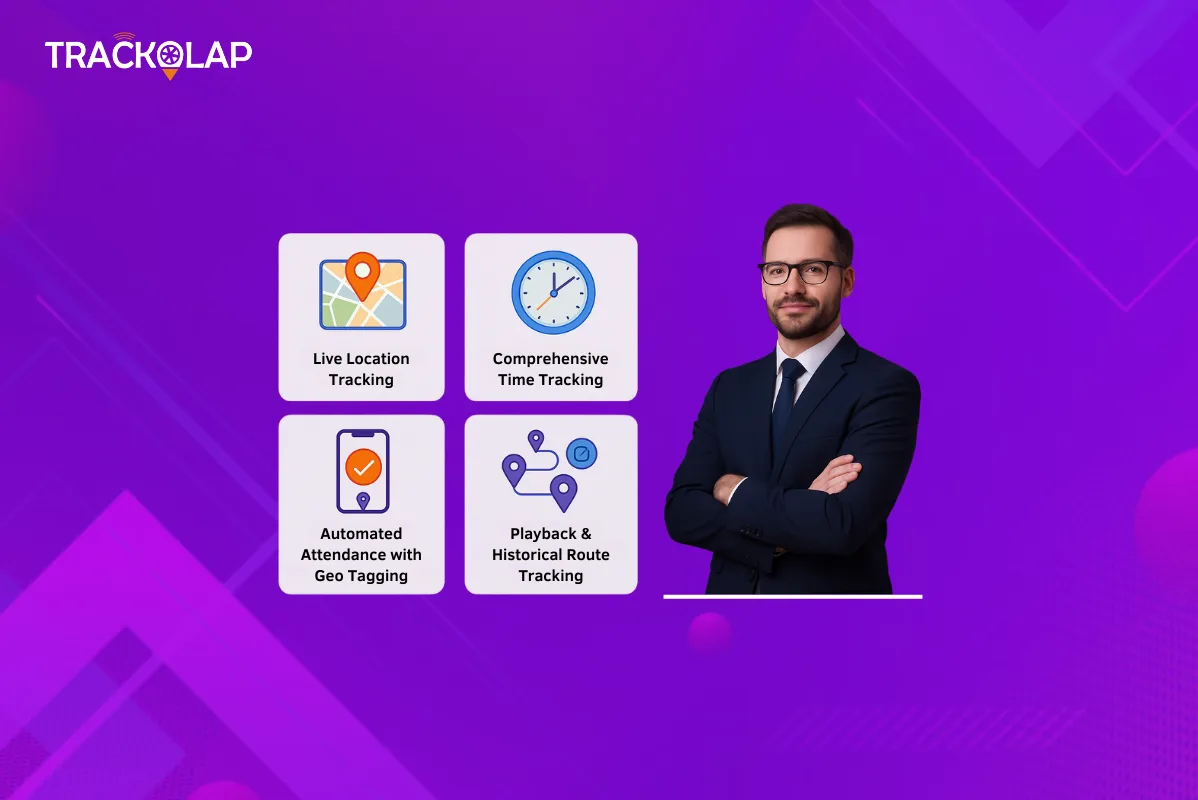
- Attendance: when and where each employee started and ended the working day, with face verification to prevent proxy punches.
- Location during working hours: where active team members are now, shown on one map.
- Routes and distance: the day's movement, stoppages and distance covered, recorded automatically.
- Visits and tasks: which customer visits or tasks were completed, with geo-tagged check-ins, forms, photos and signatures.
- Time use: time spent at each stop and on each task, to show productive and idle time in the field.
- Expenses: travel claims that can be checked against recorded distance.
How do you track field employees with a monitoring app, step by step?
Step 1: Define the purpose and publish a policy
Decide what you need to verify, such as attendance, visits, travel claims or coverage, and write a short policy explaining what is tracked, when and why. Tracking should be limited to working hours. Share it with employees before rollout.
Step 2: Set up employees, roles and territories
Add employees with role-based access and map the territories, zones or beats each team covers. Configure geofences for sites where attendance must be marked.
Step 3: Switch on verified attendance
Have employees punch in on the app with a GPS stamp and, where needed, face verification. Set shift rules and a regularisation process for genuine exceptions.
Step 4: Assign visits and tasks in the app
Move work out of chat groups and into the app. Assign customer visits and tasks with deadlines, and use forms to capture the information you need at each visit.
Step 5: Let routes and check-ins record automatically
Once the day starts, the app records location, routes, stoppages and check-ins without employees having to report them. Offline capture keeps records intact in low-coverage areas.
Step 6: Review reports and act on exceptions
Use daily attendance, distance, visit and performance reports to spot missed visits, route deviations or overload. Focus on exceptions and coaching rather than watching the live map all day.
What should you avoid when monitoring field employees?
- Tracking outside working hours: it is unnecessary and damages trust.
- Using the map instead of management: calling someone every time they stop wastes both people's time.
- Measuring presence only: pair tracking with outcomes such as orders, collections or resolved jobs.
- Ignoring device realities: GPS accuracy varies by phone and signal, so allow for small deviations.
- Skipping the explanation: review your practices against India's Digital Personal Data Protection Act, 2023, and tell employees how the data helps them too, for example through faster expense reimbursement and fewer attendance disputes.
How does monitoring benefit field employees, not just managers?
Verified records protect employees as well. Attendance disputes are settled with evidence, travel claims are approved faster when the distance is already recorded, and good performers have a record of the visits and work they completed. Automatic reporting also removes end-of-day calls and manual reports.
How does TrackOlap help you track field employees?
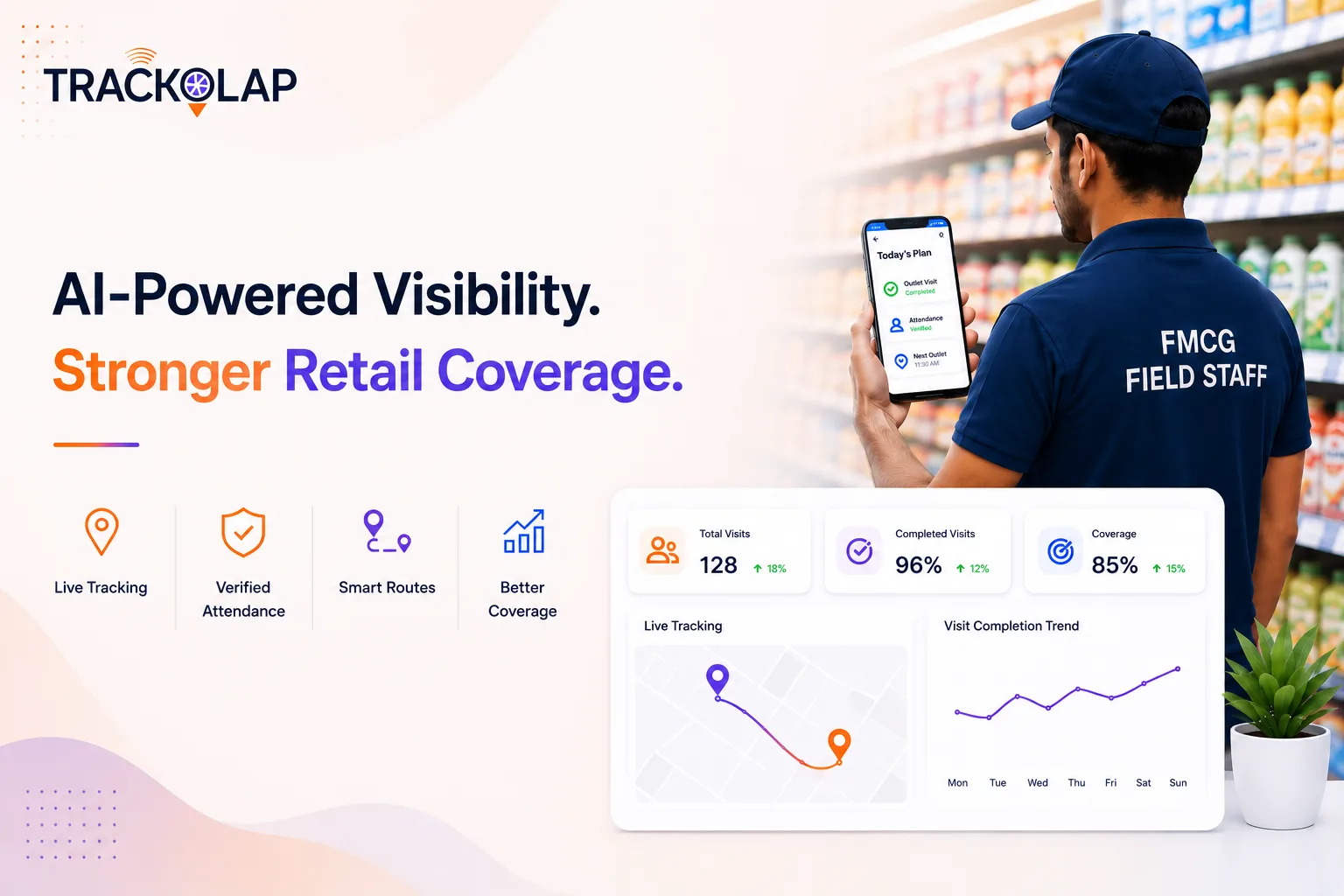
TrackOlap's employee live tracking system covers every step above: role and territory setup, AI face attendance with GPS-stamped punch-in, a live map during working hours, automatic route and stoppage recording, journey replay, offline capture and automated reports. Task management assigns visits and tasks with geo-tagged proof of completion, and beat planning software structures territory coverage. Expense management matches travel claims against tracked distance, and attendance management handles geofences and regularisation.
To compare options before you buy, read our guide to choosing employee tracking software and how route playback verifies field work.
Frequently asked questions
How can I track my field employees?
Use a field employee monitoring app that records GPS-verified attendance, location during working hours, routes, visits and tasks, and generates reports automatically, under a published policy.
Should field employees be tracked outside working hours?
No. Limit tracking to working hours. It is unnecessary outside them and damages trust.
How do I prove a field visit happened?
Use geo-tagged, time-stamped check-ins at the customer location, supported by forms, photos or signatures captured during the visit.
What if there is no network coverage in the field?
Choose an app with offline capture that stores location and records on the device and syncs when the connection returns.
How does tracking benefit field employees?
Verified records settle attendance disputes quickly, speed up travel reimbursements and remove end-of-day reporting calls.


 D-5, Logix Infotech Park, Sector 59, Noida - 201301, Uttar Pradesh (India)
 contactus@trackolap.com
 7011494501






 Demo
at free of cost
Demo
at free of cost