














 Back to Blogs
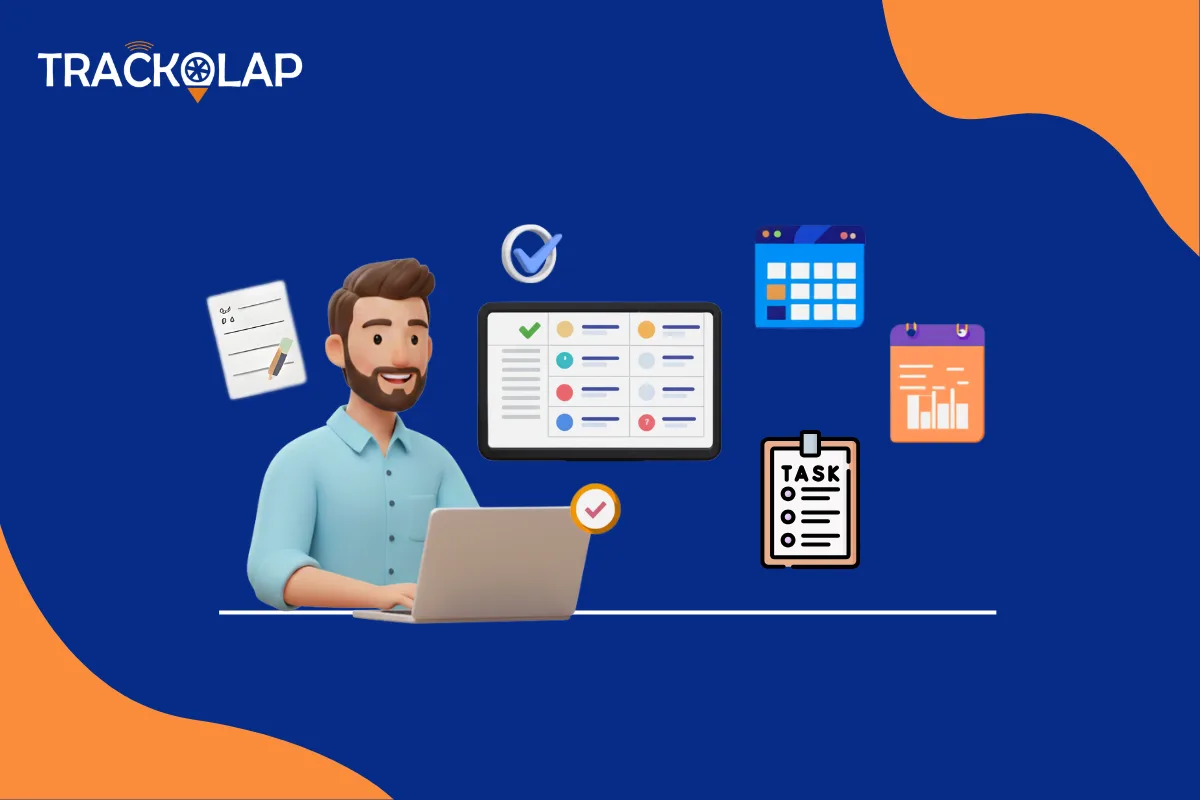
Businesses can no longer afford to delay their processes because of the manual tasks involved. It is very hectic to manage all those minor tasks manually, and it is also prone to errors. Task management software comes to the rescue to change the game.
Workflow automation is not only a trendy term. It is an effective method that is already being used by businesses, from small-scale companies to large corporations, to simplify routine operations, team accountability and productivity. If you are still using spreadsheets, sticky notes, or disconnected tools, then you need to work with your team more intelligently.
Here are the best workflow automation software that can change the operations of your business entirely, and which you can easily implement with the help of task management software.
1. Custom Task Form Automation
The process of manually distributing tasks and gathering data about tasks being completed by members of various departments tends to turn chaotic, not only in general, but particularly in an instance of working in parallel with several task groups (sales, marketing, support, etc.). However, the custom task forms will give form and order to task delegation.
What You Can Automate:
- Predefined task forms for each department
- Mandatory fields like deadline, priority, task type, or document uploads
- Fields for image attachments, digital signatures, text inputs, and more
The TrackOlap has the facility to create task forms that fit a business as it is. To take a practical example, you can introduce a form to update the meeting notes between a field sales agent and a client, upload invoice photos and mark attendance electronically using a smartphone. Not only does this offer assurance of consistency, but it also saves the in and out communications between teams.
Interactive Tip: Make a digital task form for each of the top three repetitive jobs that the team completes by hand first. The speed at which it simplifies communication will amaze you.

2. Automated Task Assignment & Scheduling
Manual work assignment frequently results in misunderstandings, particularly in large or distant teams. Employees might not understand who can take responsibility for what or when an activity is supposed to be completed. When you have a task management software, you can track the assignment of tasks through:
- Predefined roles
- Position (ideal in the automation of field sales)
- Access or load of a team member
It can be helpful with companies that have dynamic operations, either in the form of delivery, facility management, or field teams. You may also utilise location tracking apps incorporated in the system, which help to assign nearby tasks to the closest available field employee, saving time and cost.
Benefits
- Avoid Task overlap
- Be sure that it is a balanced workload.
- Make it easier to see who is responsible for accomplishing tasks as a team.
Pro Insight: TrackOlap has a centralised dashboard of all the duties. It helps the managers to allot and reallocate the duties instantly, and hence it becomes easier to manage with a change or urgency generated by the clients.
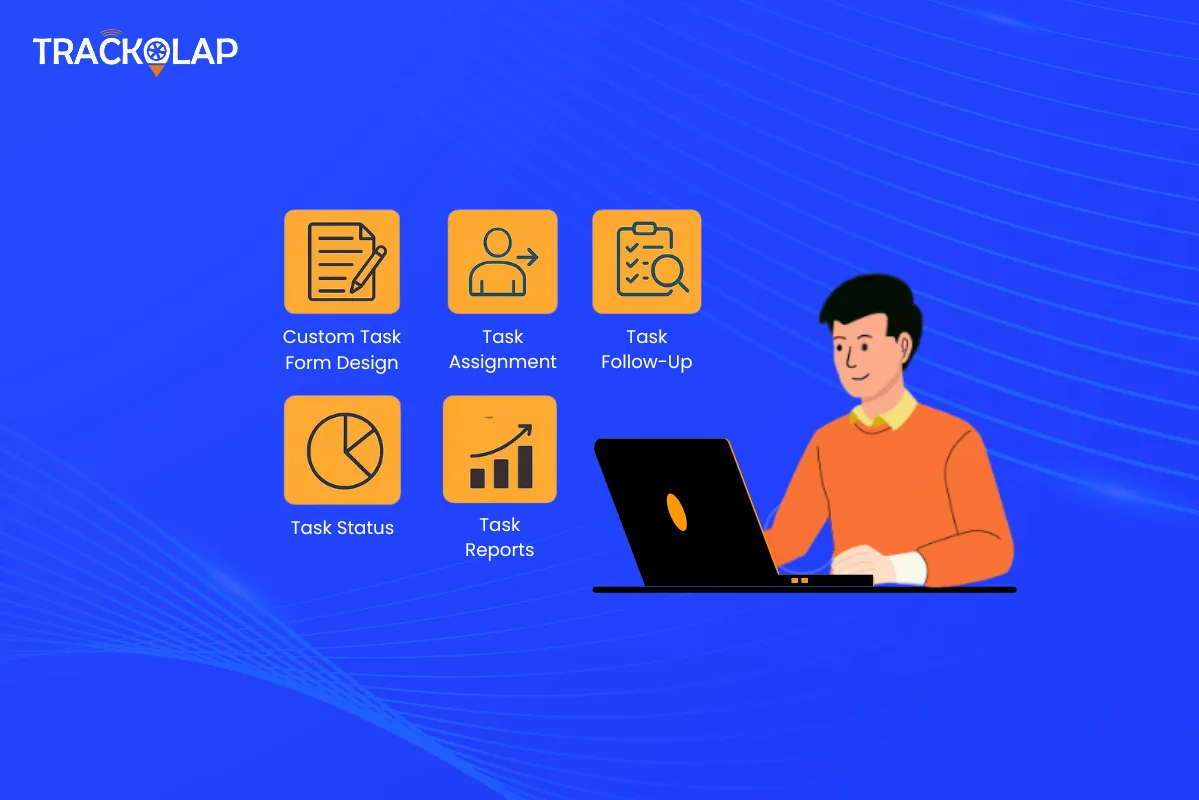
3. Real-Time Task Tracking & Status Updates
Managers will always be in the dark with a lack of visibility of the workflow, since the question will always come up:
- Is the task done?
- Did a person get stranded?
- What is the reason that the deadline has not been met?
- Real-time status tracking of tasks enables you to not rely on guesswork. You can track with TrackOlap:
- Task progress in real-time
- Pending, in-progress, completed, or overdue tasks
- Task logs with time stamps and updates
It is an advantage to members of field teams who are not at their working sites. Through the mobile task management system, the workers will be able to update the status of tasks anywhere. In the meantime, the location tracking app allows managers to determine whether the employees are indeed on the move or remain in a single location.
Real-World Use Case:
From a single dashboard, a regional sales head overseeing more than 20 agents in several cities can keep track of which agents visited which clients, the results of those visits, and the agents' next destinations.
Engage Your Team: Positively motivate or reward your employees to set their task status in real-time. It enhances openness and responsibility.
4. Automatic Follow-Ups & Reminders
Have there been occasions when you forgot to follow up on a client assignment, or you missed an essential deadline? You are not alone. Just because of bad follow-up systems, businesses lose a lot of important time (and revenue). That is where automation comes in. It is possible to set:
- Automated reminders for due dates
- Escalations of tasks remain pending beyond deadlines
- Recurring follow-ups for routine tasks
TrackOlap goes further and combines the status of tasks along with the activity log of employees and reminders scheduled onto a single platform. It even becomes possible to notify managers when a high-priority task is late or not completed.

Smart Example:
Suppose your field rep has a client who is supposed to be paid every Monday. This task can be automated so that it runs every week and elicits a follow-up in the event of a non-update by the EOD.
Quick Tip: Set a follow-up frequency according to the priority of the tasks by following up daily on high-priority tasks and weekly on low-priority tasks.
5. Automated Reporting & Performance Insights
It is among the activities that consume a lot of time by managers, particularly when they need to collect the information of numerous employees, tools and emails. The whole process is made smooth with the help of task management software.
- What You May Automate:
- Report of task completion
- Time of work on the tasks
- Reports of employee performance
The rates of task delay and the reasons for delay
You can create custom reports by clicking once, and this would help in performance review, client update and operation analysis. This is a significant asset to the companies that utilise the target management software because it allows aligning team performance with the business objectives.
Connect It All:
You can track, supported by the data, the number of sales calls that were closed, the length of each visit, and the outstanding tasks by integrating the task data with your field sales automation software.
Bonus Tip: Take advantage of automated reports and see the best performers and skill gaps. Decisions that are based on data contribute to smarter teams.
Final Thoughts
Automation of workflow is not optional anymore. It is part and field. Task management software, such as TrackOlap, may help you bring order, understanding, and productivity to your daily work, regardless of whether you lead a remote team, a large sales force, or a startup organisation.
TrackOlap will help you quickly automate tasks by allowing them to be customised, tracked in real-time, followed up intelligently, and reported automatically.
Frequently asked questions
How do delays in client visits impact business revenue?
Delays reduce client satisfaction, disrupt sales cycles, increase churn risk and lead to missed revenue opportunities—especially for field-dependent industries.
Why do field sales teams frequently face visit delays?
Unplanned routes, manual reporting, poor time management and lack of real-time tracking often cause delays in field visits.
How does field sales automation help reduce delays?
Automation provides real-time tracking, route optimization, automated reminders, geo-fencing, visit scheduling and performance monitoring to ensure timely client visits.
What are the benefits of timely client visits for businesses?
Timely visits build stronger client relationships, increase conversion rates, boost trust, improve repeat sales and enhance brand reliability.
How does TrackOlap solve client visit delays for sales teams?
TrackOlap offers automated scheduling, real-time employee tracking, route planning, instant reporting and actionable analytics to ensure on-time client visits and improved productivity.



 D-5, Logix Infotech Park, Sector 59, Noida - 201301, Uttar Pradesh (India)
 contactus@trackolap.com
 7011494501






 Demo
at free of cost
Demo
at free of cost