




 Back to Blogs

From Chaos to Clarity: How Employee Productivity Software Solves WFH Challenges
It’s 10:30 in the morning. Your remote team is online. Notifications are active, meetings are running, and project dashboards show ongoing work.
But a client deadline slipped yesterday.
You ask for updates. One employee says the task is almost complete. Another was waiting for clarification. Someone else thought the work had already been reviewed. What looked organized from the outside suddenly feels unclear.
Working remotely is not the problem. The actual problem is visibility. In the physical office, of course, managers know how the work is going on through instant chats and everyday interaction. When employees work from home, a lot of that visibility is taken away.
That's why more businesses today are adopting employee productivity software to infuse more clarity, structure, and transparency into remote operations.
"A 2024 research report found that 62% of employees feel more productive when working remotely in a flexible work environment."
However, effective management of distributed teams involves more than just video conferencing and chat applications. Businesses must have systems in place to monitor productivity, attendance, how the workflow is progressing, and how things are going with the business's efficiency without having to make all sorts of follow-up calls.
This is where tools such as TrackOlap can make a difference by providing a more structured and measurable remote work environment.
Why Managing Remote Teams Feels More Difficult Today
It is quite different to manage teams in an office than in several locations.
In a physical environment, there are small interactions happening all the time. Project progress is easily monitored, employees ask questions on the spot, and teams frequently resolve issues before they escalate to larger problems.
That's the case when working remotely.
Lack of response, confusion on who is responsible for what, updates missed, or an unstructured workflow can gradually impact team productivity. Sometimes it's not until deadlines begin to slip or clients start to follow up multiple times that managers realize something is amiss.
There are many companies out there today that are troubled by:
limited visibility into daily work progress
attendance inconsistencies
delayed reporting
difficulty identifying workflow bottlenecks
communication gaps across teams
uncertainty around productivity patterns
As teams expand in size or operate across time zones, these hurdles are more apparent.
Employee productivity software can help close these gaps in business operations, streamline workflows, and provide a single view of the day's work.
You May Also Like: 5 Must-Have Features in Employee Time Tracking Software for Growing Businesses
What Is Employee Productivity Software?
Employee productivity software is a workforce management tool that enables organizations to manage their remote and hybrid workforce more effectively.
It offers companies insight into:
AI-based attendance
Task activity
Productivity trends
Idle time
AI reports insights
However, today's employee productivity software is not only about work hours. But these are the platforms that enable businesses to coordinate better, to report more simply, to decrease manual follow-up, and to make workflows more organized for more geographically dispersed team members.
For the employees, it can be less repetitive status updates and clearer and more honest performance records. For managers, it provides enhanced operational transparency while minimizing reliance on meetings or manual reporting.
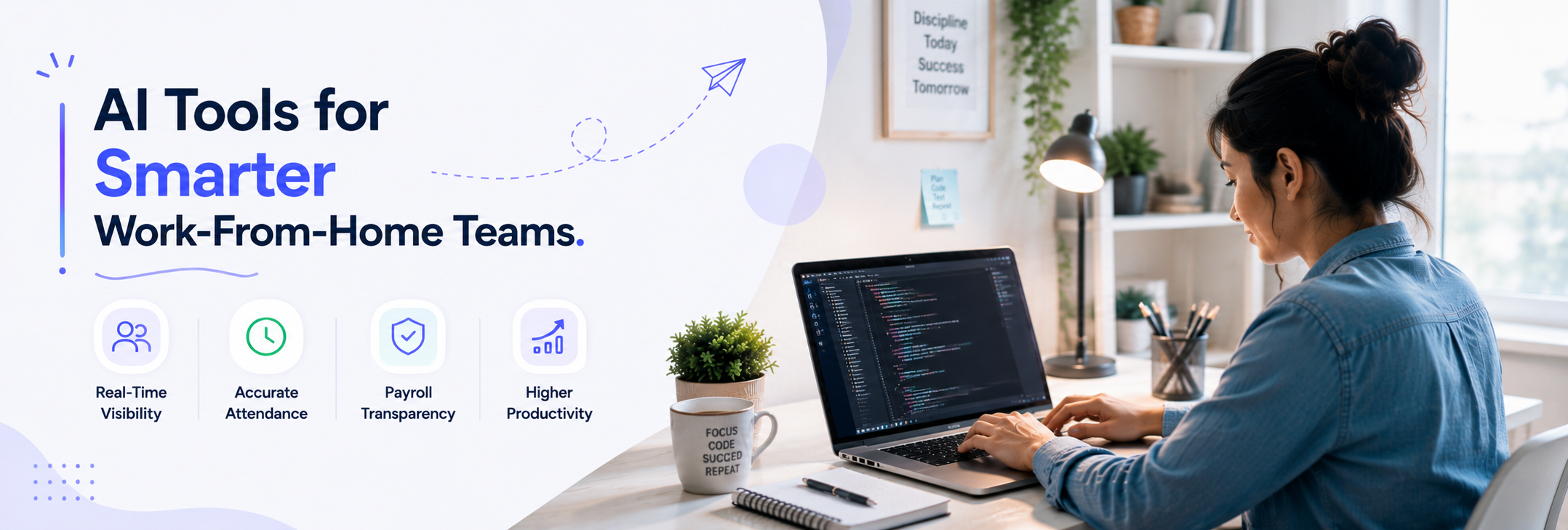
How Employee Productivity Software Solves Work-From-Home Challenges
A major difficulty in remote working is the lack of information that managers receive.
A project can seem to be on track, but may be stuck due to pending dependencies. Although an employee can be logged on for the entire day, they might be interrupted in the workflow, impacting productivity. When vision is lacking, businesses find themselves reacting to problems after they have already occurred rather than preventing them.
Employee productivity software solves this problem in minutes, which helps to make the work more organized.
Organizations can keep a more accurate record of work hours for remote employees with automated AI-based attendance tracking. Attendance data is automatically organized and centralised for reporting, rather than relying on spreadsheets or manual check-ins.
It helps to increase the transparency of the payroll process for employees and managers, and helps to alleviate payroll misunderstandings.
There are many modern workforce platforms that also have AI attendance systems today. These solutions can enhance attendance accuracy, minimize manual verification, and provide more reliable attendance data for businesses with remote or hybrid workforces.
AI-Based Attendance Makes Remote Workforce Management Smarter
It's not enough to just log in and out of a remote and hybrid team; you need to manage attendance. In distributed working environments, traditional systems often fail to give businesses operational clarity.
Using AI-powered attendance can assist organizations in creating more precise and clear records of their workforce as it verifies attendance with its advanced face recognition feature that ensures employees' identity, enhances consistency with shifts, and cuts down on manual verification.
For managers, it provides improved visibility into workforce operations without relying on a lot of follow-up work or spreadsheets. It guarantees that attendance logs are neat, readily available, and equitable in the context of flexible work arrangements for employees.
TrackOlap's AI attendance feature empowers modern HR systems to boost attendance accuracy, save administrative time, and handle remote/hybrid workforces with ease.
How Real-Time Visibility Improves Team Coordination
An important benefit of Remote Team Management Software is that managers can no longer assume they will have to wait till the end of the day to get a handle on the progress of the project.
Managers can get a view of the workflow in real time to detect bottlenecks before they become an issue for bigger projects.
This is particularly useful for remote teams, as minor communication problems can escalate to major operational challenges.
Platforms such as TrackOlap allow businesses to keep the trackers informed about:
Ongoing task progress
Work activity patterns
Application usage
Project workflows
Employee engagement trends
It helps teams work more efficiently without having to hold too many meetings or send follow-up messages.
Why Screenshot and Activity Visibility Features Matter
When working remotely, it can be difficult for managers to get a feel for what's going on between meetings or updates.
That's part of the reason why a lot of companies take advantage of activity visibility functions such as automatic screenshots and work-session tracking.
TrackOlap's employee monitoring software automatically logs workflow activity at defined time intervals, which enables businesses to keep track of structured workflows for project review, operational reporting, and workflow transparency. Importantly, these features should not be located as a means of mistrust.
Employees can also be a benefit as activity records help to show completed work, support project validation, and alleviate the need to report unnecessarily.
If used properly, employee time tracking software can facilitate a more organized and transparent remote work culture, rather than limiting it.
The Growing Importance of Dual-Screen Monitoring
The remote working environment has changed drastically in the past couple of years. Many organisations have dual or multiple screen setups to manage multiple tools simultaneously.
A developer can write code on one screen and check project communication on the other screen. A support executive can deal with tickets on another display and customer information on yet another. Designers, analysts, and operations will frequently be working on multiple applications at the same time.
Most traditional employee monitoring software only monitors the activity of a single screen, limiting the scope of activity visibility.
With TrackOlap's Dual-Screen Support for Desktop Monitoring, organizations can keep a more accurate view of operations on both desktop screens. It enhances workflow visibility and aids businesses in effectively managing remote work in today's multi-screen workspaces.
The feature is compatible with Windows, Mac, and Linux operating systems, so it can be beneficial for companies working with a variety of remote staff.
How Employee Productivity Software Benefits Employees
The most common misunderstanding regarding employee productivity software is that it is the management team's domain.
Actually, effective workforce management systems benefit employees as well as businesses.
Employees benefit from:
transparent attendance records
accurate timesheets
simplified reporting
clearer accountability
documented work activity
more organized workflows
Managers benefit from:
better operational visibility
faster decision-making
improved project coordination
structured reporting
reduced administrative workload
The goal is not micromanagement.
The aim is to establish a remote working arrangement where goals, processes, and advancement are transparent to all parties.
Business Benefits of Employee Productivity Software
Companies that implement structured workforce management systems tend to see an increase in the efficiency of their operations, as managers now have a clearer picture of what's really happening within each team.
Employee time tracking, timesheets, approvals, and reports are more automated, reducing administrative workload.
Earlier identification of delays leads to better project coordination rather than problems being picked up after deadlines have been impacted.
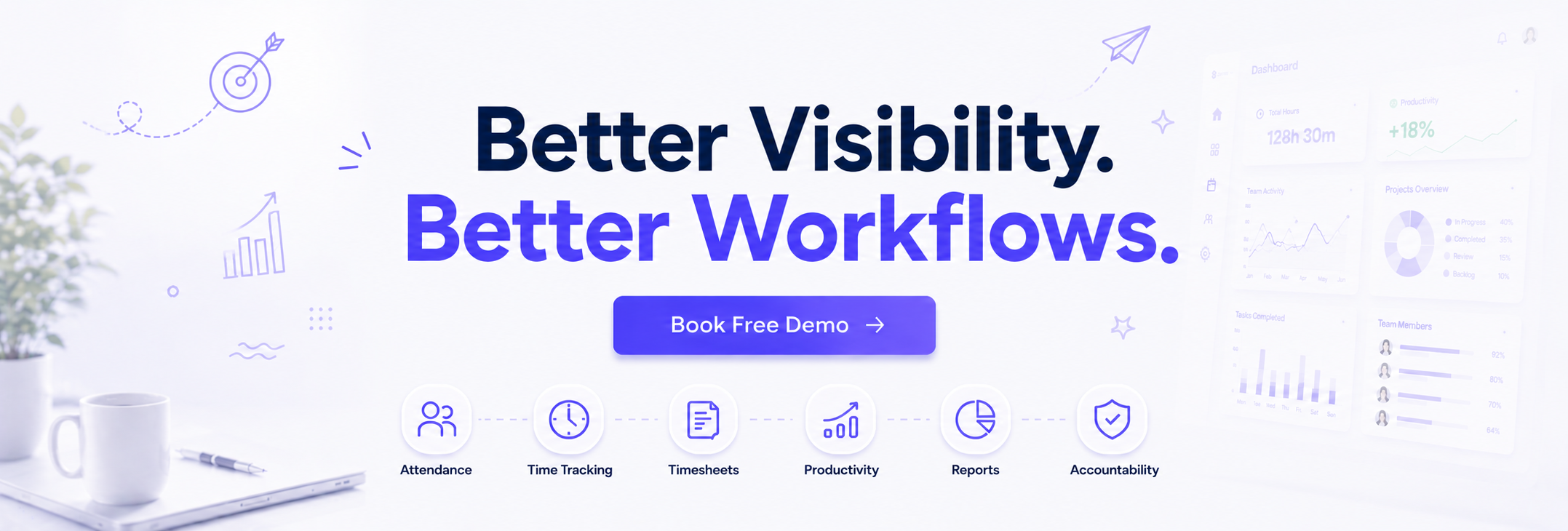
Many organisations discover that having a greater visibility of their workflow helps to enhance:
accountability across teams
productivity consistency
resource planning
project execution
communication efficiency
Over time, these improvements can help to enhance regular day-to-day business activities for remote and hybrid businesses.
Why Businesses Are Using Employee Productivity Software for Remote Teams
As remote and hybrid work continue to expand, businesses are increasingly adopting employee productivity software to improve operational visibility, workflow coordination, and workforce efficiency across distributed teams.
Remote Work Statistics | Industry Insight |
77% of remote employees say they are more productive while working remotely | Structured remote work systems improve efficiency |
58% of companies now use productivity monitoring tools | Businesses are prioritizing workforce visibility |
74% of organizations plan to permanently support hybrid work models | Remote work is now a long-term operational strategy |
67% of managers say visibility into remote workflows remains a major challenge | Businesses need better workflow transparency |
Companies using productivity tools report improved task coordination and reporting accuracy | Workforce management software supports operational efficiency |
Platforms like TrackOlap help businesses manage remote teams with better transparency, attendance tracking, productivity insights, and workflow coordination.
Conclusion
While remote work has established flexibility for both businesses and employees, it has also transformed the way organizations track productivity, communication, and visibility of operations.
Even with good teams, delays, confusion in workflow, and lack of coordination can occur if the manager does not know what is going on in the company each day without the proper systems in place.
Businesses can overcome this challenge by using employee productivity software to improve the organization, transparency, and measurability of their working space.
TrackOlap platform such as this offer features such as AI-powered attendance tracking, visibility into workflows, automated reporting, productivity insights, and dual-screen monitoring, which enable companies to manage remote teams with greater clarity and confidence.
Of course, the most important thing to keep in mind is that modern workforce management is not about replacing trust. It's all about communication, uncertainty, and working more efficiently as an employee and/or manager in this remote-first world.
FAQ
1. What is employee productivity software?
Employee productivity software is a workforce management solution designed to track attendance, productivity, activity on tasks, and visibility of the workflow of remote and hybrid teams.
2. How does employee productivity software help remote teams?
It can enhance the transparency of organizations and continually track their staff members' attendance, productivity, workflow, automate reporting, and provide a unified view of the workforce.
3. Can employee productivity software monitor multiple screens?
Yes. With its Dual-Screen Support feature, businesses can keep track of workflow across all displays connected to a Mac, Windows, or Linux computer, including the multi-monitor setup.
4. Is employee monitoring software suitable for hybrid teams?
Yes. The effective coordination and transparency of work processes are achieved by employing employee monitoring software in enterprises that have remote, hybrid, and dispersed employees.
5. How does employee time tracking software improve productivity?
Employee time tracking software assists businesses in locating workflow inefficiency, establishing increased liability, eliminating administrative confusion, and setting up more formal productivity management throughout teams.




 D-5, Logix Infotech Park, Sector 59, Noida - 201301, Uttar Pradesh (India)
 contactus@trackolap.com
 7011494501





 Demo
at free of cost
Demo
at free of cost