
















 Back to Blogs
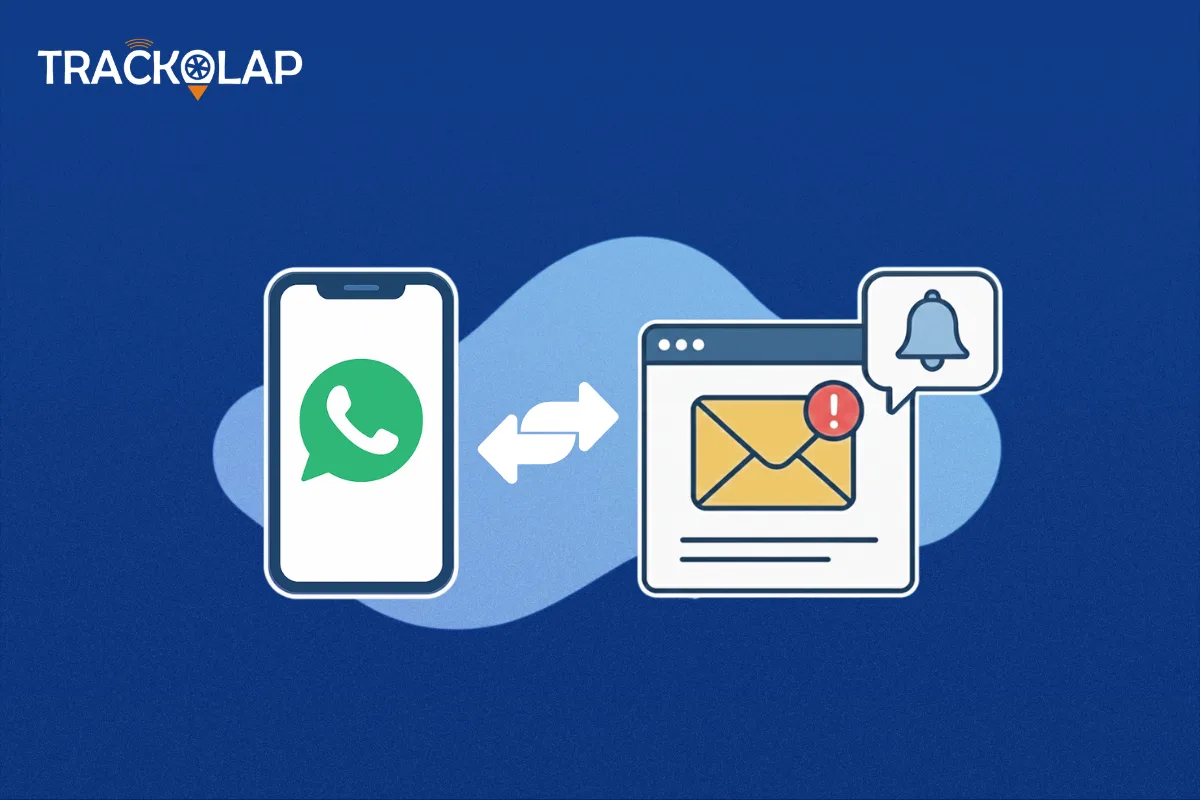
Imagine this: A hot lead is on their way to calling you after visiting your website and completing a contact form. However, it is too late to convert when your sales team receives the alert four hours later. Consider the same scenario, except this time, the sales representative gets both an email and a WhatsApp notification right away. In less than 2 minutes, they have a call with the lead.
That is the benefit of having WhatsApp and Email integration to get instant sales alerts. And in the case you use sales process software or CRM with WhatsApp integration, this would soon be your new normal.
In this blog, we are going to guide you through what, why and how of using WhatsApp and Email as a part of your sales alert system and ensure that your business is no longer missing out on any potential revenue opportunity.
Missed Alerts Mean Missed Revenue: Why Instant Notifications Matter
Sales in the modern world don't wait. Your competitors will likely reply to leads if your company doesn't within minutes. Companies that only use manual alerts or delayed email follow-ups frequently encounter:
- Missed opportunities
- Slow turning costs
- Internal confusion
- Low conversion of leads
Conversely, by having CRM WhatsApp integration and reminders by email, you are providing your salespeople the capability to see what is happening and the ability to take immediate action. It goes particularly well with a sales process software that automates the whole working routine.
What You Need to Build an Instant Alert System
To create this real-time alert system, you will be linking three major technologies:
Your CRM: This will become your source of central information for leads, deals and customer activity.
WhatsApp API Integration: So that you can connect directly and instantly with your workforce and clients.
Automated Emails: To organise a series of updates and follow-ups, and to notify multiple recipients.
The two work together to provide a fast communication loop between your system, your team and your customers.

Choose a CRM That Works as Fast as You Do
This is the backbone of your set-up. The CRM that you have should be able to support:
- WhatsApp native CRM integration
- Automation responses are spurred by real-time automation.
- Role-based notifications/ Lead routing
- Portable access to travelling squads
The decent WhatsApp CRM software will not only push notifications but should also enable assigning leads, reminders, and tracking all points of contact through one platform.
Make sure your CRM integrates well with your preferred email application, be it Outlook, Gmail, or any other automation software at a professional level.
Map Out the Perfect Moments for Instant Alerts
Not all actions require a notification. It is crucial to describe your sales process to prevent alert weakness. Several points usually demand alerts:
- When a new lead is captured
- When a sales representative is given a lead
- When a demo or meeting is planned
- When a transaction proceeds to the level of negotiation or closing
- When a deal is won or lost
In all these things, you have to make a decision on whether just sending in a WhatsApp alert will be sufficient or whether an email tracking needs to be attached to it. One more thing is to determine whom to notify-a manager, an individual sales rep or the entire team. Such clarity transforms your sales process software into a powerful alert engine.

Turn WhatsApp Into a Real-Time Sales Assistant
When your CRM is integrated with WhatsApp, the thing you need to do is to set automation rules. Connecting to the official WhatsApp Business API is the first step. This guarantees agreement, safety and surety of delivery of the messages. Next, develop acceptable message templates for your alerts. These may be:
- New Lead Assigned
- Remind me of the call at 3 PM
- Lead entered the Negotiation Stage
Assign these templates to relevant sales actions within your CRM. The team will receive a real-time alert via WhatsApp as soon as the trigger goes off.
Always test the setup in detail to avoid missed warnings or delivery slowdowns. By their very design, alerts should be delivered in less than 30 seconds.
Use Email to Add Clarity, Detail, and Documentation
While WhatsApp is good for speed, emails are great for detail. It is the best way to upload rich lead data or attachments, or to have several recipients included in the communication loop. Your lead management software should allow these emails to be prepared dynamically with variables such as:
- Lead name
- Source (website, LinkedIn, etc.)
- Assigned representative
- Time of submission
- Current stage in the funnel

Example:
Subject: New Lead from LinkedIn — John Smith
Body: Assigned to Priya Sharma. Contact me immediately. Lead is interested in a product demo this week. Hence, this dual use of WhatsApp and email for urgency and depth gives the full sales team both visibility and actionability.
Keep Your Sales Team Connected—Anywhere, Anytime
The sales departments today are hardly ever desk-bound. Field people, working from home, and even juggling multiple areas exist, and that's exactly why your alerts must be mobile-first. Ensure that your CRM and automation platforms should:
- Work correspondingly with the mobile apps
- Allow WhatsApp push notifications
- Format emails with a responsive/mobile view
- Once salesmen have access in real-time on their mobile devices, they can plug in leads from any corner of the world.
- Optimise Your Alerts With the Right Data
- It's not a one-off action to configure alerts. Measure the system and make adjustments as needed. Here are some samples to be measured regularly:
- Average time between alert initiation and agent response
- Number of missed or ignored notifications
- Rate conversion after receiving alerts
- Sales team input on the usefulness of alerts
Using this data, you can enhance the messaging, reschedule notification timings, or eliminate notifications. Your sales pipeline software should provide reporting and insights so that you can make these decisions.
Increase Sales Efficiency with WhatsApp and Email Alerts
WhatsApp and email represent an unstoppable duo that can expedite the sales process. Instantly, WhatsApp sends proactive alerts to your sales team. On the other hand, emails deliver more structured and detailed updates. This way, leads become immediately aware, get assigned quicker, and are followed through by the sales team in an uninterrupted manner. This kind of engagement helps boost conversion rates for the sales teams. While manual delays and errors are prevented with automated alerts, this also provides businesses with better control and visibility when adopting the more modern way of sales communication.
Ready to Automate Sales Alerts? TrackOlap Has You Covered
TrackOlap equips your business to send real-time WhatsApp and email alerts that never let any sales team member miss a lead. The CRM with WhatsApp integration empowers sales reps to immediately notify each other, smartly assign leads, and smoothly follow them up. The sales teams are able to respond faster, engage more effectively, and close more deals with ease. TrackOlap keeps your team connected and in control from anywhere via mobile access and smart automation. With the automation of your sales alerts powered by TrackOlap, your sales become a faster, smarter, and more productive system. To see that power in action, contact us today.
Frequently asked questions
What is WhatsApp CRM integration?
It connects WhatsApp with your CRM to send real-time alerts and manage leads faster and more efficiently.
Why should I use WhatsApp and email for sales alerts?
They give instant updates and detailed follow-ups, helping your team respond faster and close more deals.
Can I send alerts to multiple team members?
Yes, you can automatically send alerts to assigned sales reps, team leaders, or managers based on your workflow.
Are WhatsApp alerts secure for business use?
Yes, using the official WhatsApp Business API ensures secure, compliant, and reliable communication for sales alerts.
Do I need technical skills to set this up?
No, platforms like TrackOlap offer user-friendly tools to automate alerts without needing any coding knowledge


 D-5, Logix Infotech Park, Sector 59, Noida - 201301, Uttar Pradesh (India)
 contactus@trackolap.com
 7011494501






 Demo
at free of cost
Demo
at free of cost