






 Back to Blogs
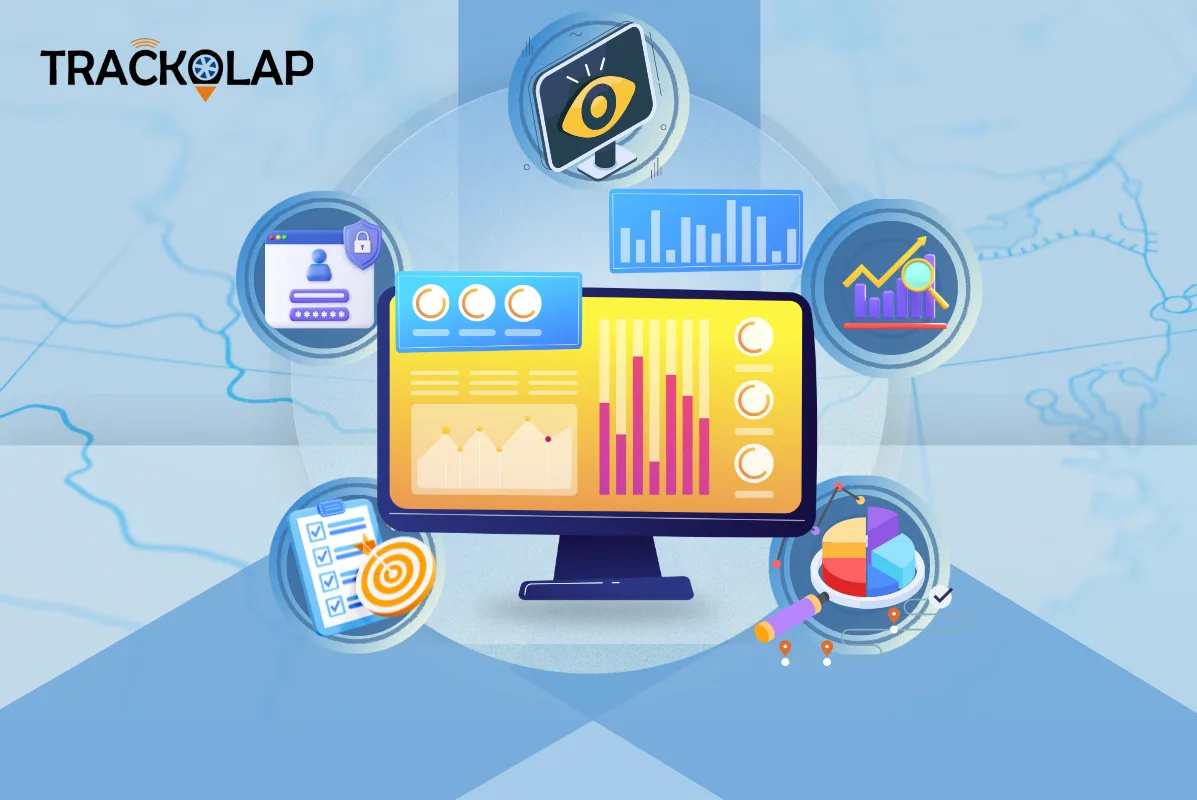
In short: The best employee monitoring software in 2026 records work activity automatically (active and idle time, application and website usage, and optional screenshots), then turns it into attendance, timesheets and productivity reports your managers can act on. Just as important, it lets you set a transparent, role-based policy before anything is captured. Choose a tool based on what you actually need to see, how well its policy controls protect trust, and how its data feeds payroll and projects, not on how many surveillance features it lists.
What does employee monitoring software do?
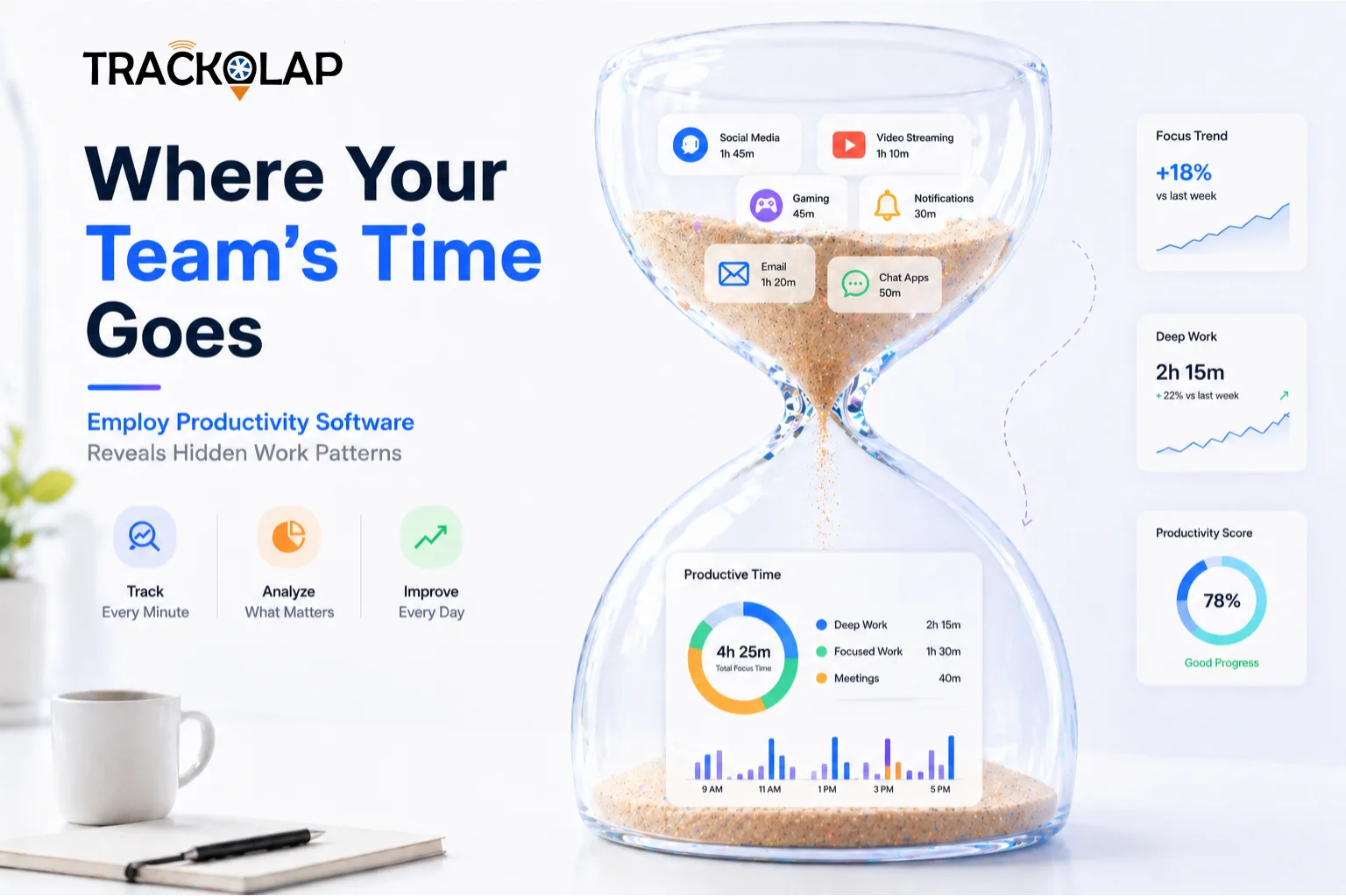
Employee monitoring software records signals of work while employees are on shift, usually through a desktop application, and summarises them for managers. Typical data includes login and logout times, active versus idle time, the applications and websites used, and, where enabled, periodic screenshots. Better tools go a step further and convert those signals into things the business already needs: attendance records, timesheets, project hours and productivity trends.
It is different from field tracking. If your people work on the road rather than at a computer, an employee live tracking system with GPS attendance and visit verification is usually the better fit. Many organisations use both.
Why do businesses use employee monitoring software?
- Accountability without constant check-ins: managers can see whether work is happening without asking for manual status updates.
- Accurate timesheets and payroll: hours are captured automatically instead of being reconstructed at month end.
- Workload balance: consistently long hours or rising overtime can signal that someone is overloaded before it turns into burnout.
- Project visibility: when hours are mapped to tasks and projects, you can see the real effort and cost behind each deliverable.
- Remote and hybrid consistency: office, home and hybrid staff are measured by the same rules.
What features should the best employee monitoring software have?
Automatic activity capture
Look for active versus idle detection, application and website logs, and configurable screenshots that run only during working hours. Capture should not rely on employees starting timers.
Attendance and timesheets from real activity
The tool should mark attendance and build daily or weekly timesheets automatically, including breaks and idle time, and export them to payroll. This removes the most common source of disputes: self-reported hours.
Productivity classification by role
A design tool is productive for a designer and a distraction for an accountant. Good software lets you define productive and unproductive categories for each role, team or department rather than applying one blanket list.
Task and project time attribution
Mapping recorded hours to tasks and projects shows effort, cost and billable versus non-billable time. This connects monitoring to delivery rather than surveillance.
Alerts for exceptions, including overwork
Useful alerts cover prolonged idle time, absence, unauthorised applications and signs of overwork. Managers should act on exceptions rather than watch dashboards all day.
Policy, privacy and transparency controls
Role-based policies, capture limited to working hours, privacy exclusions and employee-visible data are now essential. Employees should be able to see what is recorded about them.
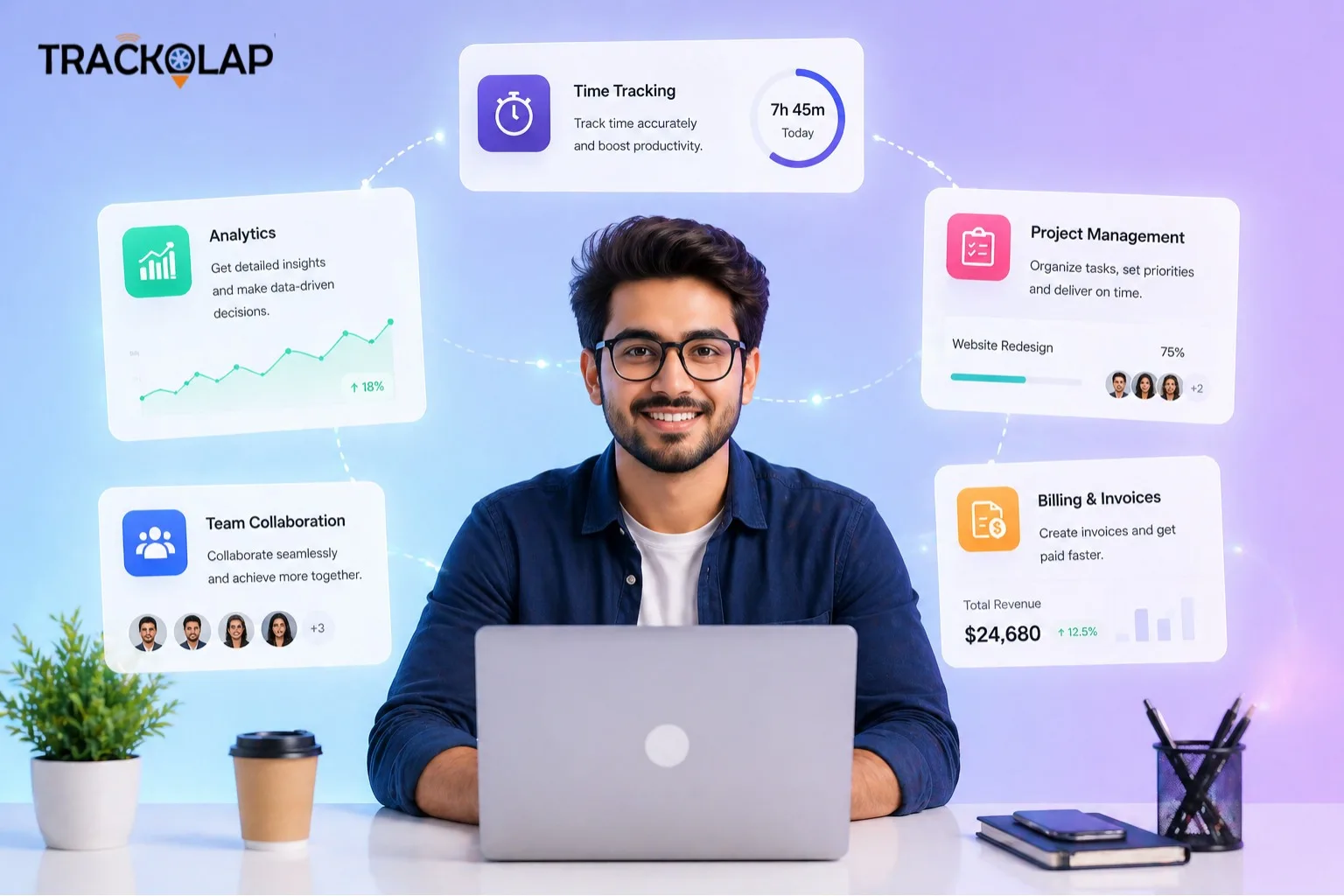
Which monitoring approach fits your team?
| Approach | Best for | What it captures | Watch-outs |
|---|---|---|---|
| Desktop activity monitoring | Office, remote and hybrid knowledge workers | Active and idle time, app and website usage, optional screenshots | Activity is not the same as output; needs a clear, published policy |
| Time tracking and timesheets | Teams billed by the hour or managed by project budgets | Hours per day, task and project; billable time | Only useful if tasks and projects are kept up to date |
| Field location tracking | Sales, service and collection teams on the road | GPS attendance, live location in working hours, routes and visits | GPS accuracy depends on device and signal; limit tracking to shift hours |
What are the limitations of employee monitoring?
Monitoring shows effort signals, not results. A person can be active all day and deliver little, while another does their best thinking away from the keyboard. Use activity data to spot patterns and start conversations, not to rank people on active minutes alone. Over-collection also carries risk. Capture only what the purpose requires, explain it in writing, and review your practices against India's Digital Personal Data Protection Act, 2023, taking legal advice where needed.
How should you roll out employee monitoring?
- Write down the purpose: payroll accuracy, project costing, workload visibility or compliance.
- Choose what is captured for each role and publish the policy before switching anything on.
- Pilot with one team, review the reports together, and adjust categories and thresholds.
- Expand gradually, and show employees their own data so it becomes a self-improvement tool.
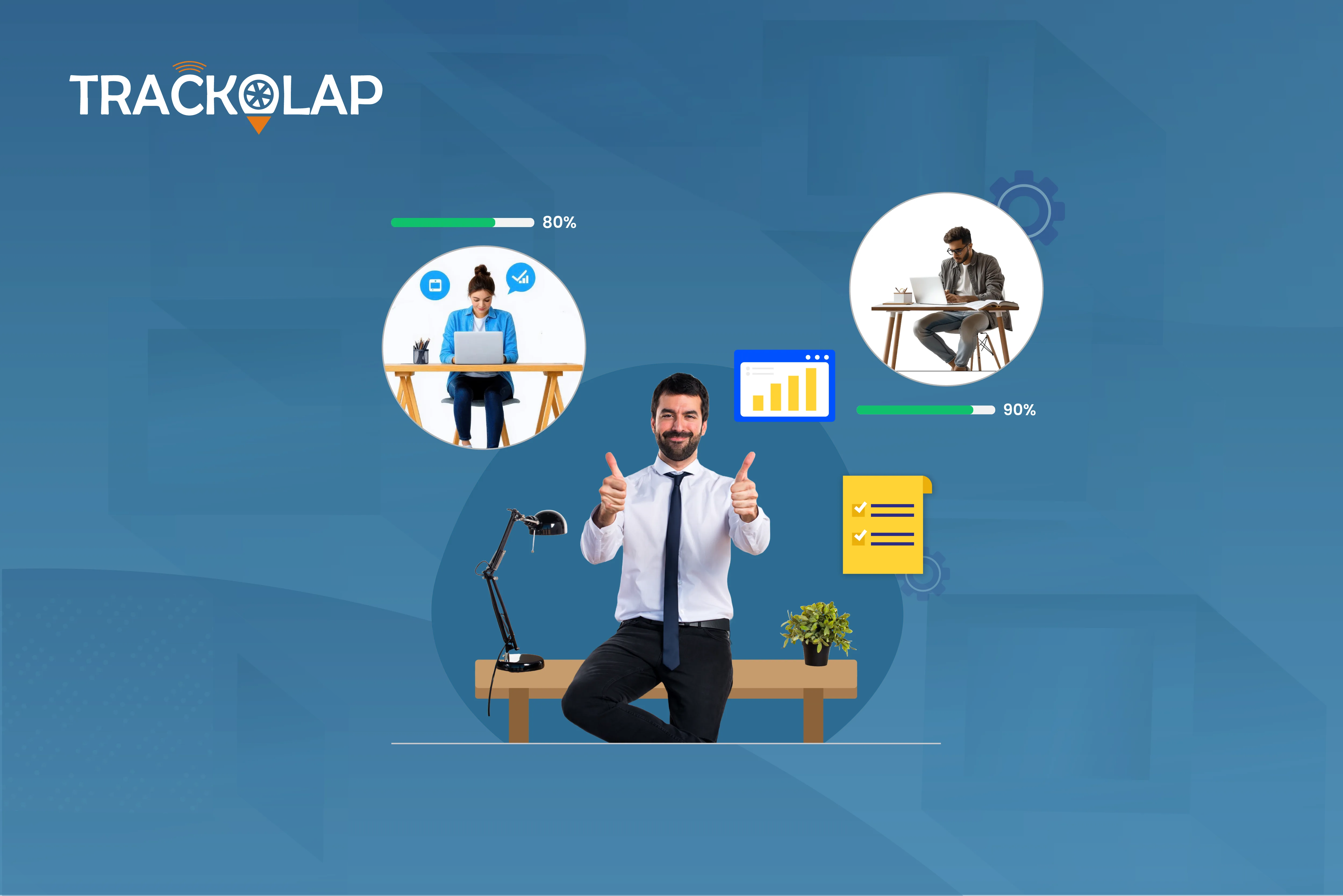
Is TrackOlap the right employee monitoring software for you?
TrackOlap's employee monitoring system records activity in the background, separates productive hours from idle time, and turns work signals into attendance, timesheets and productivity reports. It supports automated screenshots, application and website logs, role-based policies, work-hours-only capture, privacy exclusions and alerts for idle time, absence, unauthorised applications and overwork. Hours can be mapped to tasks and projects, and timesheets exported to payroll.
It suits organisations that want monitoring, time tracking and productivity reporting in one place across remote, hybrid and office teams. If you only need attendance, a dedicated attendance management system may be enough. See remote team management pricing or book a demo to test it with your own policy.
For related reading, see how productivity software reveals hidden productivity gaps and our guide to the best employee time tracking software.
Frequently asked questions
What is the best employee monitoring software?
The best option depends on your team, but strong tools record activity automatically, turn it into attendance, timesheets and productivity reports, classify productive work by role, map hours to projects and let you set transparent, role-based policies limited to working hours.
Is employee monitoring software legal in India?
Monitoring work devices during working hours is common, but organisations should tell employees what is collected and why, collect only what the purpose needs and review practices against the Digital Personal Data Protection Act, 2023, taking legal advice where needed.
Does employee monitoring software improve productivity?
It can, when the data is used to remove blockers, balance workload and cut manual reporting. Used only to rank people by active minutes, it tends to damage trust without improving output.
What is the difference between employee monitoring and employee tracking?
Monitoring usually refers to computer activity such as active time and application usage for desk-based staff. Tracking often refers to location, attendance and visits for field staff. Many businesses need both.
Can employees see their own monitoring data?
Good tools allow it. Showing employees their own data improves transparency and helps them manage their own time.


 D-5, Logix Infotech Park, Sector 59, Noida - 201301, Uttar Pradesh (India)
 contactus@trackolap.com
 7011494501






 Demo
at free of cost
Demo
at free of cost