
















 Back to Blogs
In short: Before deploying geofencing for your workforce, decide exactly what it is for (usually verified attendance or site check-ins), which roles need it, and where the boundaries should be. Limit it to working hours, publish a clear policy, and provide an approval process for genuine exceptions such as a changed client location. Test it on your team's real devices and sites, and make sure the data flows into attendance and payroll so it saves work rather than adding another report.
What is geofencing in workforce management?
A geofence is a virtual boundary drawn around a real location such as an office, branch, warehouse, client site or territory. In workforce tools, it is mainly used to allow or flag attendance punches and check-ins depending on whether the employee's device is inside that boundary. This is different from geofencing in marketing, which triggers ads or notifications for customers. This guide covers workforce use only.
What should you consider before deploying geofencing?
1. Your objective
Be specific. Common goals are preventing attendance from the wrong location, verifying visits to client or project sites, and reducing attendance disputes. The objective decides everything else.
2. Which roles need it
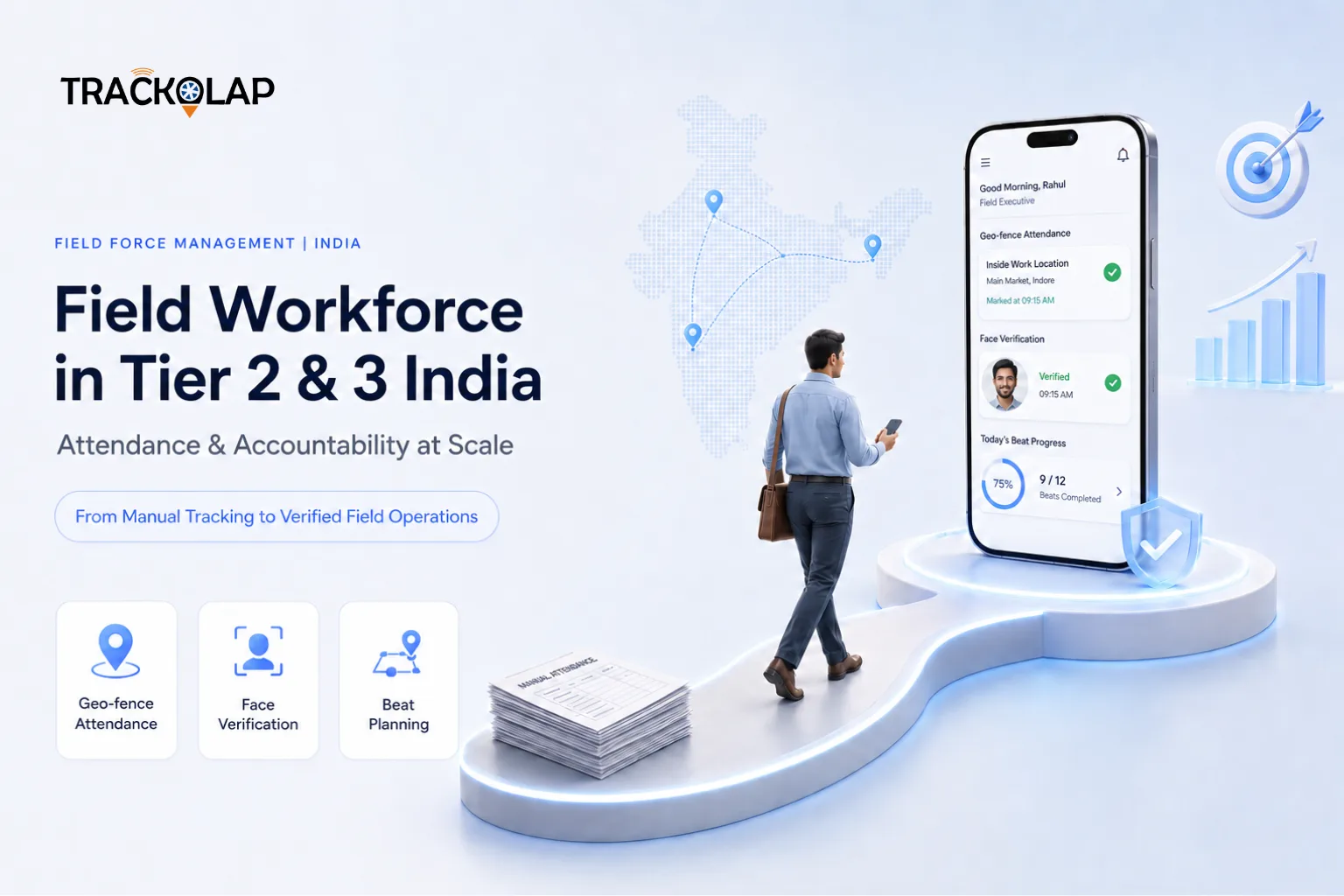
Office and site-based staff often need a fixed geofence. Field sales staff may need check-ins at customer locations instead. Some roles may not need geofencing at all.
3. Boundaries and locations
Map every location you will use. Boundaries that are too tight cause false rejections, while boundaries that are too wide weaken verification. Plan how new or changed locations will be added.
4. Privacy, consent and policy
Explain in writing what location data is collected, when, and why. Limit capture to working hours and to what the objective requires. Organisations in India should review this against the Digital Personal Data Protection Act, 2023, taking legal advice where needed.
5. Devices and accuracy
Location accuracy depends on the phone, GPS signal, indoor coverage and battery settings. Test at your actual sites, including basements and rural areas, before rollout.
6. Exceptions and regularisation
People will sometimes be legitimately outside a boundary. Provide a request-and-approval route for corrections, with an audit trail, so exceptions do not become disputes.
7. Integration with attendance and payroll
Geofenced punches should feed attendance, overtime and payroll directly. If they end up in a separate report someone must reconcile, the benefit is lost.
8. Pilot, training and review
Pilot with one team, train employees on how check-ins work and what to do when they fail, then review rejection rates and adjust boundaries before expanding.
9. Cost and scalability
Consider per-user pricing, the effort to maintain locations as you grow, and whether the same tool covers other needs such as live tracking and expenses.
Geofencing vs live GPS tracking vs manual check-ins
| Method | What it verifies | Best for | Limitations |
|---|---|---|---|
| Manual check-in | Nothing independently; relies on the employee's word | Very small, high-trust teams | Proxy attendance and disputes are hard to resolve |
| Geofenced attendance | That a punch happened inside an approved boundary | Office, branch and site-based staff | Needs well-maintained boundaries and an exceptions process |
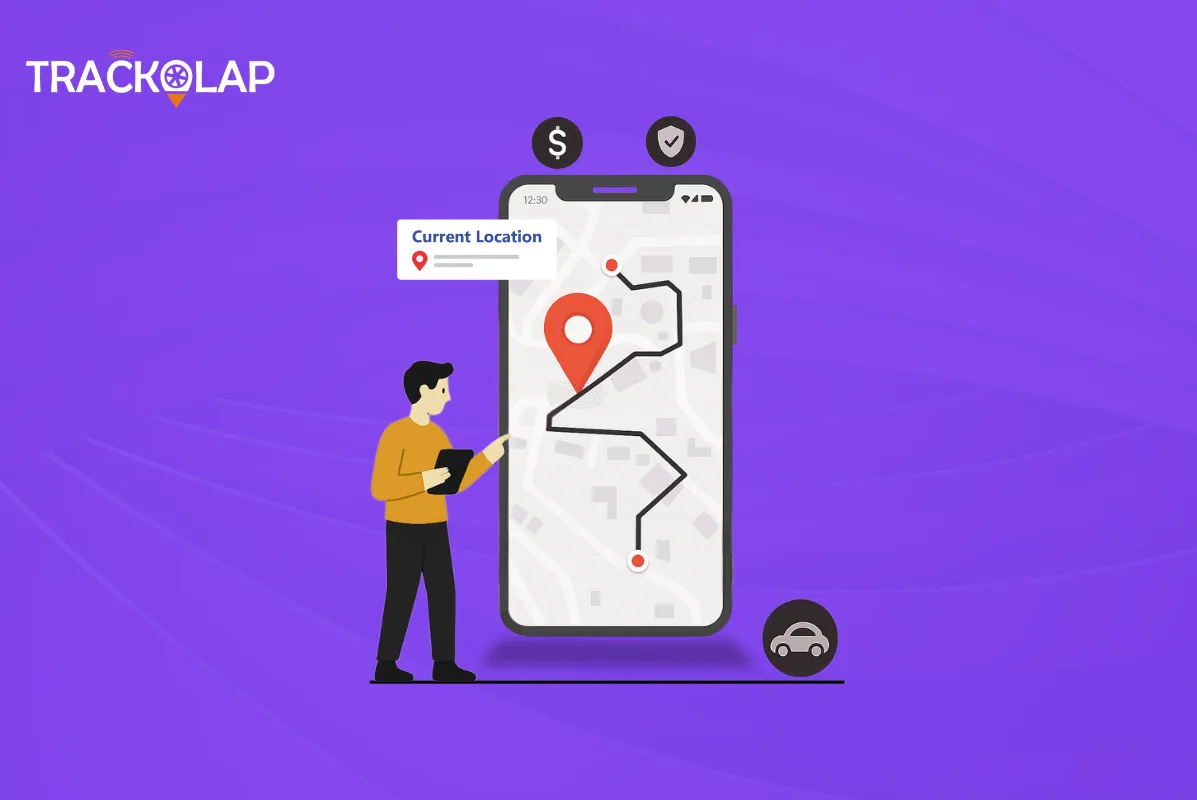
| Live GPS tracking | Location and route during working hours | Field sales, service and collection teams | More data to govern; accuracy depends on device and signal |
What are the benefits of geofencing for employee management?
- Attendance that is verified by location rather than self-reported.
- Fewer proxy punches and fewer attendance disputes.
- Faster payroll processing, because attendance arrives already verified.
- Evidence for site and client visits, especially when combined with live tracking and route history.
What are the limitations of geofencing?
Geofencing proves location at a point in time, not the work done. GPS drift can occasionally place a genuine punch outside the boundary, and boundaries need maintenance as locations change. It works best as one part of a wider attendance and field-management process.
How does TrackOlap support geofencing?
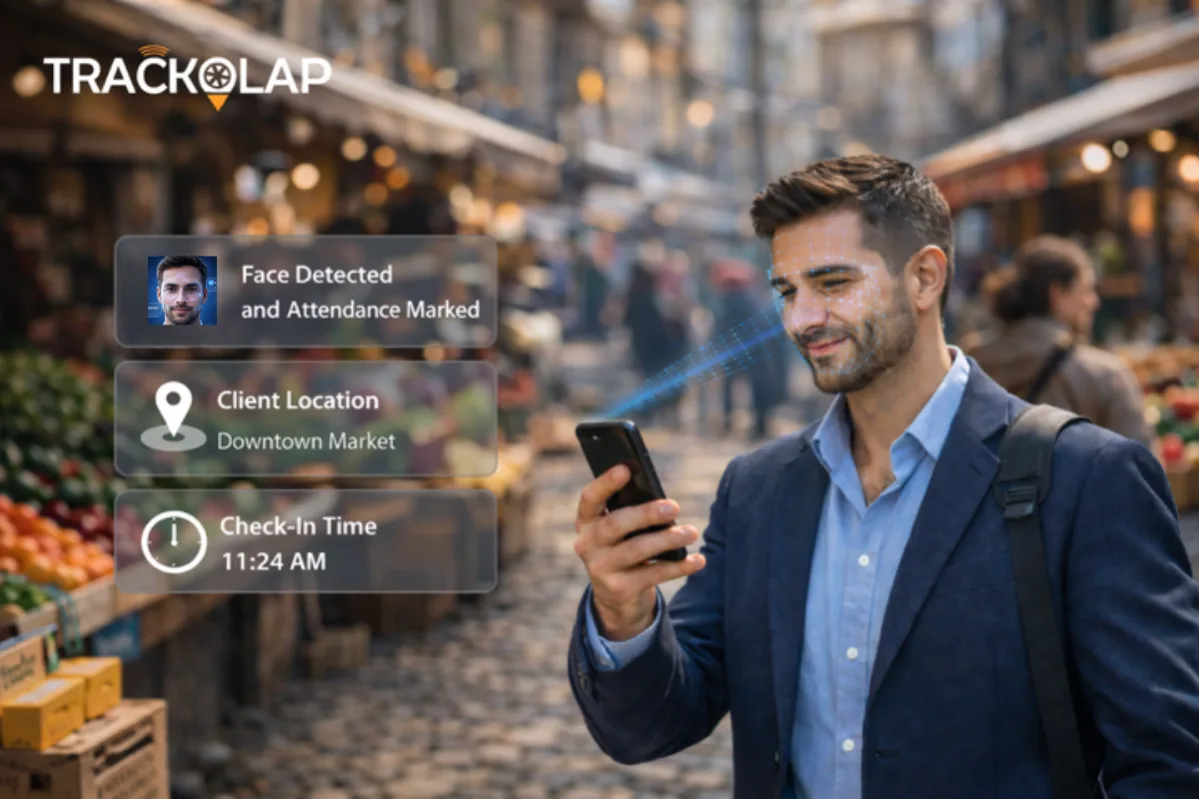
With TrackOlap's attendance and leave management software, you can configure geofences around offices, client sites or territories. Out-of-boundary check-ins are flagged before payroll, and missed or disputed punches go through an approval workflow with a full audit trail. For field teams, the employee live tracking system adds AI face attendance, live location during working hours, route recording and journey replay, and field sales automation adds verified customer visit check-ins.
Read more about geo-based attendance and field attendance tracking in tier 2 and 3 cities, or request a demo to test geofencing at your own sites.
Frequently asked questions
What is geofencing for employee attendance?
A virtual boundary around a real location, such as an office or client site, used to allow or flag attendance punches depending on whether the employee’s device is inside it.
How accurate is geofenced attendance?
Accuracy depends on the phone, GPS signal and location, including indoor coverage. Test at your actual sites and provide an exceptions process for genuine errors.
Is geofencing legal for employee attendance in India?
It is widely used, but employees should be told what location data is collected and why, capture should be limited to working hours, and practices should be reviewed against the Digital Personal Data Protection Act, 2023.
What is the difference between geofencing and live GPS tracking?
Geofencing checks whether a punch or check-in happened inside an approved boundary. Live tracking records location and route throughout working hours, which suits field teams.
What happens when an employee is legitimately outside the geofence?
A good system lets them raise a regularisation request that a manager approves, with the original entry and the change kept in an audit trail.




 D-5, Logix Infotech Park, Sector 59, Noida - 201301, Uttar Pradesh (India)
 contactus@trackolap.com
 7011494501






 Demo
at free of cost
Demo
at free of cost