

















Trackolap logo

Evidence-Based Visibility for Remote and Hybrid Teams

Employee Monitoring Software Replaces Assumptions With Evidence

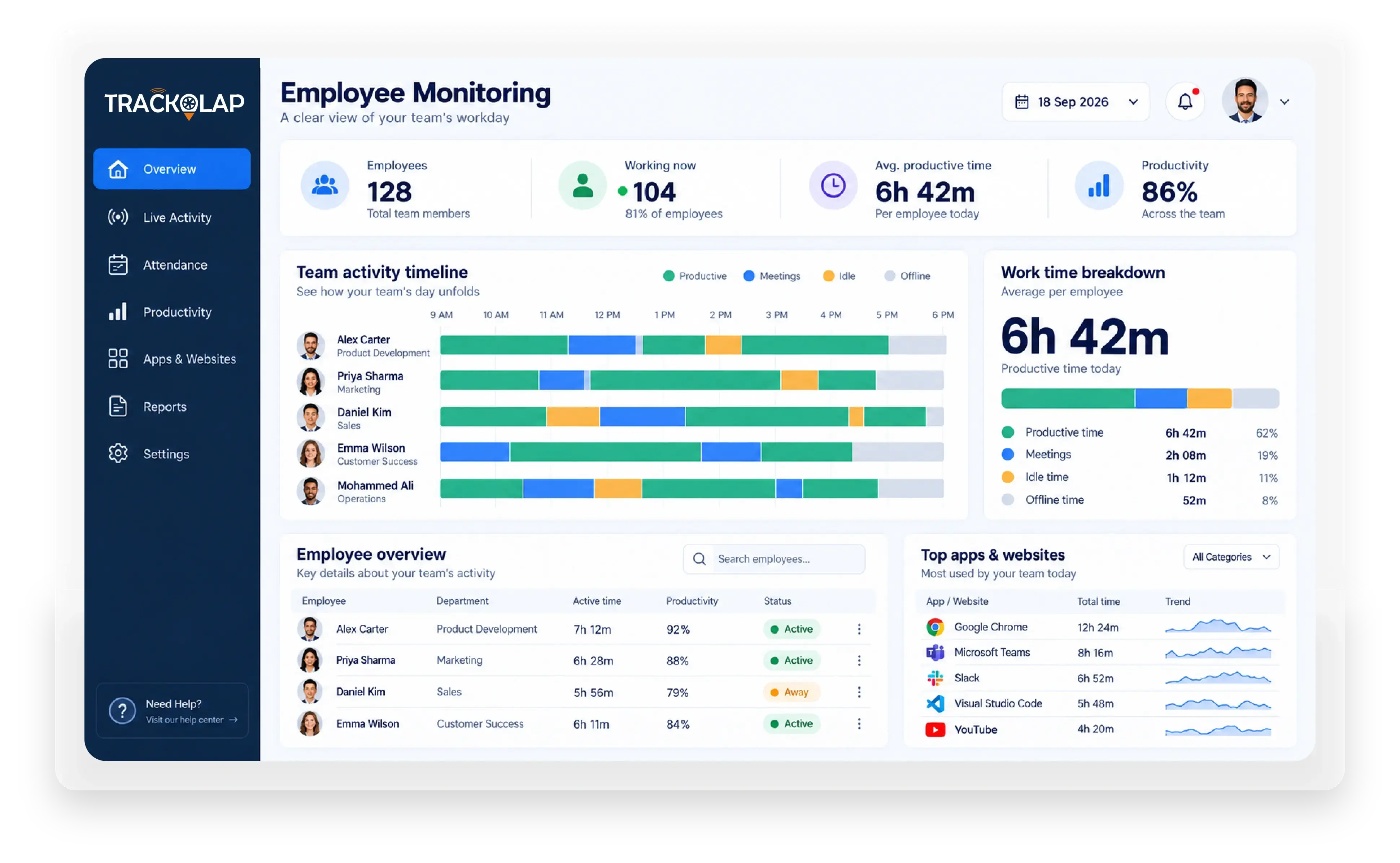
TrackOlap employee monitoring system records work activity during working hours, including active and idle time, application and website usage, and optional screenshots. It turns this into attendance, timesheets and productivity reports under role-based policies, helping businesses manage remote, hybrid and office teams.

TrackOlap employee monitoring dashboard showing team activity, productive time, app usage and attendance

Your Team Is Working. Can You Prove Where The Hours Went?

For organisations comparing employee tracker software and employee management software for small business teams, the real challenge is visibility because effort can become invisible when work leaves the office floor.

  • Zero blind spots
  • No idle-hour disputes
  • No manual timesheets
  • No unverifiable status updates
  • No end-of-day reporting guesswork
  • Complete work-hour attribution

Workforce visibility, governed end to end.

Available on: Web, Android and iOS

Google Play App Store

One transparent work record for remote, hybrid and office teams.

Tell Us Your Queries,
We are here to assist you

See how TrackOlap can turn activity, attendance, time and productivity into one verifiable work record.

How TrackOlap's Employee Monitoring System Works

Seven Controlled Stages, From Consent-First Setup To Evidence-Based Performance Review.

CONFIGURE STAGE 1

Set the Policy Before Monitoring Starts

Define what is captured, for which roles, during which working hours every employee sees the same policy applied to them.

Key capabilities:

  • Role-Based Monitoring Policies
  • Employee-Visible Transparency
  • Work-Hours-Only Capture
  • Privacy Exclusions

TrackOlap role-based employee monitoring policy with working hours and privacy exclusions

CAPTURE STAGE 2

Record Every Work Signal Automatically

TrackOlap employee tracker software runs silently in the background, building the record while people work with no timers, forms or reminders.

Key capabilities:

  • Automated Screenshots
  • Application and Website Logs
  • Active vs Idle Detection
  • Cross-Device Coverage
TrackOlap employee activity monitoring with active time and application usage capture

VERIFY STAGE 3

Turn Logins Into Payroll-Ready Attendance

Presence is measured from real system activity rather than a self-reported check-in, so every timesheet arrives ready for payroll processing.

Key capabilities:

  • Automatic Attendance Marking
  • Self-Generating Timesheets
  • Break and Idle Accounting
  • Late-Login and Overtime Alerts
TrackOlap attendance overview and payroll-ready employee records

SCORE STAGE 4

Separate Productive Work From Idle Time

Every recorded minute is classified against your own definition of productive work, set separately for each role, team and department.

Key capabilities:

  • Productive vs Unproductive Classification
  • Custom Categories by Role
  • Focus Time Analysis
  • Team and Individual Benchmarks
TrackOlap productivity classification showing productive, idle and unproductive work time

ATTRIBUTE STAGE 5

Tie Hours to Tasks and Projects

Recorded hours are mapped onto the tasks and projects they were spent on, revealing the true effort, cost and progress.

Key capabilities:

  • Task-Level Time Attribution
  • Project Effort and Cost
  • Progress and Deadline Tracking
  • Billable vs Non-Billable Split
TrackOlap time entries connected to tasks and project progress

FLAG STAGE 6

Flag Overwork and Policy Breaches Early

The employee monitoring platform surfaces disengagement, overwork and policy breaches as risk patterns while they are still cheap to fix.

Key capabilities:

  • Idle and Absence Alerts
  • Unauthorised Application Alerts
  • Overwork and Burnout Signals
  • Rule-Based Escalation
TrackOlap employee activity alerts for overwork and monitoring policy breaches

REPORT STAGE 7

Replace Opinion With Evidence

Managers stop building reports and start reading them, so appraisals rest on a shared record instead of individual manager impressions.

Key capabilities:

  • Automated Daily and Weekly Reports
  • Workforce Utilisation Analytics
  • PDF and Excel Exports
  • AI Performance Insights
TrackOlap team performance report with weekly results and PDF or Excel exports

Employee Monitoring Capabilities

Five Capabilities That Separate TrackOlap From A Generic Employee Monitoring Tool

01 · TRANSPARENCY

Monitoring Starts With A Policy Everyone Can See.

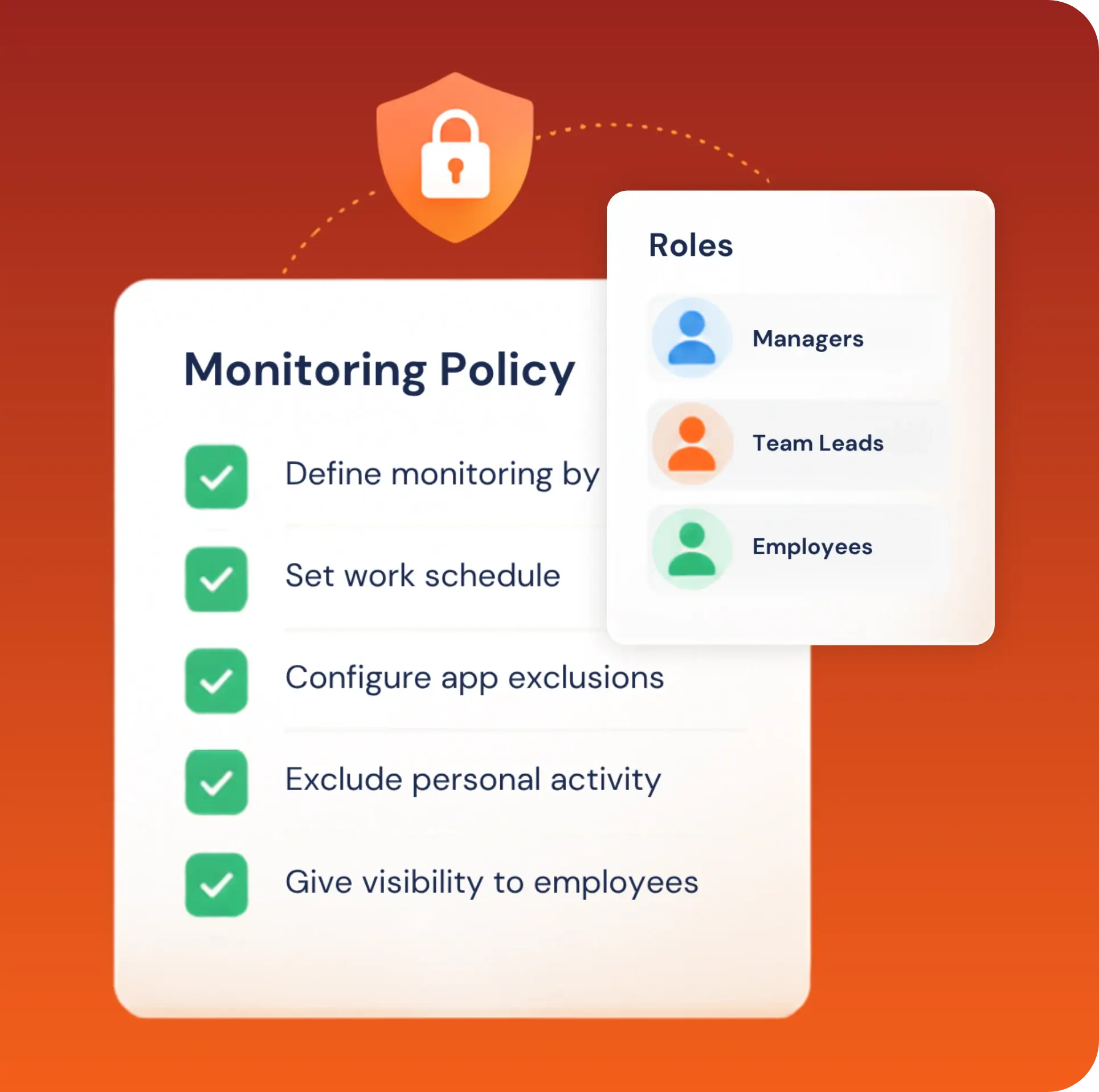
Configure monitoring by role and work schedule, define exclusions for sensitive apps and personal activity, and give employees visibility into the same records their managers use.

TrackOlap transparent monitoring policy with role-based schedules and privacy exclusions

02 · ACTIVITY

Work Signals Build The Record Automatically.

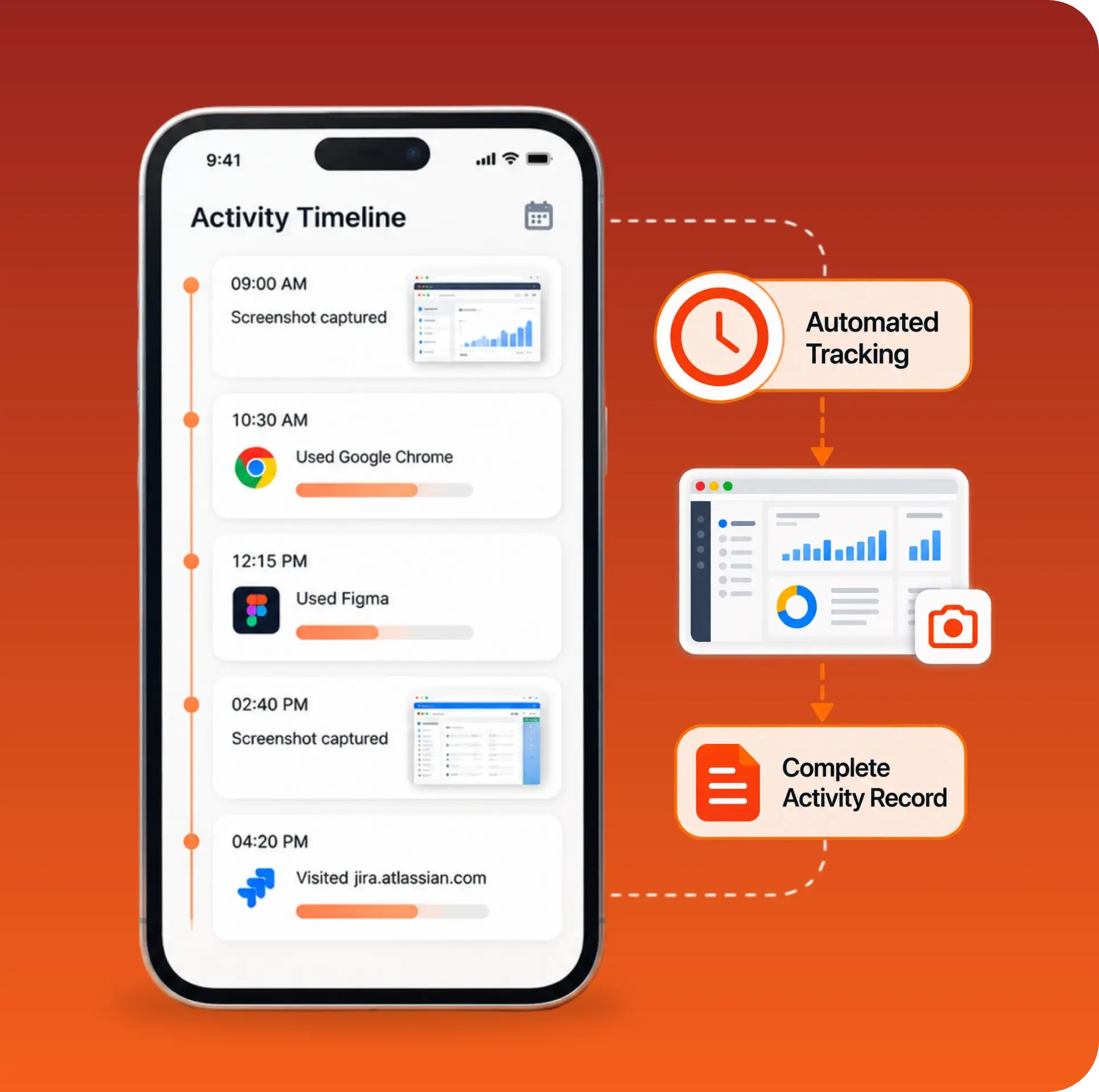
Scheduled screenshots, application usage and website activity create a timestamped view of how work hours are used without asking employees to reconstruct the day manually.

TrackOlap automated employee activity timeline with screenshots and application usage records

03 · PRODUCTIVITY

Active Time And Idle Time Stay Distinct.

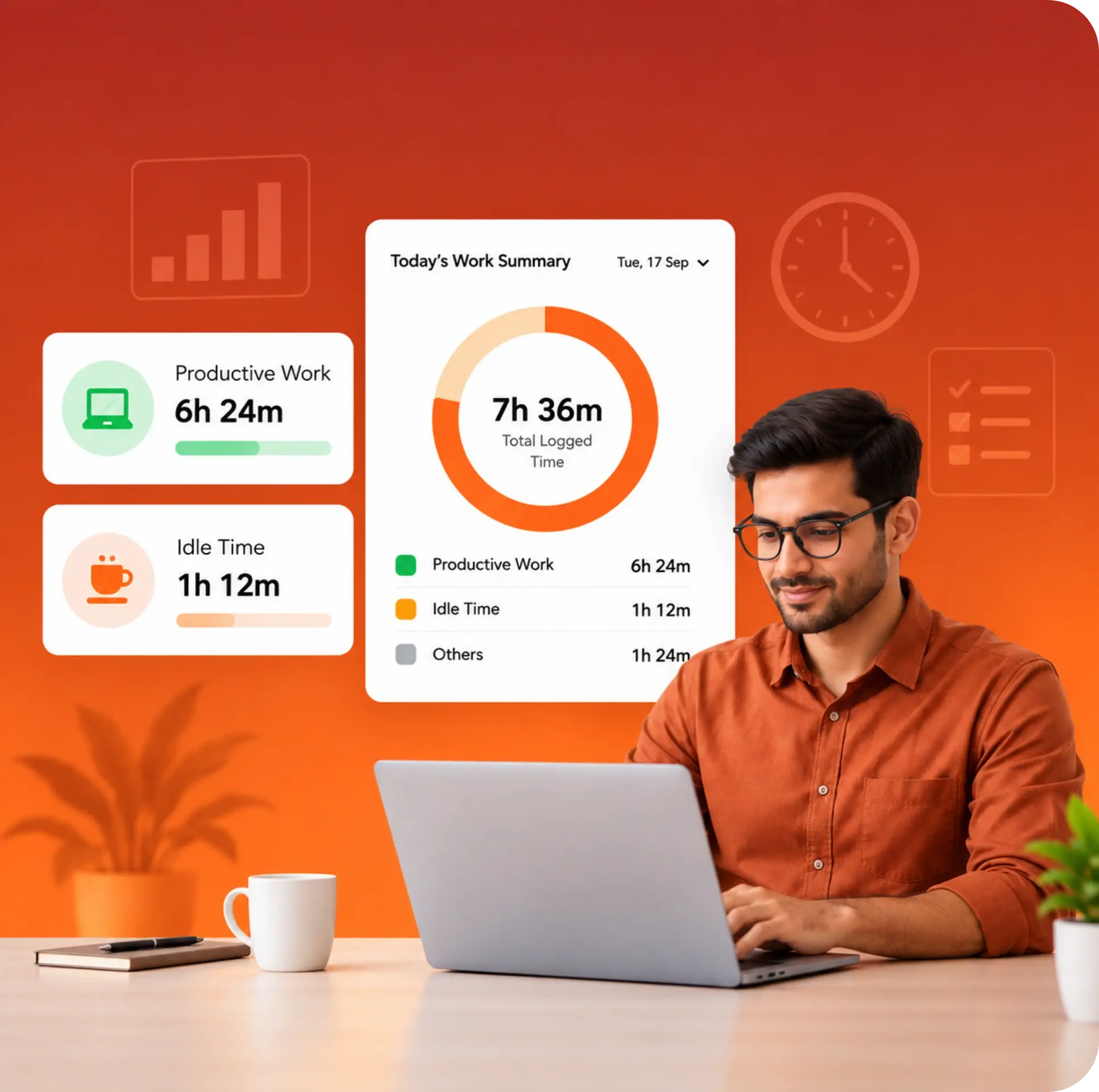
Role-based classifications separate productive work, unproductive activity and idle periods, so a logged-in device is never mistaken for a fully engaged workday.

TrackOlap daily work summary separating productive work from idle time

04 · ATTRIBUTION

Every Hour Connects To The Work It Supported.

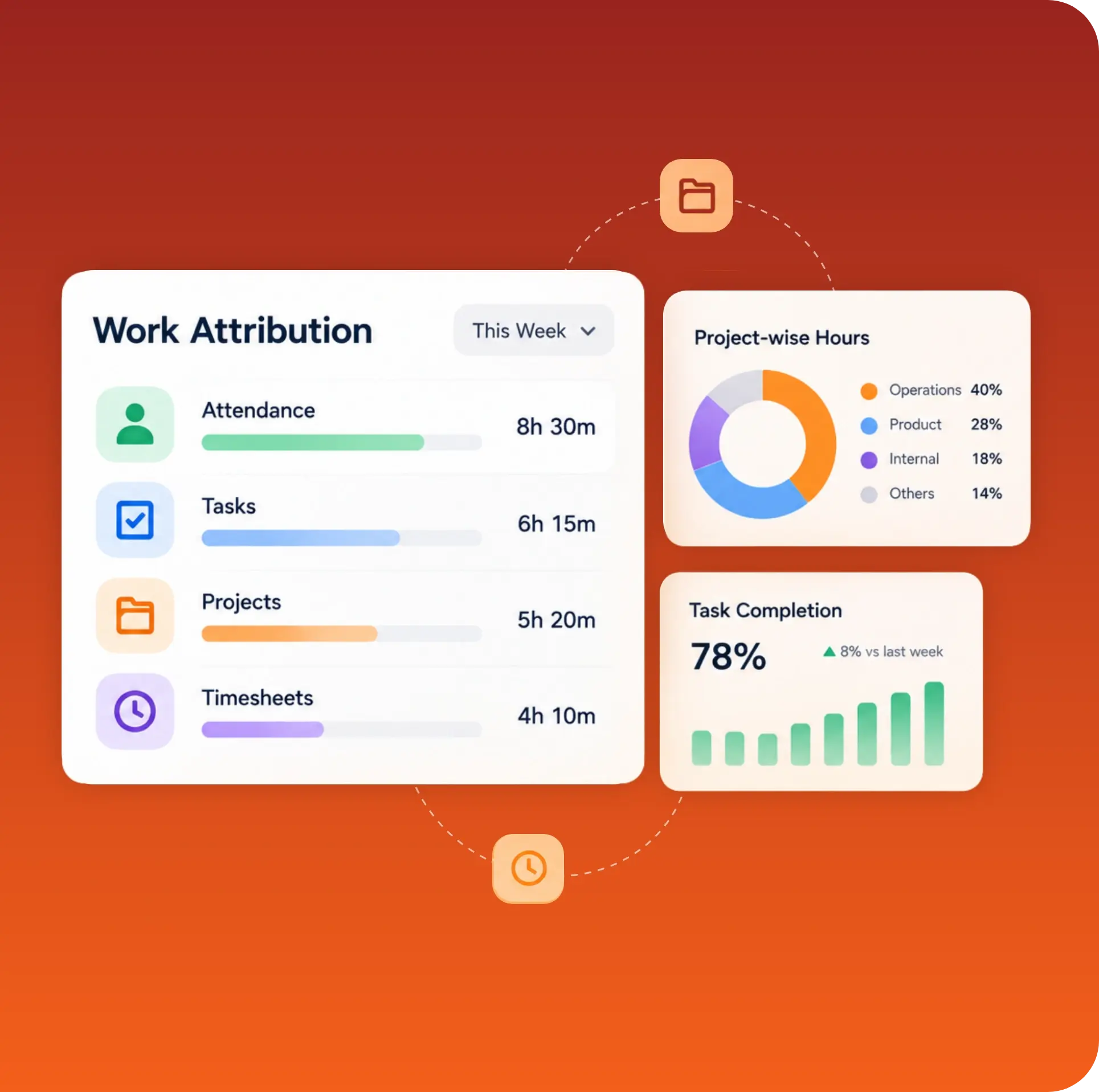
Attendance, timesheets, tasks and projects use the same activity record, helping HR, delivery and finance review hours without reconciling separate sources.

TrackOlap work attribution across attendance, tasks, projects and timesheets

05 · INTELLIGENCE

Work Patterns Become Management Signals.

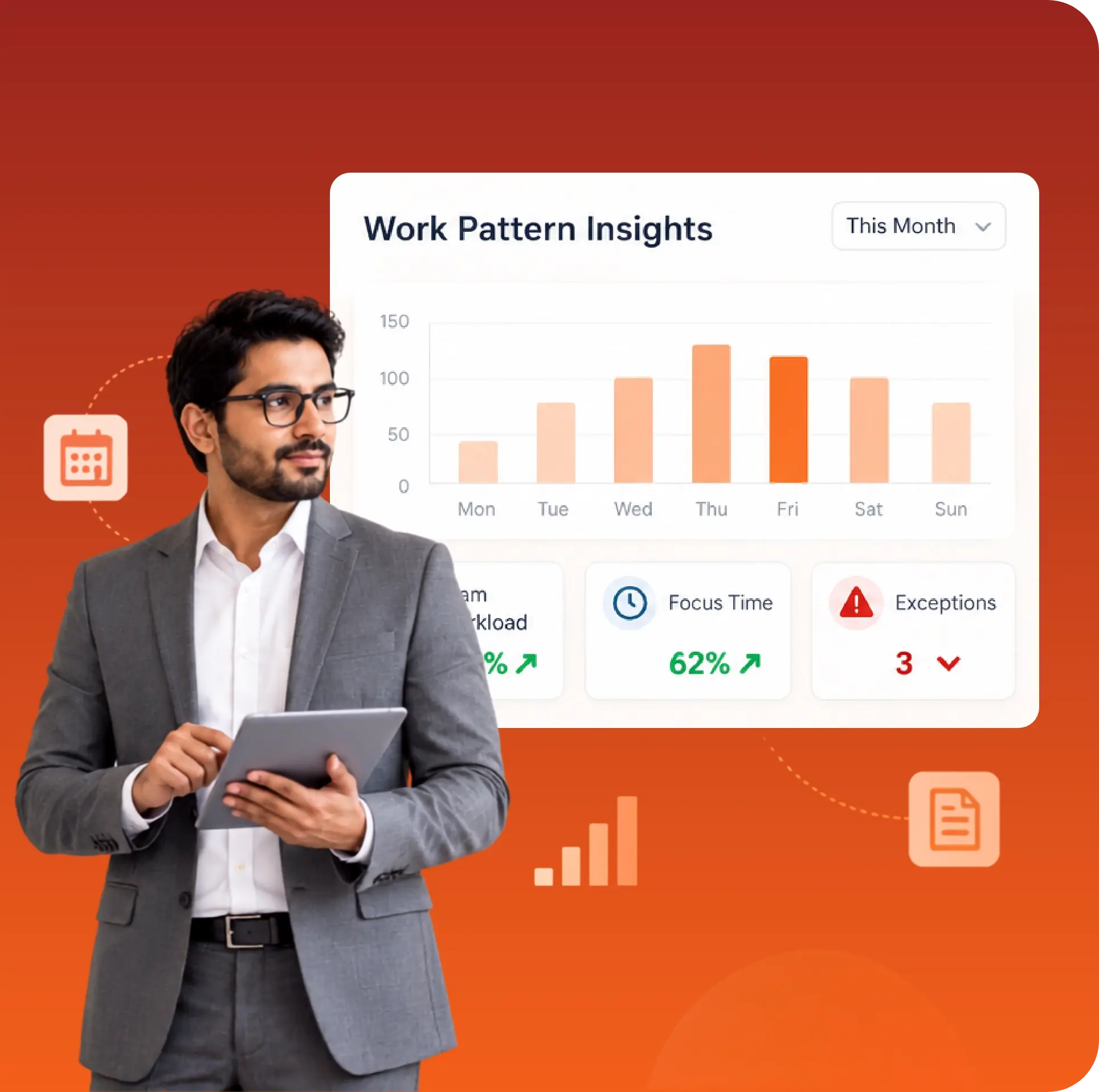
Scheduled reports and AI-assisted insights reveal workload, utilisation, focus time and recurring exceptions so managers can coach teams and rebalance capacity with evidence.

TrackOlap work pattern insights for workload, focus time and recurring exceptions

Get Complete Visibility Into Employee Activity

Monitor work hours, app usage, productivity, and daily activity with one centralized platform.

Employee Monitoring Built For How Each Industry Actually Works

From A Two-Week Retail Order To An Eighteen-Month Infrastructure Bid, The Pipeline Bends To Your Cycle, Not The Other Way Round.

TrackOlap field sales management for FMCG teams

FMCG

Beat visits, sampling and repeat orders in one distributor pipeline.

Learn More
TrackOlap workforce management for banking and financial services

Banking and Financial Services

Multi-product enquiries mapped to one clean customer record.

Learn More
TrackOlap workforce management for insurance teams

Insurance

Quotes, follow-ups and renewals tracked against every policyholder.

Learn More
TrackOlap field workforce management for agriculture teams

Agriculture

Dealer and farmer enquiries routed by territory and crop cycle.

Learn More
TrackOlap workforce management for healthcare teams

Healthcare

Enquiry to consultation to conversion, without duplicate contact records.

Learn More
TrackOlap workforce management for construction and infrastructure

Construction and Infrastructure

Long bid cycles with stage-wise approvals and document trails.

Learn More
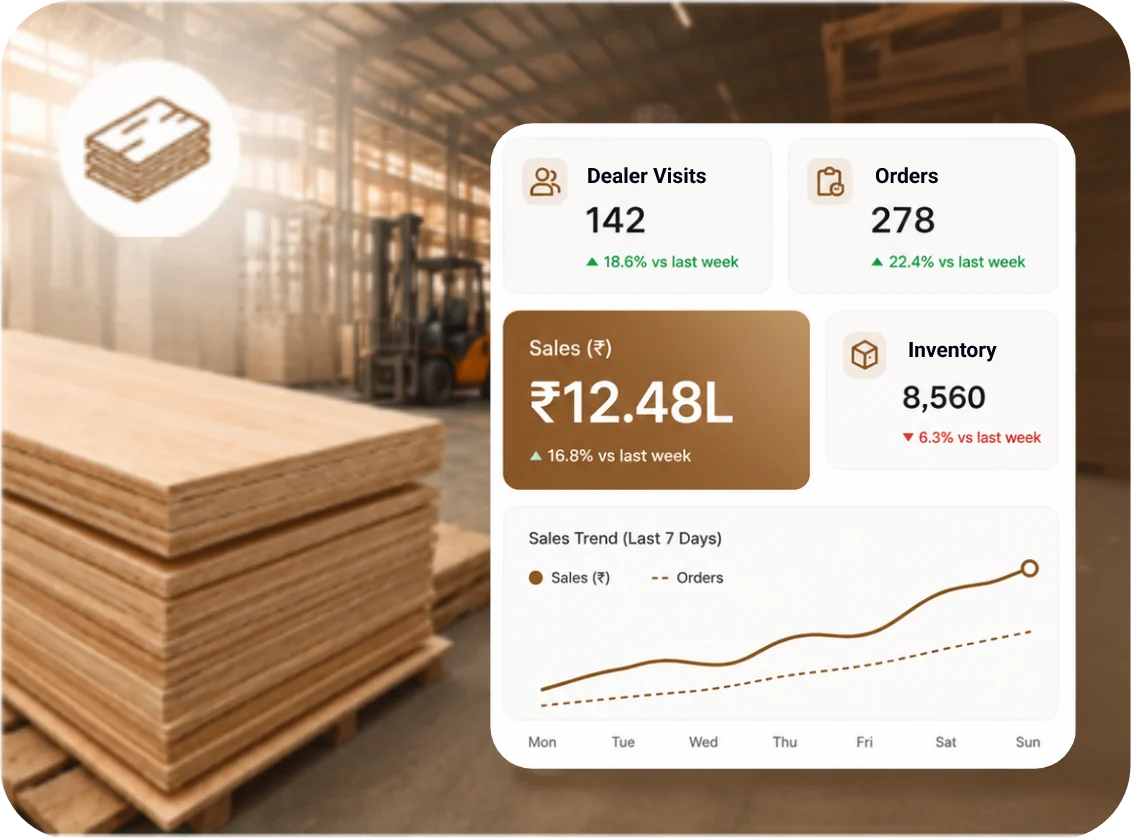
TrackOlap sales and workforce management for plywood businesses

Plywood

Manage dealer visits, sales representatives, orders and territory activity across the plywood distribution network.

  • Dealer Visit Tracking
  • Territory Management
  • Order Follow-Ups
  • Sales Reporting
Learn More
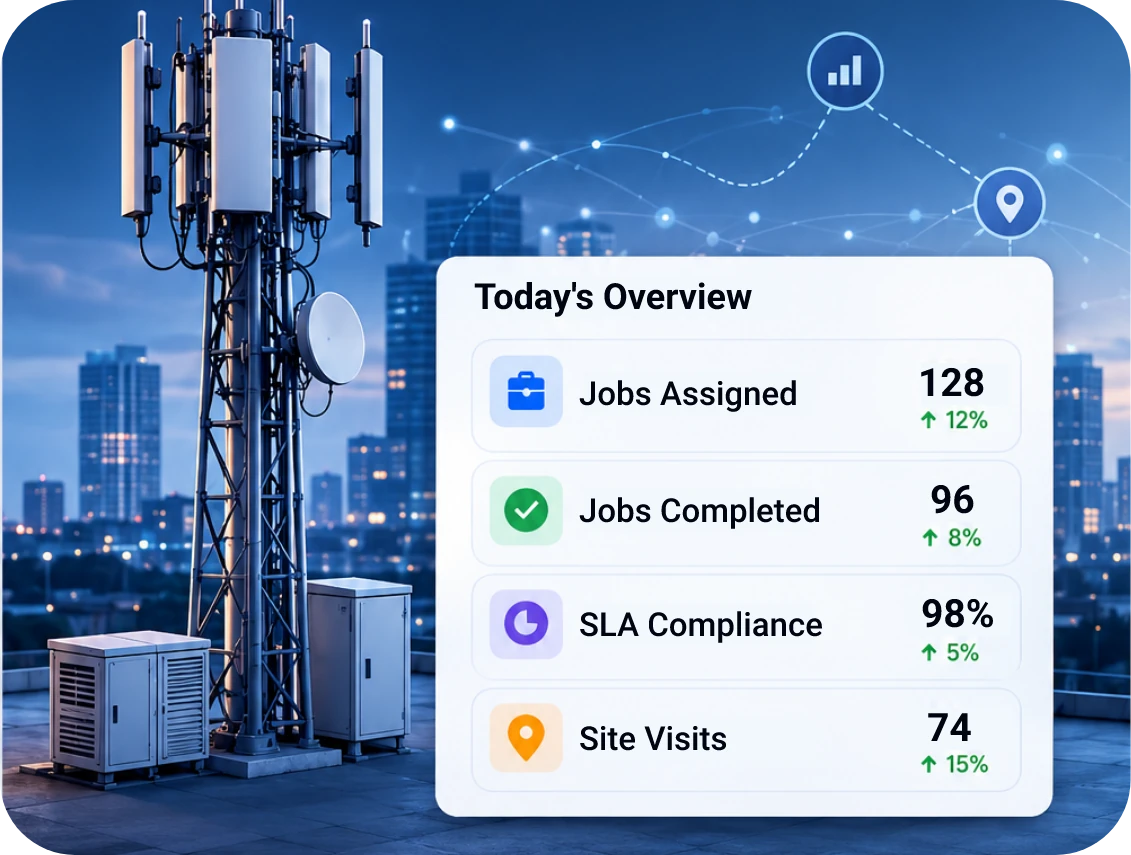
TrackOlap field workforce management for telecom teams

Telecom

Enterprise connectivity deals tracked from survey to activation.

Learn More
TrackOlap workforce management for staffing and recruitment teams

Staffing and recruitment

Client mandates tracked from requirement to closure.

Learn More
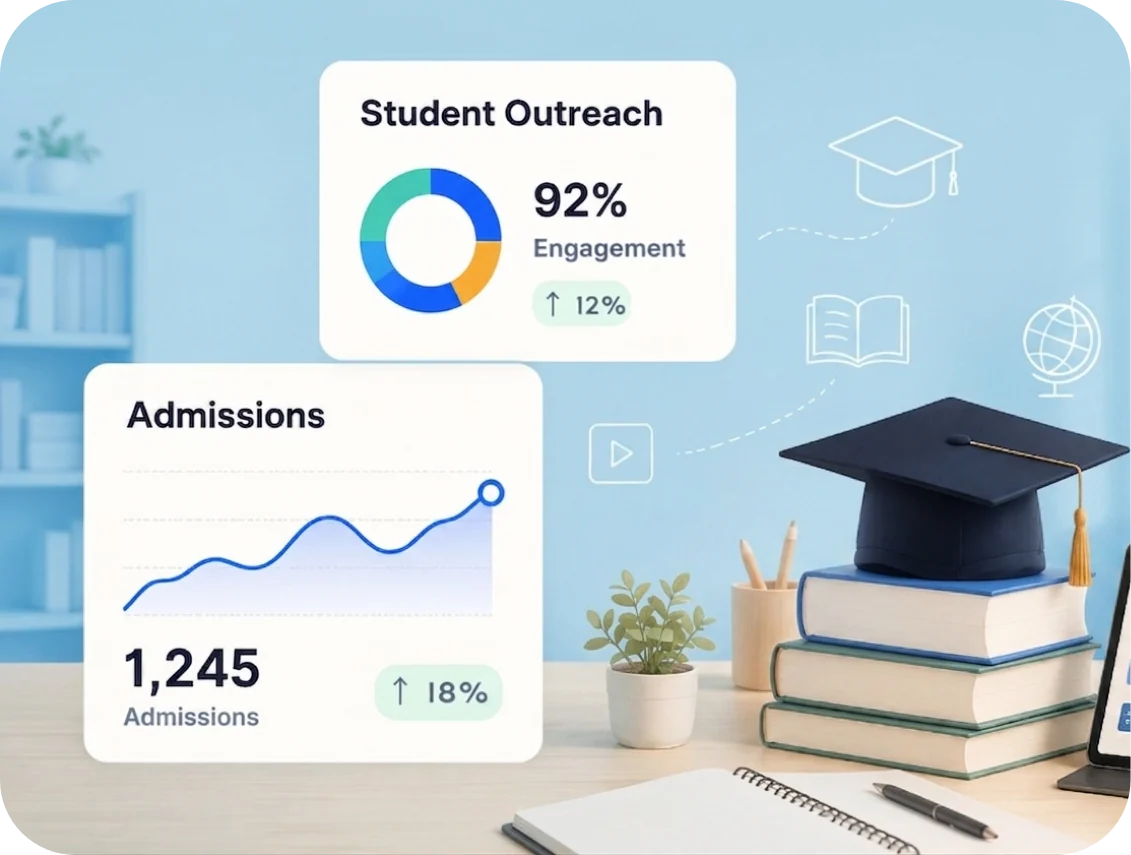
TrackOlap workforce management for education teams

Education

Admission enquiries followed from counselling through to enrolment.

Learn More
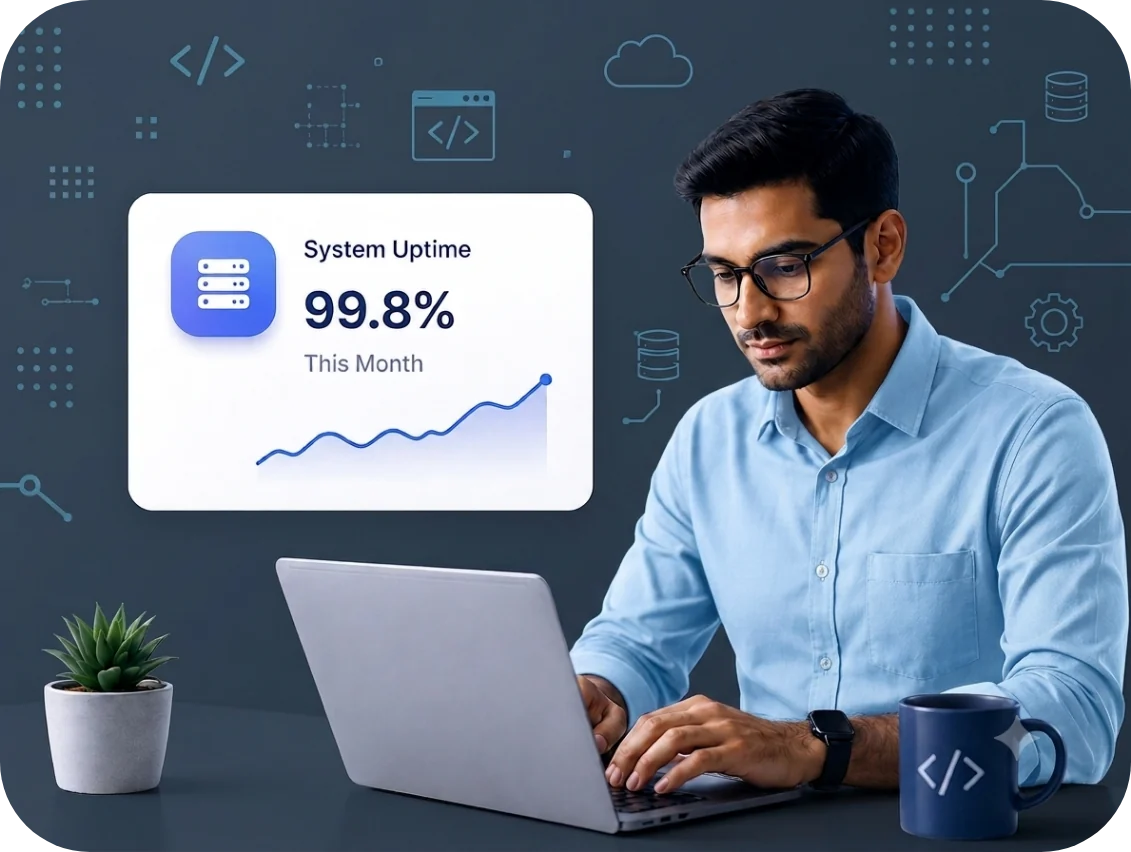
TrackOlap workforce management for IT and SaaS teams

IT and SaaS

Discovery, demo and proposal stages with a forecast you can defend.

Learn More
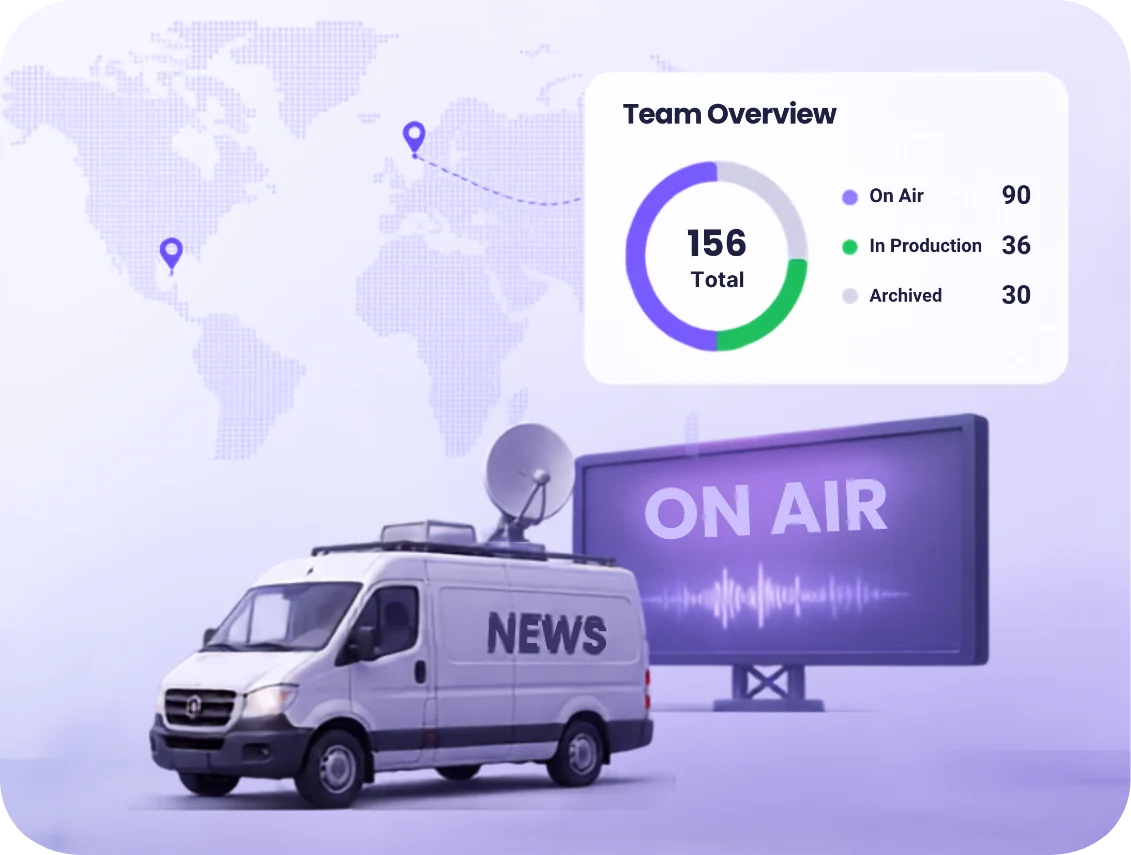
TrackOlap workforce management for media teams

Media

Campaign briefs to proposal to closure, across every account.

Learn More
TrackOlap workforce management for real estate teams

Real Estate

Enquiry to site visit to booking, across portals and ad channels.

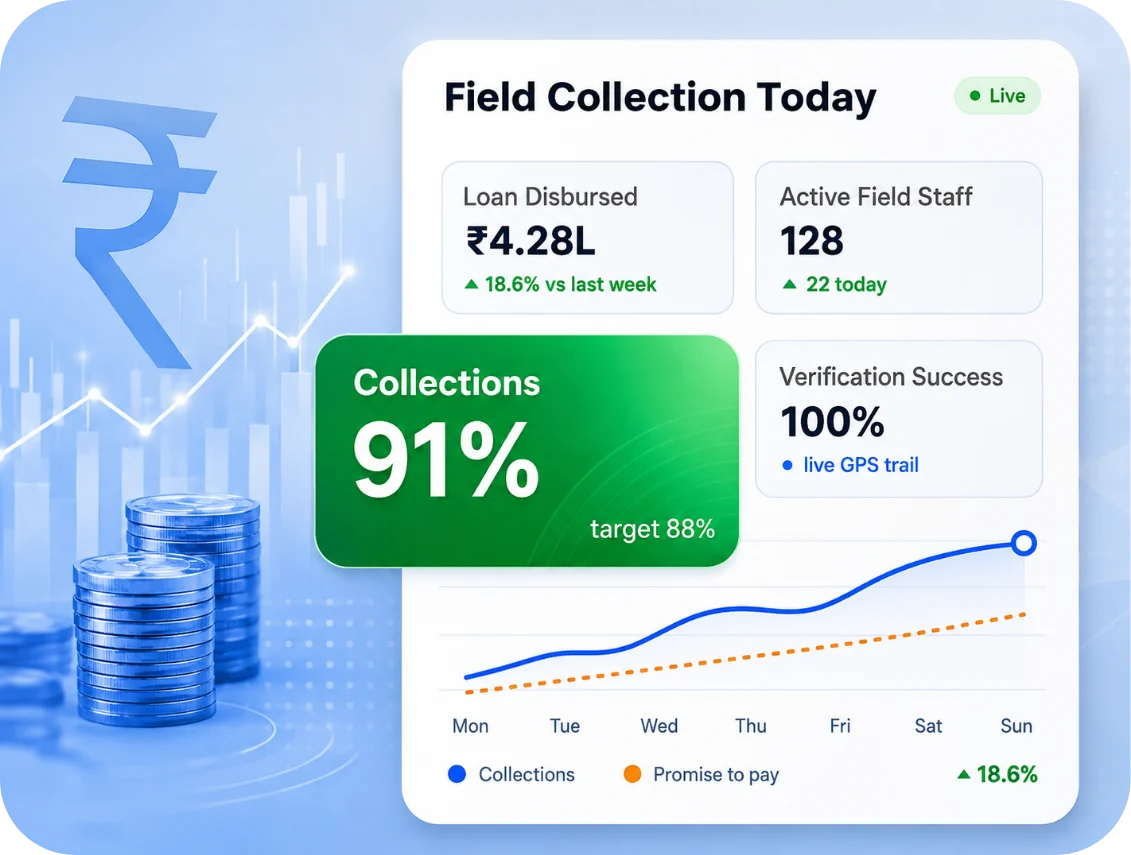
TrackOlap field operations software for microfinance institutions

MFI

Group formation to disbursement, with field officer ownership at each stage.

TrackOlap field operations software for NBFC teams

NBFC

Application to sanction, with documentation stages and a full audit trail.

TrackOlap field service management for HVAC teams

HVAC

Site survey to quotation to AMC renewal, tracked project by project.

TrackOlap workforce management for retail operations

Retail

Store enquiries and bulk orders routed by location and deal value.

TrackOlap workforce management for manufacturing businesses

Manufacturing

RFQ to quotation to negotiation, with multi-stage approvals.

TrackOlap field force management for pharmaceutical teams

Pharmaceuticals

Chemist and distributor coverage tracked against field rep beats.

TrackOlap sales and service management for automobile teams

Automobile

Test drive to booking to delivery, dealership by dealership.

Integrations

Connect All Your Tools to TrackOlap with Seamless Integrations

TrackOlap connects with the apps you rely on daily, bringing all your data together for richer insights and more powerful analysis.

Explore TrackOlap Integrations

Customer Stories

Success Stories, Straight From Our Customers

Gramophone logo

Gramophone

The TrackOlap is flexible, making the adoption and execution of your existing sales process very simple. We have been able to monitor sales follow-ups and track all sales better with this tool.

Hritik Assistant Manager, Gramophone

The Measurable Impact Of Employee Activity Monitoring

Outcomes reported by TrackOlap customers within the first two quarters of deployment.

Up to 91%

Reduction In Time Spent Building Manual Attendance And Productivity Reports

Up to 78%

Improvement In Productive-Hour Utilisation After Activity Classification

Up to 64%

Reduction In Idle And Unaccounted Work Hours Across Monitored Teams

Frequently Asked Questions

TrackOlap is an employee monitoring software for remote teams that records activity, application usage, attendance and productive hours across web, Android and iOS. Managers get one verified record of the workday without chasing timesheets or status updates. Monitoring follows defined work hours, and employees can view their own data.

An employee monitoring system measures productivity by classifying recorded activity against a policy the organisation defines, instead of relying on live observation. TrackOlap scores applications and websites by role, separates active minutes from idle time, and reports daily and weekly trends so managers can review patterns and coach with consistent evidence.

Employee monitoring in India depends on the organisation's purpose, the data collected, transparency, necessity, security and its specific employment arrangements. Organisations should provide appropriate notice, limit collection to a lawful purpose, protect personal data and obtain legal advice for their circumstances. TrackOlap supports role-based policies, work-hour controls and privacy exclusions.

TrackOlap captures screenshots and application usage automatically when an organisation enables those controls. Screen captures run on a configured schedule, while applications and websites used during monitored work hours are logged with time spent. Sensitive applications and domains can be excluded, and authorised users can export timestamped records for review.

TrackOlap measures active versus idle time using work-activity signals rather than login duration alone. A machine left switched on can be recorded as idle, while breaks, idle stretches and away time remain separate from active working hours. This gives managers a clearer basis for capacity planning, workload review and billing.

Employee time tracking software answers how long someone worked. Employee monitoring software adds context about how that time was used, including application usage, website activity, screenshots, active-versus-idle classification and productivity analysis. TrackOlap connects both so the timesheet and its supporting work record come from the same platform.

Yes. TrackOlap supports distributed operations by aligning monitoring windows with assigned employee schedules instead of a single company clock. Night shifts, rotational rosters and teams in different time zones can be reviewed against their own working hours, while authorised managers receive a consolidated view across locations and schedules.

TrackOlap's employee activity monitoring software classifies applications and websites against categories the organisation defines for each role or department. A design tool can be productive for a creative team but unrelated for another role. Once configured, later activity is classified consistently and unclassified applications are surfaced for review.

An employee monitoring platform should report attendance and work hours, productive versus idle time, application and website usage, task-level time attribution and team utilisation. TrackOlap provides scheduled reports plus on-demand PDF and Excel exports for selected date ranges, helping managers review capacity and locate unaccounted or non-billable time.

Trust is easier to preserve when monitoring remote employees is transparent, bounded and consistently applied. TrackOlap supports monitoring during defined work hours, privacy exclusions and employee-visible activity records. Organisations should publish a clear written policy, explain what is collected and use the data to improve workload and processes rather than as context-free surveillance.


TrackOlap is employee tracker software that connects attendance, timesheets and productivity analytics in one platform. Attendance and timesheets use recorded work hours, while productivity classifications apply to the same activity data. HR, delivery and finance can therefore review a shared record instead of reconciling separate numbers from disconnected tools.

TrackOlap replaces reconstructed hours with a timestamped work record. Attendance uses recorded activity, idle time is separated from working time, and hours can be attributed to tasks and projects. Payroll and client invoices can therefore be reviewed against exportable records, reducing ambiguity about when work happened and what it supported.

TrackOlap can surface work patterns associated with overwork, such as sustained overtime, weekend or after-hours activity and shrinking breaks. These are workload signals, not a diagnosis of an individual. Managers should treat them as prompts to discuss capacity, priorities and support rather than as standalone employee performance conclusions.

TrackOlap deployments begin by defining the monitoring policy, creating role-based groups, notifying employees, setting up company devices and confirming reporting. The timeline depends on team size, device environment and how quickly the organisation finalises its policy. A product expert can map the rollout to the organisation's specific requirements.

TrackOlap's employee activity tracking software can record login and logout times, active and idle periods, applications and websites used, time spent, configured screenshots and task attribution during monitored work hours. The exact data depends on the organisation's policy and enabled controls, and employees can access their activity records and reports.