
















 Back to Blogs

In short: The best expense management software makes a claim correct at the moment it is submitted. It needs mobile bill capture with automatic date, time and location stamps, configurable categories, automatic policy checks, multi-level approvals with reminders, duplicate and distance verification, and reimbursement that syncs to payroll or accounting. Add clear spend reports and a simple app your team will actually use. Choose on how well these fit your policy and approval chain, not on the length of the feature list.
What is expense management software?
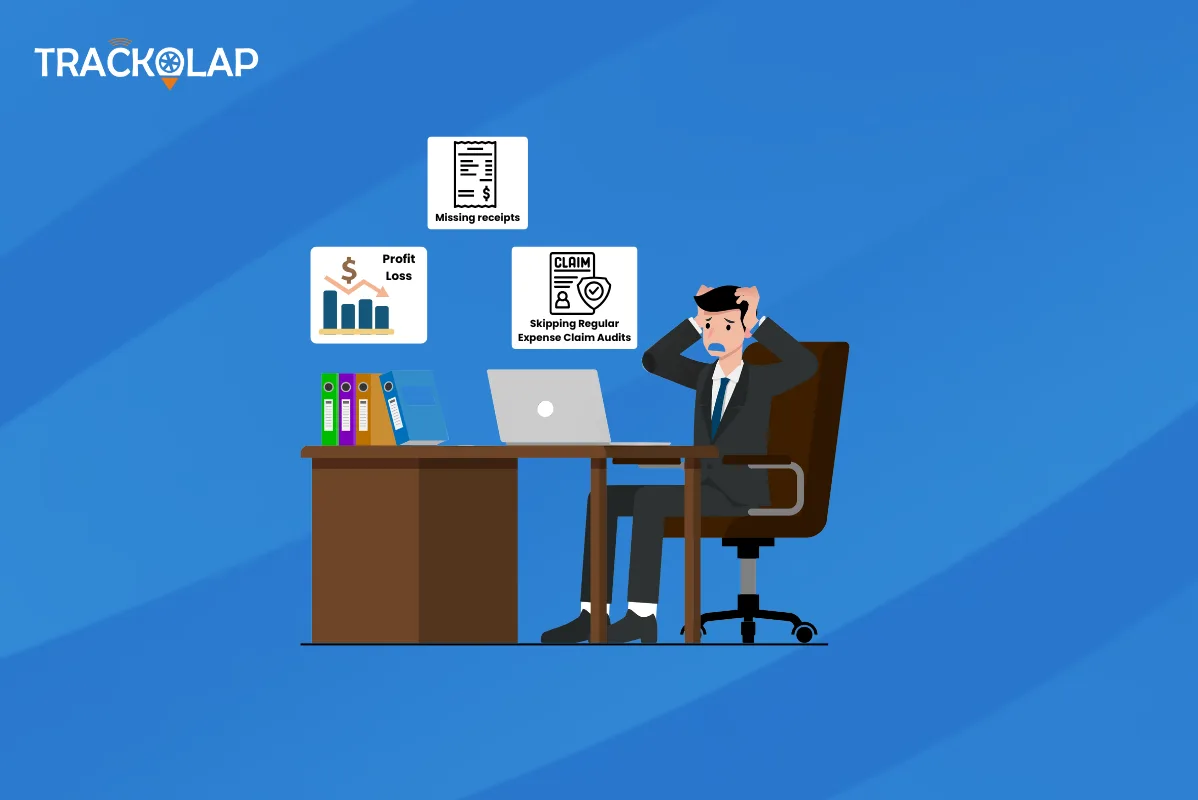
Expense management software replaces paper bills, spreadsheets and email approvals with a digital flow: employees submit claims, the system checks them against policy, approvers review them, and finance reimburses and reports on spend. It matters most for businesses with employees who travel or spend in the field, where claims are frequent and hard to verify.
Which features should you look for in expense management software?
| Feature | Why it matters | What to ask in a demo |
|---|---|---|
| Mobile bill capture | Claims are submitted where the spend happens, with less missing paperwork | Are date, time and location stamped automatically? Does it work offline? |
| Configurable categories and cost centres | Finance does not need to reclassify entries later | Can we match our expense heads, projects and cost centres? |
| Automatic policy validation | Out-of-policy claims are flagged before approval | Can limits vary by grade, role, city and category? |
| Multi-level approvals | Claims move without email chasing | Are there reminders, escalation and delegation when approvers are away? |
| Distance and duplicate checks | Reduces inflated travel claims and repeat bills | How is claimed distance verified? Are duplicate bills detected? |
| Reimbursement and payroll sync | Approved claims are paid accurately and on time | Can approved claims flow to payroll or accounting with documents attached? |
| Reports and budgets | Spend is controlled, not just recorded | Can we see spend by employee, department, category and project against budget? |
1. Mobile capture that works in the field
Employees should be able to photograph a bill, pick a category and submit in under a minute, even without network coverage. Automatic date, time and GPS stamps add context without extra typing.
2. Policy compliance built in
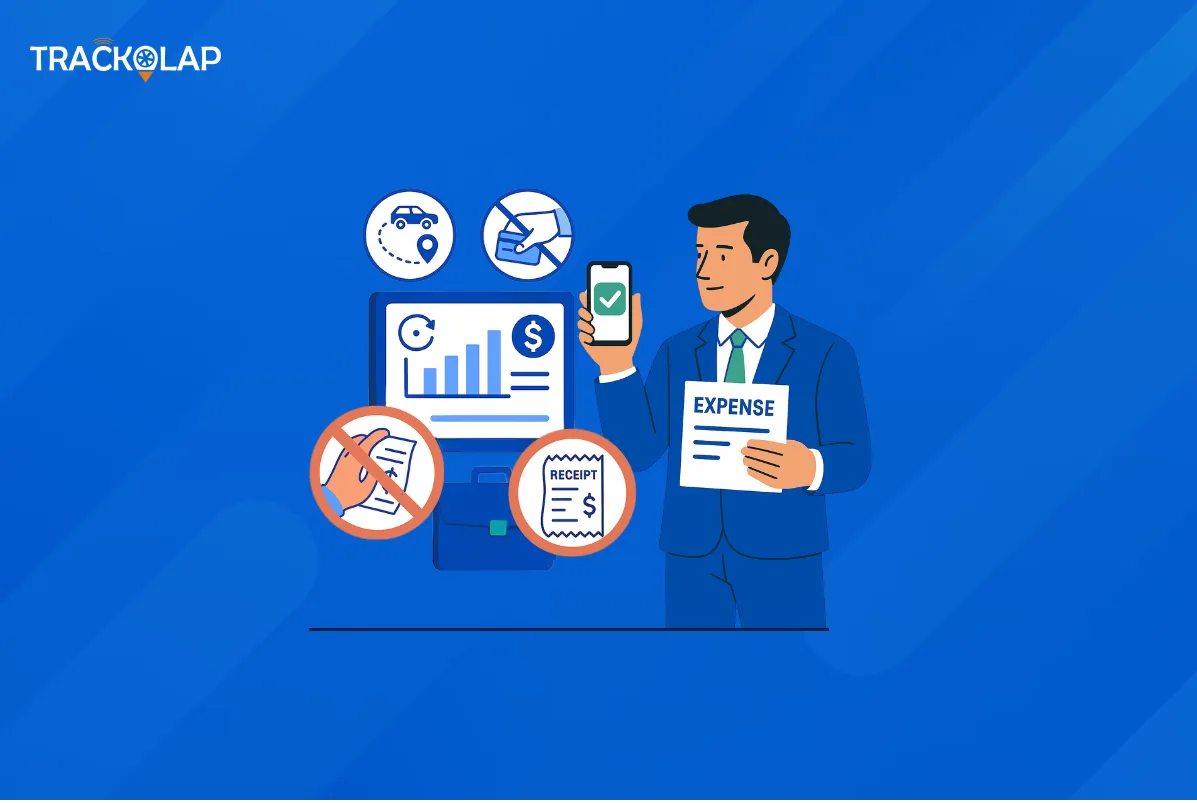
Written policies only work when they are enforced consistently. Look for rule-based checks on daily limits, category caps, grade-wise entitlements and permitted rates, applied at submission.
3. Approval workflows that match your hierarchy
Claims should route to the right manager, department head and finance reviewer automatically, with visible status for the employee.
4. Fraud and error detection
Duplicate bill detection, amount thresholds and distance verification catch most avoidable losses. For travel-heavy teams, matching claimed kilometres against tracked distance or odometer photos is especially valuable.
5. Integration with payroll and accounting
Re-entering approved claims into another system brings back the errors you set out to remove. Check exports and integrations before you buy.
6. Analytics and reporting
Reports should show where money goes and highlight outliers, not just totals.
7. Ease of use and adoption
If the app is slow or confusing, people fall back to paper. Test it with a few employees during evaluation.
How do needs differ for small businesses and large enterprises?
Small businesses usually prioritise quick setup, a simple app and affordable pricing. Larger organisations need more complex approval hierarchies, grade-wise policies, multiple entities or locations, audit trails and integrations. Some features common elsewhere, such as automatic reading of receipt text, vary between vendors, so confirm exactly what is included rather than assuming.
What are the limitations?
Software enforces the policy you give it. If your expense policy is vague or out of date, fix that first. Very strict rules can also create friction for legitimate exceptions, so keep a clear route for approving them.
How does TrackOlap's expense management software compare against this checklist?
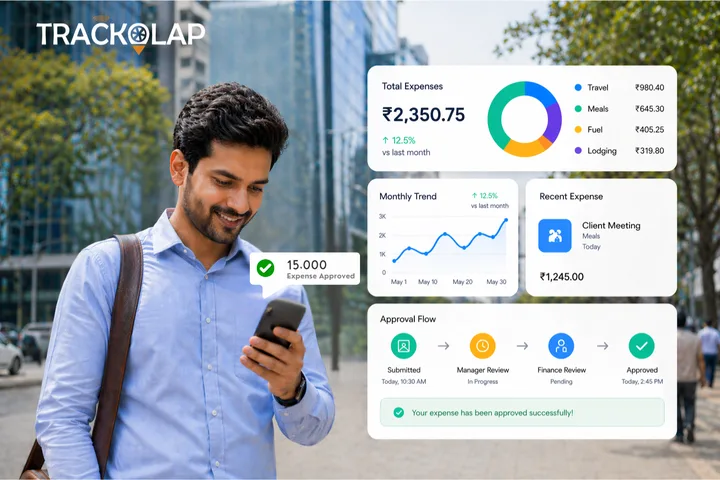
TrackOlap's expense management software is built for teams whose spending happens in the field. It covers mobile bill and odometer capture with automatic date, time and location stamps and offline sync; configurable categories with project and cost-centre tagging; rule-based policy validation by grade and role; multi-level approvals with reminders and delegation; claimed-versus-actual distance matching; duplicate bill alerts; single-click reimbursement with payroll and accounting sync; and spend reports against budget with PDF and Excel export. It also connects with live tracking and field sales automation.
Before you decide, read about common expense management mistakes and how real-time expense software reduces fake claims, then request a demo using your own policy.
Frequently asked questions
What features should expense management software have?
Mobile bill capture with automatic stamps, configurable categories, automatic policy validation, multi-level approvals with reminders, duplicate and distance checks, payroll or accounting sync and spend reports.
How does expense software prevent fake claims?
By checking claims against policy limits at submission, flagging duplicate bills and matching claimed distance against tracked distance or odometer readings.
Is expense management software worth it for small businesses?
Yes, if employees submit frequent claims. Small businesses should prioritise a simple app, quick setup and affordable pricing.
Can expense management software integrate with payroll?
Many tools can. Check that approved claims can flow to payroll or accounting with supporting documents attached.
What should I ask in an expense software demo?
Ask whether it works offline, how policies are configured, how approvals and delegation work, how distance is verified and how reimbursements are exported.

 D-5, Logix Infotech Park, Sector 59, Noida - 201301, Uttar Pradesh (India)
 contactus@trackolap.com
 7011494501






 Demo
at free of cost
Demo
at free of cost