
















 Back to Blogs

In short: To improve field workflows, first map how work actually flows today, from planning a visit to reporting it, and find where time and information get lost. Then replace the manual steps with field force automation software: planned beats and visits, verified attendance and check-ins, digital forms, task assignment on mobile, automatic expense capture and real-time reports. Use the resulting data to coach your team and refine routes and targets. The biggest gains usually come from removing end-of-day reporting and unverified visits.
What slows field workflows down?
- Visits planned informally, so coverage is uneven and routes are inefficient.
- Attendance and visit updates reported by phone or chat, with no proof.
- Customer information captured on paper and re-typed later.
- Tasks handed out in group chats, with no clear owner or deadline.
- Expense claims submitted weeks later with missing bills.
- Managers learning about problems only at the end of the month.
How do you streamline field workflows with field force automation?
1. Map the current workflow
Follow one field employee's day from start to finish. Note every call, form, spreadsheet and approval, and where delays happen.

2. Plan beats and visits in advance
Use beat planning software to schedule outlet, dealer or customer visits by territory and frequency, so coverage is planned rather than improvised.
3. Verify attendance and visits
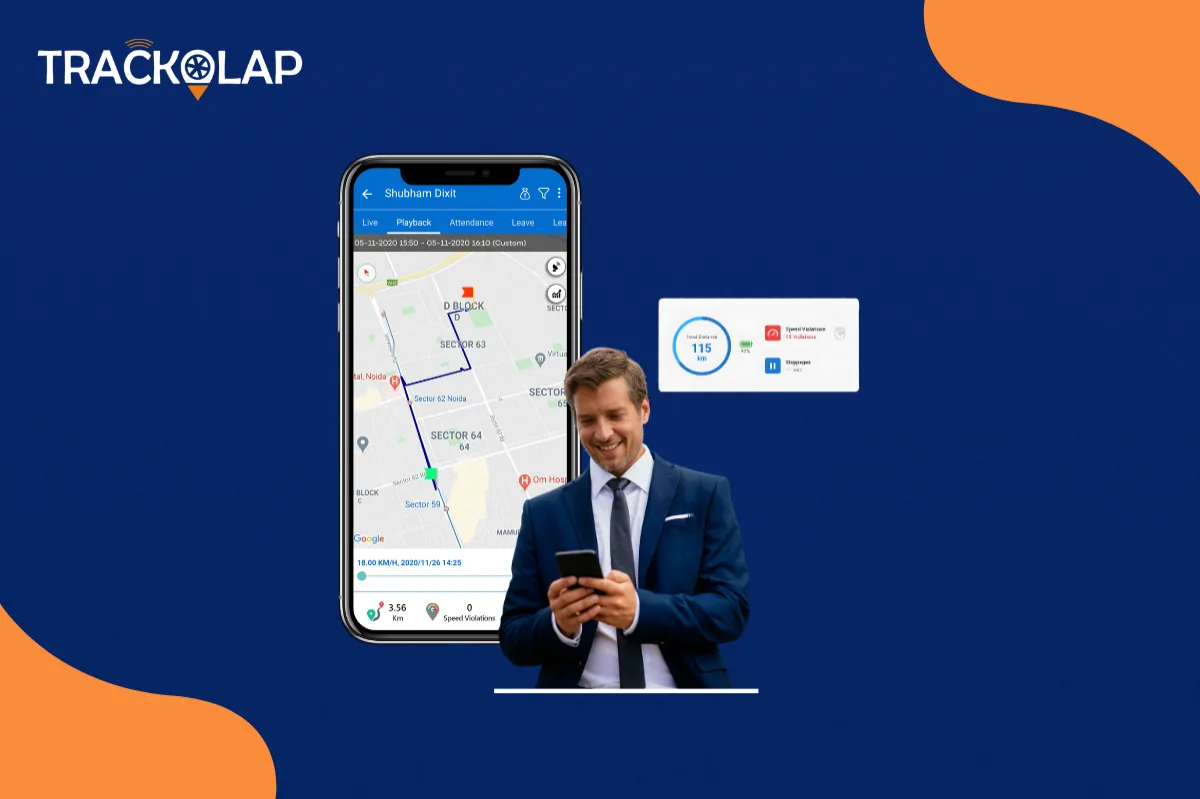
Replace self-reported updates with GPS-stamped attendance and geo-tagged visit check-ins through an employee live tracking system.
4. Capture data digitally at the point of work
Custom forms for orders, surveys, feedback or inspections, with photos and signatures, remove paper and re-typing.
5. Assign and track tasks on mobile
Assign work through task management software with owners, deadlines and live status, instead of chat messages.
6. Automate expense claims
Let employees submit bills and odometer readings on the spot, with policy checks and distance verification, using expense management software.
7. Report in real time
Automatic daily reports on attendance, visits, distance and performance remove end-of-day calls and let managers act the same day.
8. Coach with data and refine targets
Use performance reports for individual coaching and to set realistic goals through target management.
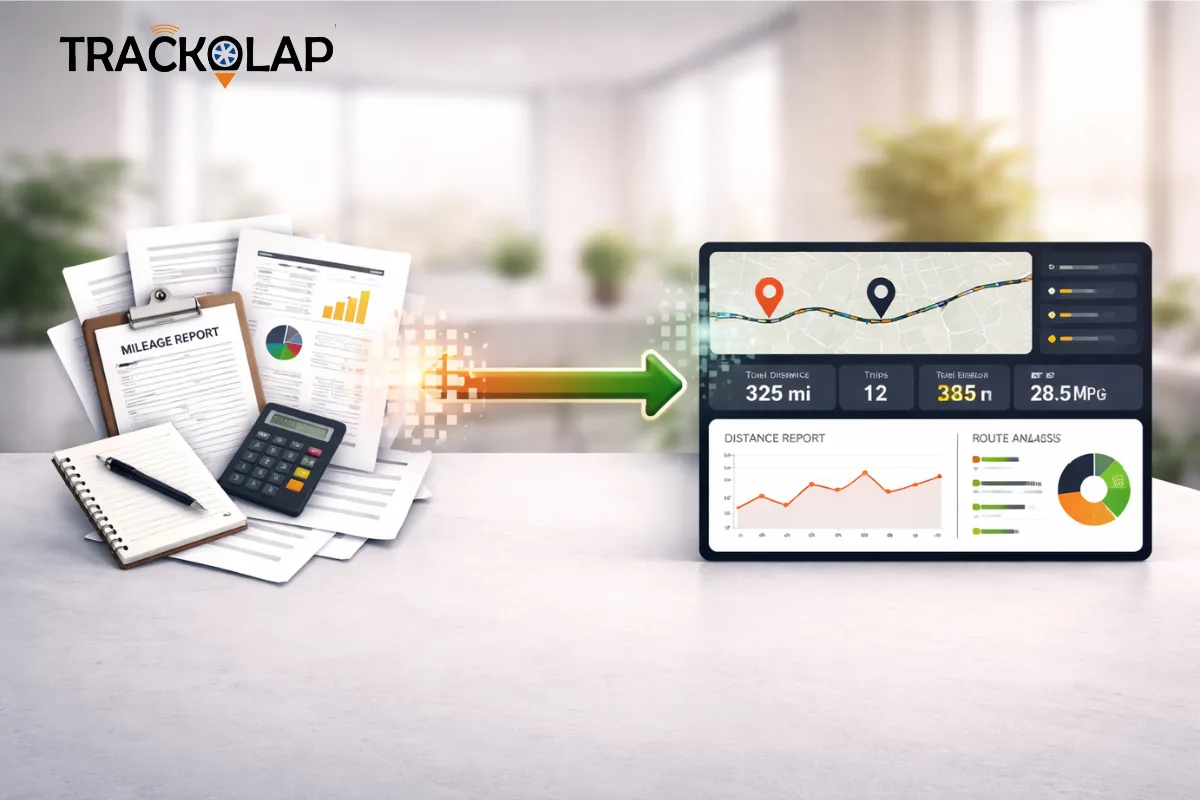
What does a streamlined field workflow look like?
| Step | Manual workflow | Automated workflow |
|---|---|---|
| Start of day | Attendance reported by message | GPS- and face-verified punch-in |
| Visit planning | Decided on the day | Beat plan assigned in the app |
| At the customer | Notes on paper, updates by call | Geo-tagged check-in, digital form, photos |
| Expenses | Bills collected and submitted weeks later | Bill and odometer captured on the spot |
| End of day | Report compiled manually | Report generated automatically |
Which metrics show your field workflow is improving?
Track planned versus completed visits, the share of visits with a verified check-in, time spent travelling versus at customers, expense claim turnaround time, and hours managers spend compiling reports. Compare them with a baseline taken before rollout.
What mistakes should you avoid?
- Digitising every paper form without first asking whether it is needed.
- Rolling out to all teams at once without a pilot.
- Using tracking data only to find faults, rather than to support and coach.
- Ignoring field staff feedback on the app's usability and offline performance.
How do you choose field force automation software?
Look for a mobile app that works offline, verified attendance and visit check-ins, beat planning, configurable forms, task assignment, expense capture with policy checks, real-time reports, and a single platform so data is not split across tools.
How does TrackOlap help improve field workflows?
TrackOlap field sales automation brings geo attendance, live GPS trails, customer visit check-in and check-out, custom forms, task assignment and manager dashboards into one platform, connected with beat planning, expense management and target management. For sector examples, read about field force automation in India and how delays in client visits are solved with field sales automation, or request a demo.
Frequently asked questions
What is field force automation software?
Software that digitises field work, including visit planning, attendance, check-ins, forms, tasks, expenses and reporting, usually through a mobile app linked to a manager dashboard.
How do you improve field workflows?
Map the current workflow, then replace manual steps with planned beats, verified attendance and visits, digital forms, mobile task assignment, automatic expense capture and real-time reports.
What is the biggest time waster in field workflows?
Commonly, manual end-of-day reporting and chasing updates by phone. Automatic check-ins and reports remove most of it.
How do I measure field workflow improvement?
Compare planned versus completed visits, verified check-ins, travel versus customer time, expense turnaround and reporting hours against a baseline.
Does field force automation work offline?
It should. Look for apps that capture data offline and sync later, especially for rural or low-coverage territories.



 D-5, Logix Infotech Park, Sector 59, Noida - 201301, Uttar Pradesh (India)
 contactus@trackolap.com
 7011494501






 Demo
at free of cost
Demo
at free of cost