














 Back to Blogs
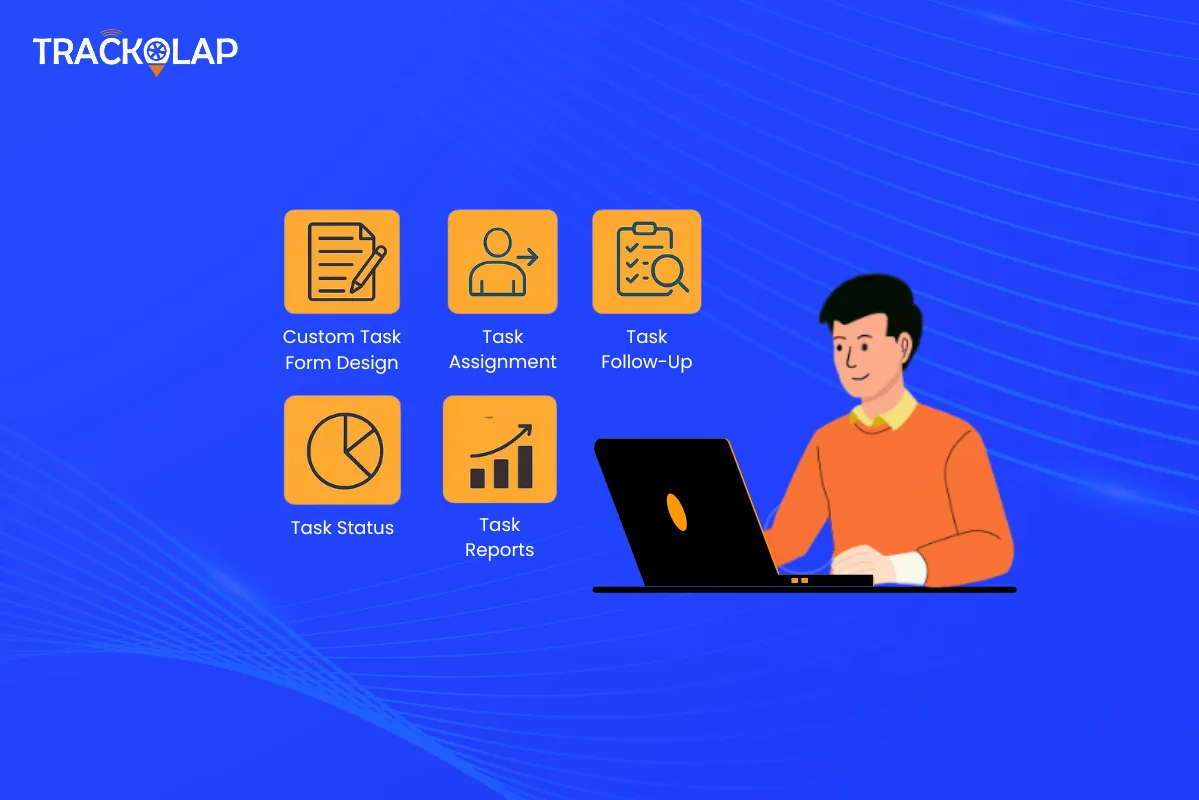
In short: Before choosing task automation software, be clear on which tasks you want to automate and who does them, whether in the office or in the field. Then check that the software can capture the right data with custom forms, assign work automatically by rules, track status live, prove completion (with location and photo evidence for field work), handle corrections with approval, and report on completion and delays. Mobile and offline support, integration with your other tools and ease of use for your team matter as much as the feature list.
What is task automation software?
Task automation software manages the life of a task, from creation and assignment to updates, completion and reporting, using rules instead of manual follow-up. Tasks are routed to the right person automatically, reminders and alerts fire on their own, and managers see status without calling for updates.
Why does task automation matter for growing businesses?
As teams grow, handing out work through chat groups and tracking it in spreadsheets breaks down. Tasks get forgotten, nobody is sure who owns what, and managers spend their day chasing updates. Task automation gives every task one owner, a deadline, a live status and a record that can be verified.

How does task automation software compare with chat and spreadsheets?
| Method | Strengths | Limitations | Best fit |
|---|---|---|---|
| Chat groups and spreadsheets | Free, familiar, quick to start | No clear ownership, no alerts, updates cannot be verified | Very small teams with few tasks |
| Basic to-do or board apps | Simple lists and boards, easy collaboration | Little automation; usually no field proof or custom data capture | Office teams with simple tasks |
| Task automation software | Rule-based assignment, custom forms, live status, alerts, completion proof, reports | Needs setup and agreed rules | Growing teams, especially with field staff |
Which features should you look for in task automation software?
Custom task forms
Every workflow needs different data. A form builder with text, dropdowns, checklists, photos and signatures captures exactly what each task requires.
Automatic task assignment
Rules that route tasks by territory, product, workload, skill or seniority remove the allocation bottleneck.
Follow-ups and alerts
Alerts before deadlines slip, with notifications only for exceptions, keep managers informed without noise.
Live task status
A status board showing every task across the team replaces "what's the update?" calls.
Proof of completion
For field work, geo-tagged and time-stamped check-ins, photos and signatures confirm the task was actually done.
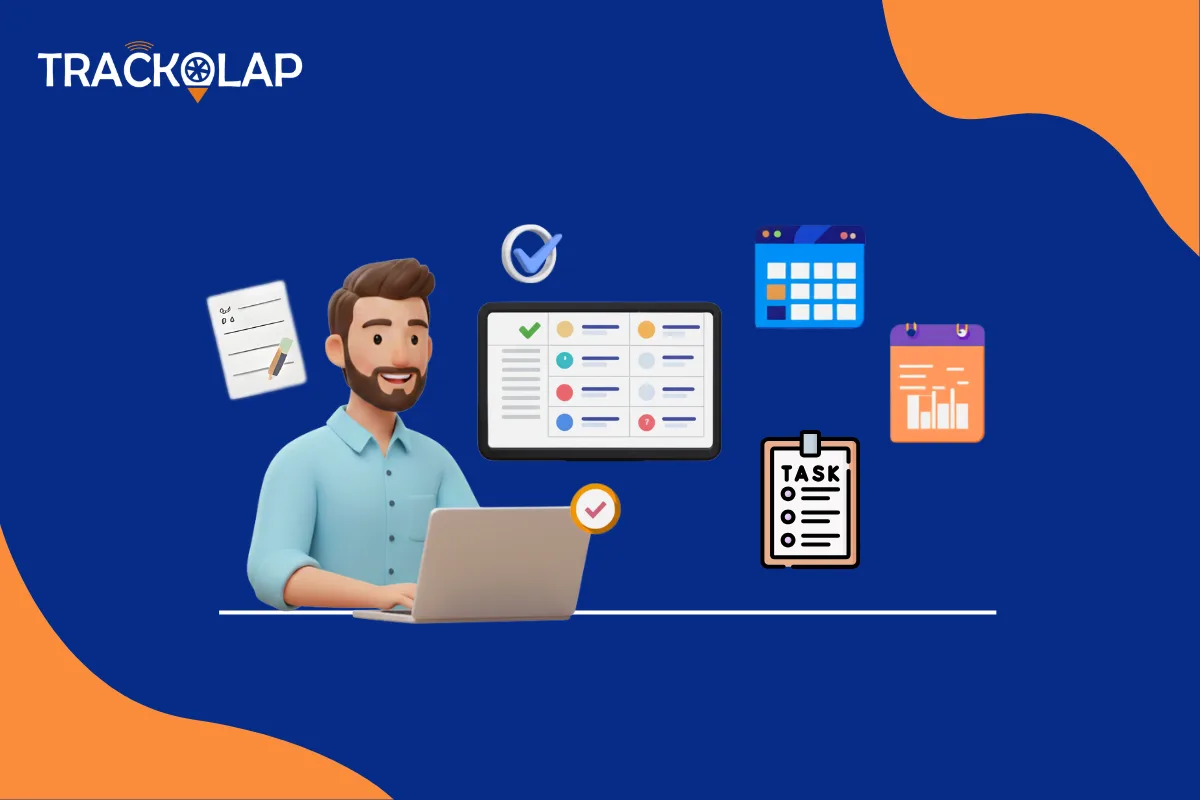
Corrections with an audit trail
Reassigning tasks and editing completed records should require approval and keep the history.
Reports
Completion rates, task duration and delay patterns turn daily execution into coaching and planning decisions.
Mobile and offline access
Field and remote staff need to see and update tasks on their phones, including with poor connectivity.
What questions should you ask before you decide?
- Does it work for your remote and field staff? Test the mobile app, including offline use.
- Does it connect with expenses, targets and attendance? Separate tools mean duplicate data entry.
- Does it provide real-time reporting and notifications? Check which alerts can be configured.
- Can you customise it to your workflow? Forms, assignment rules and statuses should match how you work.
- How secure is it? Ask about role-based access and audit trails.
- Will your team adopt it? Pilot with real users before rolling out.
What are the limitations of task automation?
Automation needs clear rules. If ownership and priorities are unclear, the software cannot decide them for you. Over-automating with too many alerts, or too many mandatory form fields, slows people down. Start simple and add rules as the team gets used to the system.

How does TrackOlap handle task automation?
TrackOlap's task management software includes a drag-and-drop form builder with photo and signature capture, rule-based assignment by territory, product, workload, skill or seniority, instant mobile notifications, a live status board with deadline alerts, and geo-tagged check-ins with AI face attendance to verify field completion. It also supports UPI payment collection at task completion, offline mode with auto-sync, reassignment and edit requests with manager approval and full audit history, and analytics with Excel export. It connects with field sales automation, target management and expense management.
It is a good fit for sales, service and operations teams with field staff. For purely desk-based teams tracking time on projects, TrackOlap's employee time tracking and project tools may suit better. For a rollout plan, see our step-by-step guide to implementing task automation software.
Frequently asked questions
What is task automation software?
Software that manages a task from creation and assignment to updates, completion and reporting, using rules for routing, reminders and alerts instead of manual follow-up.
What features should task automation software have?
Custom forms, rule-based assignment, alerts, a live status board, proof of completion for field work, corrections with an audit trail, reports and mobile access with offline support.
Is task automation software suitable for field teams?
Yes, if it offers a mobile app, offline mode and proof of completion such as geo-tagged check-ins, photos and signatures.
How is task automation different from a to-do app?
To-do apps list tasks. Task automation software also assigns work by rules, captures structured data, alerts on delays, verifies completion and reports on performance.
How do I get my team to adopt task automation software?
Pilot with real users, keep forms and alerts minimal at first, train people on the few features they need, and expand once the workflow is stable.



 D-5, Logix Infotech Park, Sector 59, Noida - 201301, Uttar Pradesh (India)
 contactus@trackolap.com
 7011494501






 Demo
at free of cost
Demo
at free of cost