















 Back to Blogs
In short: Employee tracking data improves productivity when you use it to fix the causes of lost time, not to watch individuals. Set clear goals, then use time, activity and project data to find bottlenecks, rebalance workload, schedule focused work, cut admin and spot burnout early. Share the data with employees so they can manage their own time, and combine it with outcome measures, because activity alone does not equal results.
What does an employee tracking solution show you?
For desk-based and remote teams, an employee tracking solution typically records attendance, active and idle time, application and website usage and time spent on tasks and projects. It turns these into timesheets and productivity reports. Field teams use location-based tracking instead. See our guide to employee tracking software for how the two differ.
Why use tracking data to improve productivity?
- See how time is actually spent: replace guesses with data on meetings, focused work, admin and idle time.
- Allocate resources better: spot who is overloaded and who has capacity.
- Set realistic goals: base deadlines and targets on actual effort, not optimistic estimates.
- Understand project ROI: compare hours and cost spent with what each project returned.
- Recognise strong performers: combine output measures with effort data to see who is consistently delivering.
- Catch burnout early: rising overtime and late logins are warning signs worth acting on.
Which productivity metrics matter, and how are they misused?
| Metric | What it tells you | Common misuse |
|---|---|---|
| Active vs idle time | How much of the shift involved computer activity | Ranking people by active minutes; thinking and calls may look idle |
| App and website usage | Where time goes, and which tools the team relies on | Applying one "productive" list to every role |
| Time per task or project | Real effort and cost against plan | Punishing overruns instead of fixing estimates |
| Overtime and late logins | Workload pressure and burnout risk | Treating long hours as commitment |
| Tasks completed on time | Delivery reliability | Ignoring task size and complexity |
What strategies improve productivity with employee tracking?
1. Set clear expectations and goals
Define outcomes and deadlines first. Tracking data only helps when people know what they are aiming for.
2. Build a strong remote work culture
Explain why data is collected, show employees their own data, and focus conversations on support rather than surveillance.
3. Prioritise effective communication
Use data to replace status meetings, not to add more of them. Write down decisions and priorities.
4. Promote work-life balance
Use overtime and after-hours activity data to protect people from overwork, not to reward it.
5. Schedule work around productivity patterns
If data shows focused work happens in the morning, protect that time from meetings.
6. Continuously evaluate and improve workflows
Look for repeated delays or tasks that consistently overrun, and fix the underlying process.
7. Review performance with real-time data
Address issues as they appear instead of waiting for monthly reviews.
8. Offer learning and development
Where data shows a skills gap, such as heavy time on a task others finish quickly, offer training rather than criticism.
9. Reduce administrative work
Automatic timesheets and attendance remove manual reporting, returning time to real work.
10. Prioritise mental health and wellbeing
Treat consistent overwork signals as a management issue to solve, and make support easy to access.
What are the limitations of productivity tracking?
Tracking measures effort signals, not value. Creative, analytical and relationship work often looks "idle" to software. Over-reliance on activity scores can damage trust and push people towards looking busy. Always pair tracking with outcome measures, and review your data practices against India's Digital Personal Data Protection Act, 2023.
How does TrackOlap help?
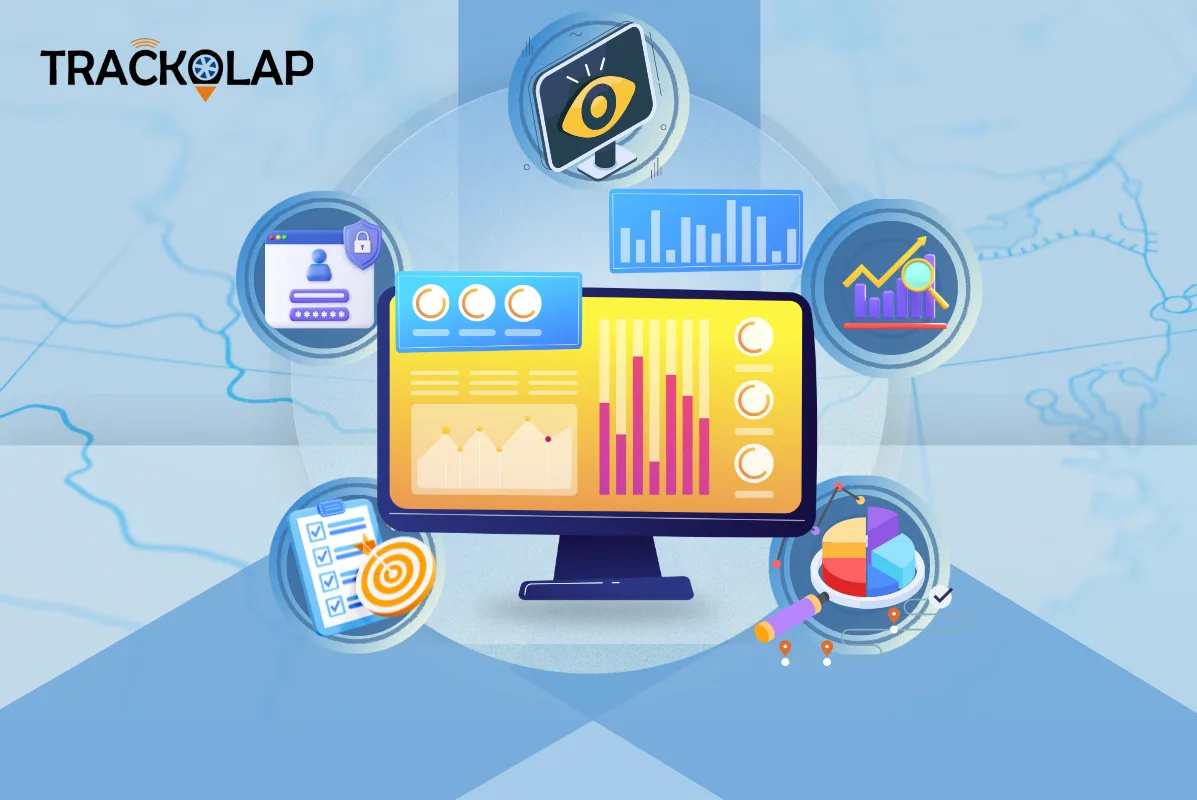
TrackOlap's employee productivity software and employee monitoring system record active and idle time and application usage, classify productive work by role, and generate attendance and timesheets automatically. Employees can see their own productive-versus-idle split against the team benchmark. Time tracking and the project management system map hours to tasks and projects so you can see effort and cost. Alerts flag idle time, absence and overwork.
For more ideas, read how productivity software uncovers hidden gaps and our guide to choosing employee monitoring software.
Frequently asked questions
Can employee tracking improve productivity?
Yes, when data is used to fix causes of lost time, such as unclear goals, overload, excessive meetings and manual admin, rather than to watch individuals.
Which productivity metrics should managers track?
Useful metrics include time per task or project, tasks completed on time, workload and overtime, and, used carefully, active versus idle time and application usage.
Why is active time not a reliable measure of productivity?
Thinking, reading and phone calls can appear idle to software, while being active on a computer does not guarantee valuable output. Pair activity data with outcome measures.
How do you use tracking data without hurting trust?
Explain what is collected and why, show employees their own data, limit capture to working hours and focus conversations on support and removing blockers.
How can tracking data help prevent burnout?
Rising overtime, late logins and after-hours activity are early warning signs that managers can act on by rebalancing workload.




 D-5, Logix Infotech Park, Sector 59, Noida - 201301, Uttar Pradesh (India)
 contactus@trackolap.com
 7011494501






 Demo
at free of cost
Demo
at free of cost